User Manual • Basic-Step 19
Viper Climate and Production Computer
2.2.4 Ventilation
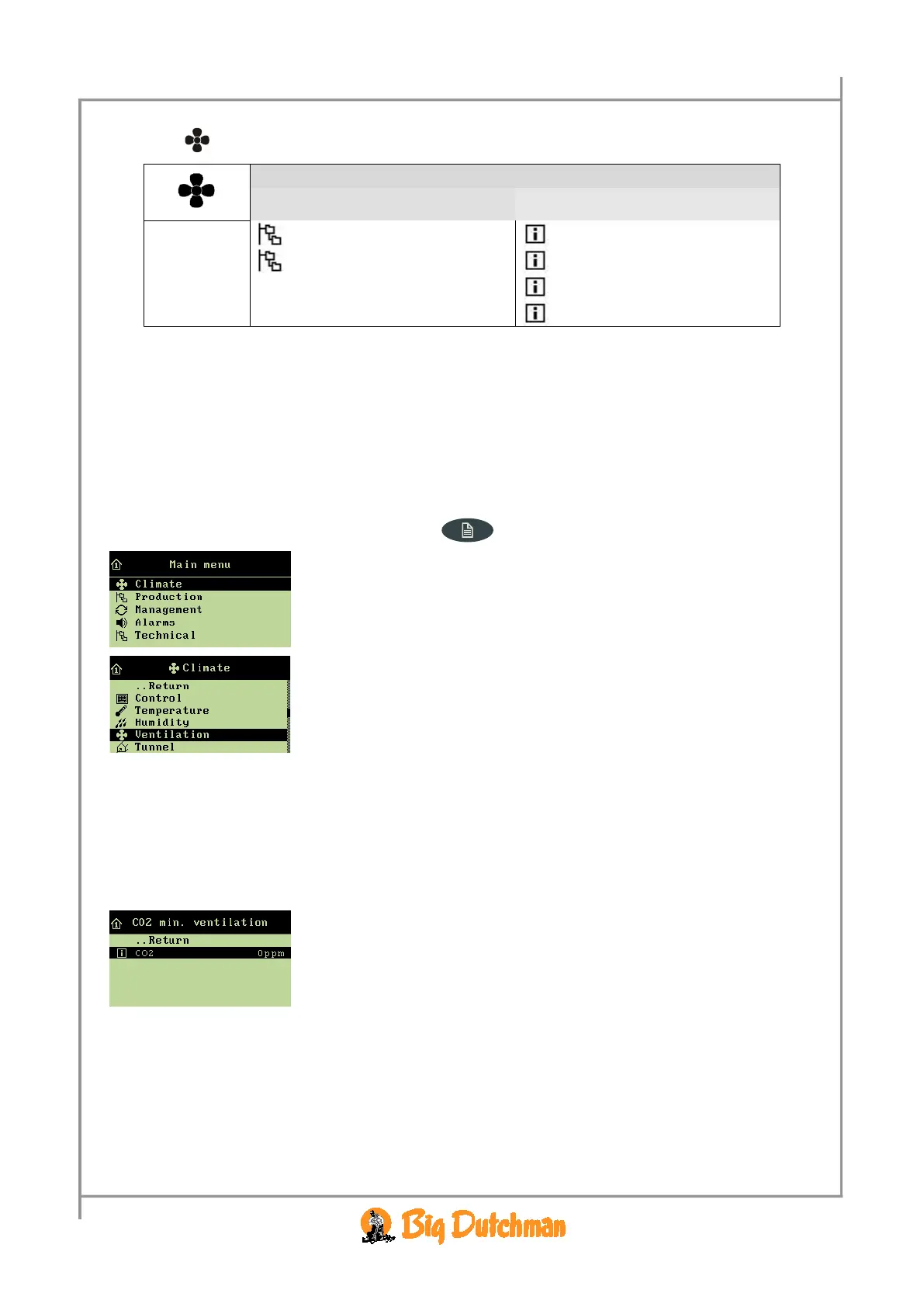
CO2 min. ventilation
CO2 3000 ppm
Ventilation status
Side inlet 1-6 49 %
Side stage 1-16 OFF
MultiStep 1-8 OFF
Table 8: Outline of ventilation menu
The house ventilation consists of an air inlet and an air outlet. Apart from supplying fresh air to the
house, ventilation is to remove any humidity and excess heat.
Viper continuously adjusts the ventilation according to a calculation of the current ventilation
requirement. Thus, the computer will increase or limit ventilation according to whether the inside
temperature and air humidity are too high or too low.
All menu items … in the Ventilation menu can be read by
→ pressing the menu key
→ select
Climate, and press
→ select
Ventilation, and press
2.2.4.1 CO
2
Minimum Ventilation
2.2.4.1.1 CO
2
This section is relevant only to houses with CO
2
sensor.
The
Climate/Ventilation/CO
2
min. ventilation menu
In the CO
2
menu, you can see the content of CO
2
in the house air.



 To Next Page