User Manual • Basic-Step 15
Viper Climate and Production Computer
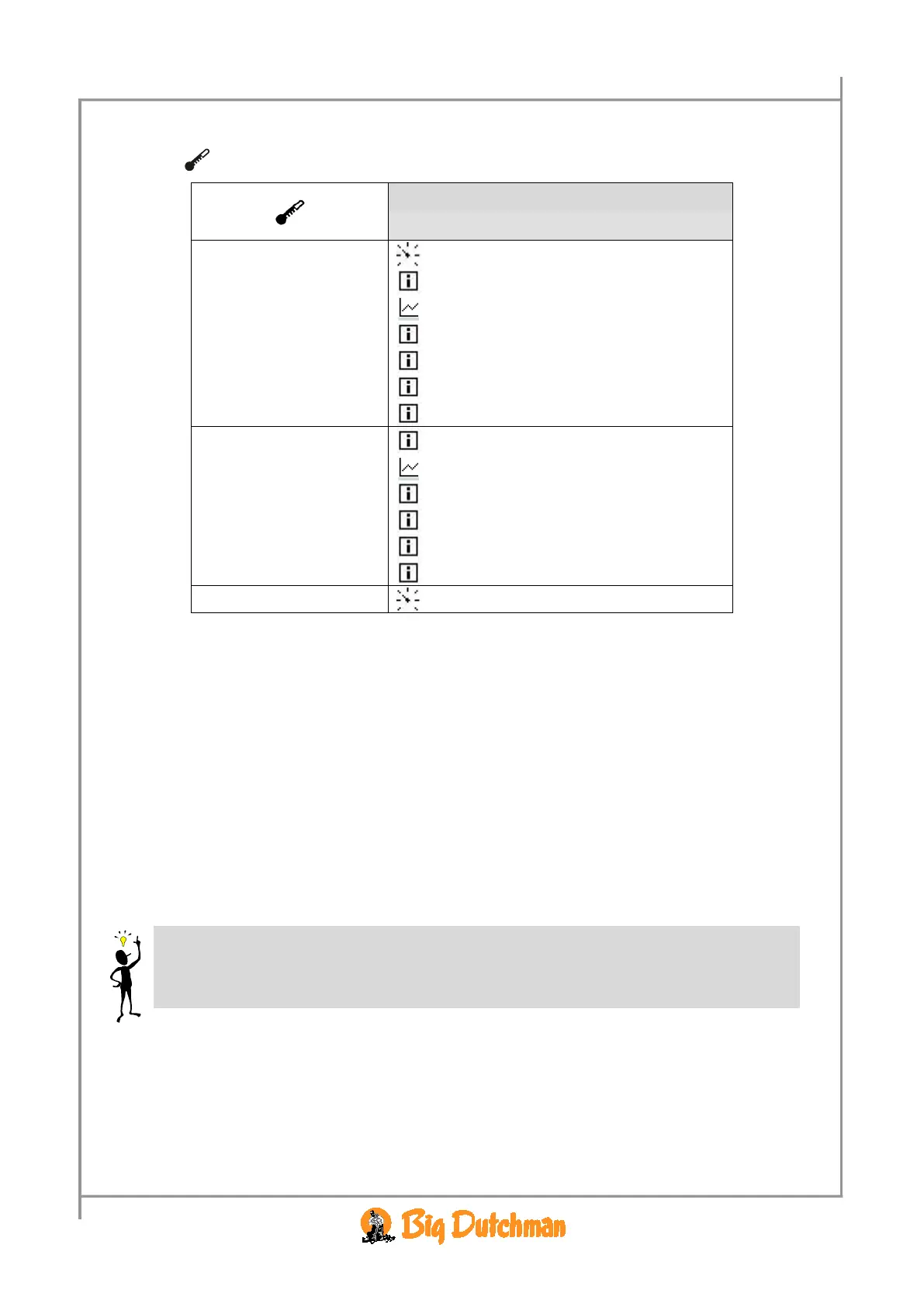
2.2.2 Temperature
Temperature setpoint
Current temp.
Trend temperature
Lowest temp. 24 h
21.2 °C
Time for lowest temperature
05:38:00
Highest temp. 24 h
22.2 °C
Time for highest temperature
15:43:00
Outside temperature
Trend outside temp.
Lowest outside temp. 24 h
Time for lowest outside temp.
Highest outside temp. 24 h
Time for highest outside temp.
Cooling
Table 6: Outline of the temperature menu (changeable values are highlighted
in bold types)
2.2.2.1 Inside Temperature
Viper controls the inside temperature according to the set temperature. The house is heated by the heat
generated by the animals and possibly by a heating system.
When the inside temperature is too high, the Viper computer increases ventilation by supplying more
fresh air, and when the temperature is too low, the computer limits ventilation in order to maintain the
heat in the house.
With Viper the house can be divided into three
Grow zones. Each grow zone is assigned a number of
temperature sensors to register the temperature in each zone. According to the age and the size of the
animals Viper activates the zones (see the menu
Technical / Setup / Adjustment / Climate /
Configuration in the Technical manual regarding setting of number of grow zones).
When the individual temperature sensor has been assigned to a zone, it will be active only when the
associated zone is active. Thus, the sensors in Grow zone 2 and 3 are inactive when Grow
zone 2 and 3 are inactive. Viper’s temperature indication therefore depends on which grow zone



 To Next Page