User Manual • Basic-Step 17
Viper Climate and Production Computer
2.2.2.2 Outside Temperature and Outside Temperature Curve
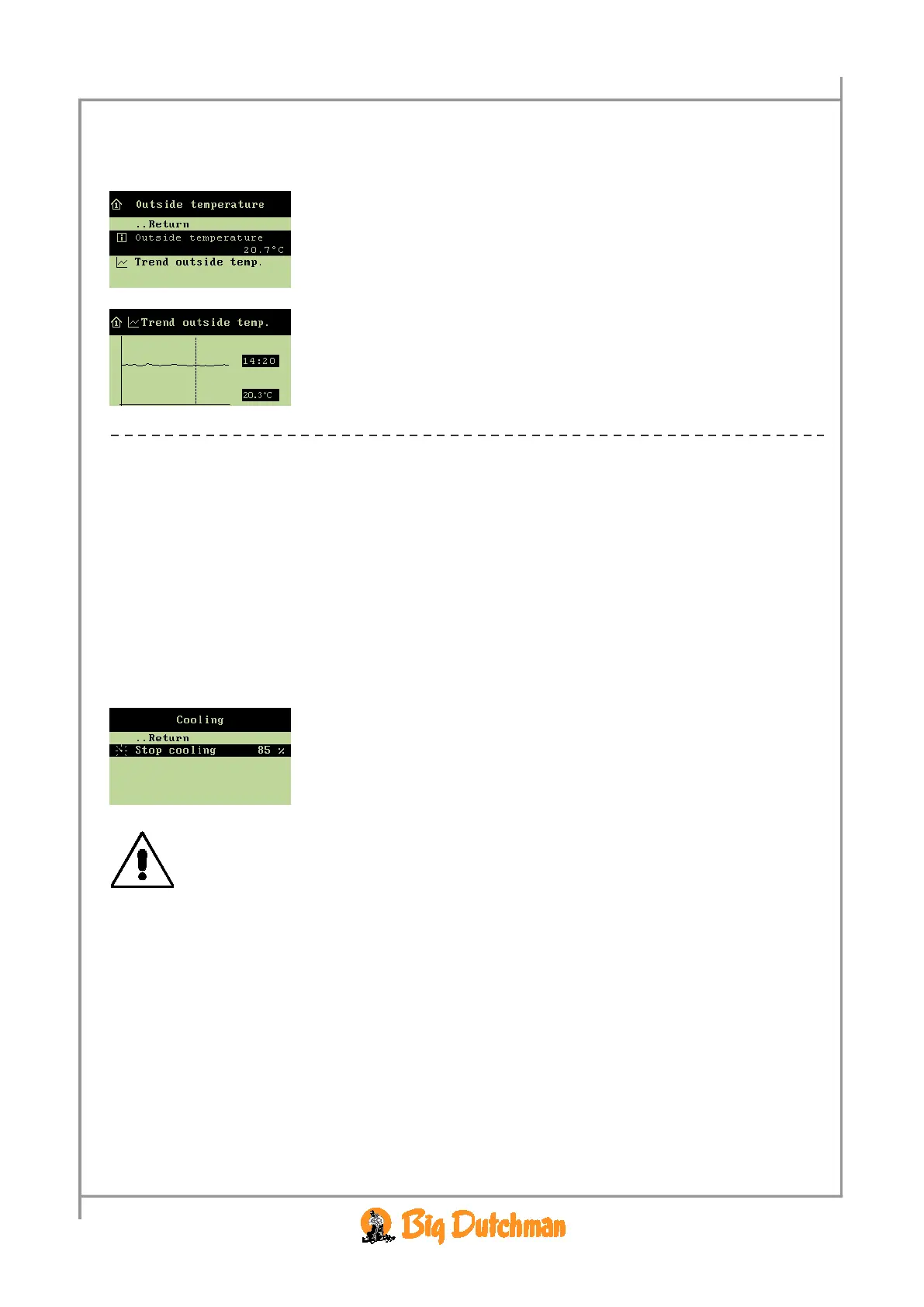
The Climate/Temperature/Outside temperature menu.
Outside temperature indicates the current temperature outside
the house.
In addition, the Viper indicates the lowest and highest outside
temperature measured within the last 24 hours and the time when
they occurred.
The Trend outside temp. curve indicates the temperature
development outside the house during the last 24 hours.
→ Press the arrow keys to read the exact time and figure values.
→ Press the enter key to return to the outside temperature menu.
2.2.2.3 Cooling
This section is relevant only to houses with cooling systems.
Cooling is used in houses where ventilation cannot reduce the inside temperature sufficiently. Cooling
has the advantage over ventilation in that it can bring the inside temperature down below the outside
temperature. On the other hand, cooling will also increase air humidity in the house.
Viper activates cooling when the inside temperature rises above the
Temperature setpoint.
2.2.2.3.1 Setting the Humidity Limit for Cooling
When you want to … set a humidity limit for cooling,
open the
Climate/Temperature/Cooling menu, and
→ select
Stop cooling, and press
→ set a percentage, and press
The combination of a high inside temperature and high air humidity can be life
threatening to the animals.
As cooling makes the house humidity increase, Viper will automatically disconnect
cooling when the house humidity exceeds
Stop cooling (normally 75-85 %).



 To Next Page