26 User Manual • Basic-Step
Viper Climate and Production Computer
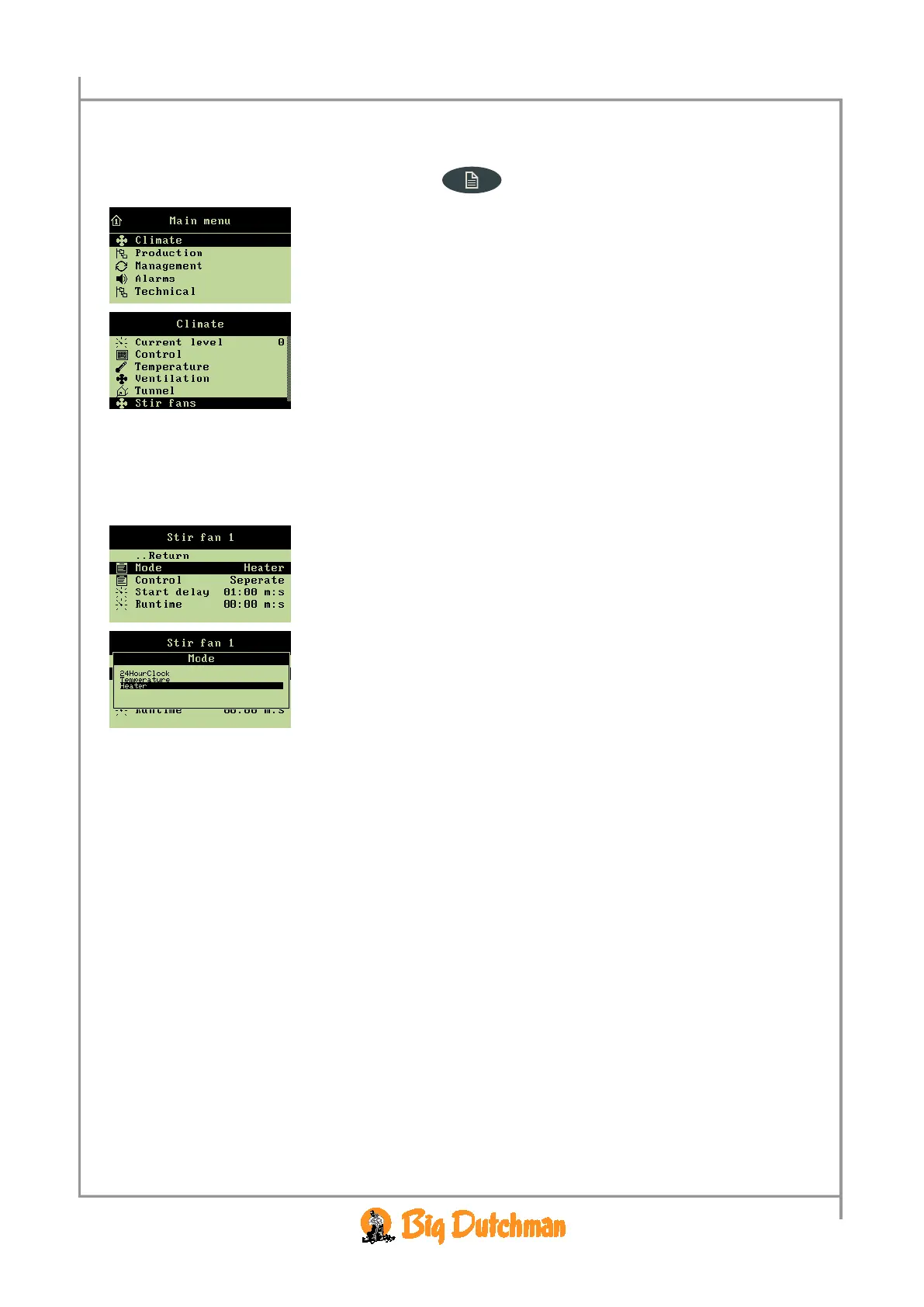
All menu items … in the menu Stir fan can be observed and set by
→ pressing the menu key
→ select
Climate, and press
→ select
Stir fan, and press
2.2.8.1 Setting the Regulation Mode
When you want to...
opt for a regulation mode for a stir fan, open the
Climate/Stir fan menu, and
→ select
Mode, and press
→ select the required mode
2.2.8.1.1 Regulation of the Heat Source
When the stir fan is to operate in connection with heat sources, you must opt for a way to control and
set the start and stop time of the fan.



 To Next Page