User Manual • Basic-Step 9
Viper Climate and Production Computer
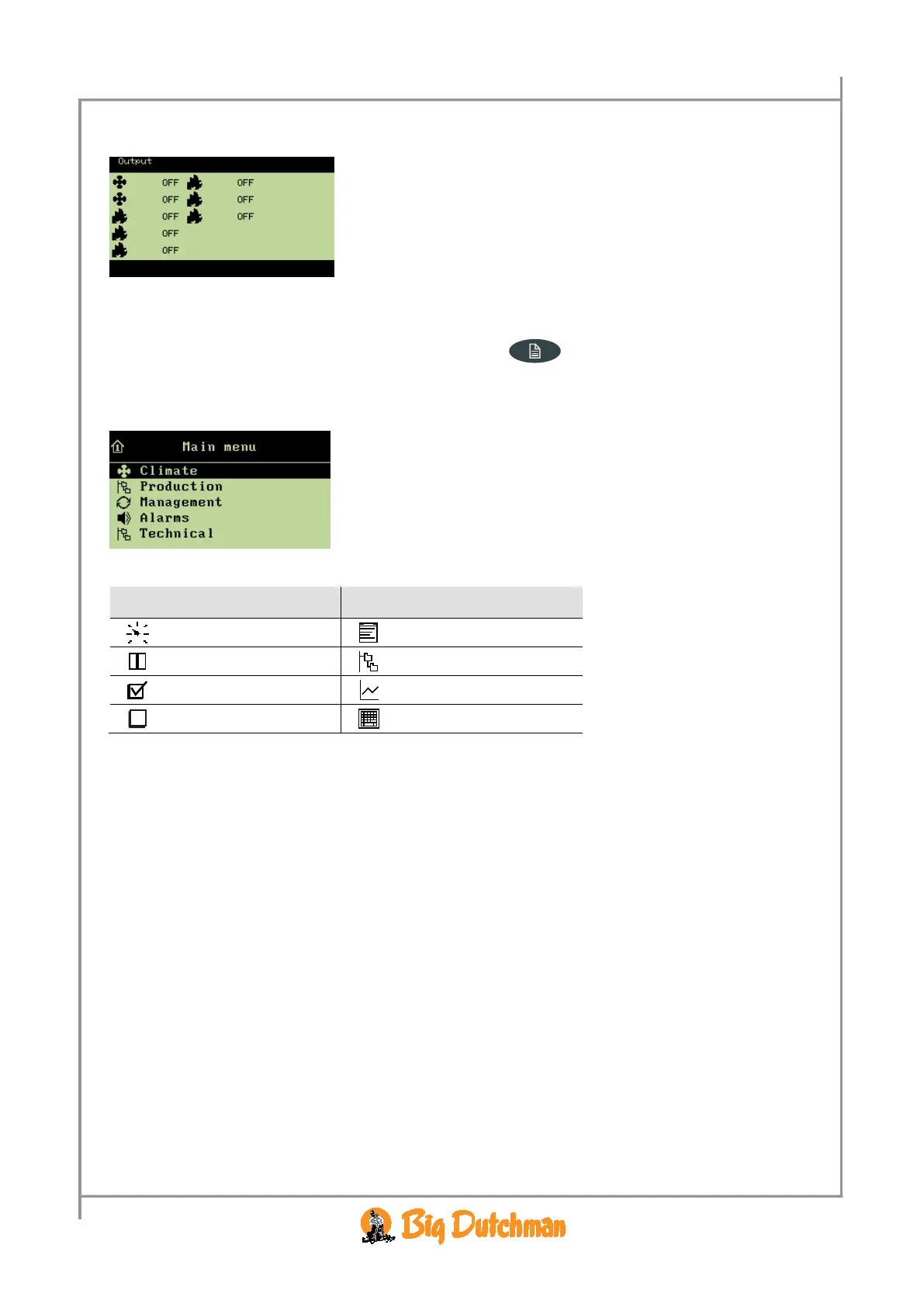
2.1.2.1.3.4 Outline of Outputs
→ press
4
on the numeric keyboard
From this menu, you can read which functions are
active/inactive.
2.1.2.2 Function Menus
To gain access to reading and setting the menus, press the main menu key. The Climate,
Production, Management and Alarms menus are for the everyday user while the menus under
Technical have to be changed only if changes are made to the actual installation (if necessary, see the
Technical Manual).
All the Viper functions can be accessed via these menus by
selecting the required function (e.g.
Climate), and pressing the
enter key.
(an outline of the functions of the individual menus is provided at the start of each menu section).
Icon Function Icon Function
Setting
Options
Reading
More submenus
Connect
Curve setting
Disconnect
Entering of code/name
Table 2: Operating icons



 To Next Page