User Manual • Basic-Step 23
Viper Climate and Production Computer
2.2.6.1 Setting and Reading the Pressure Level
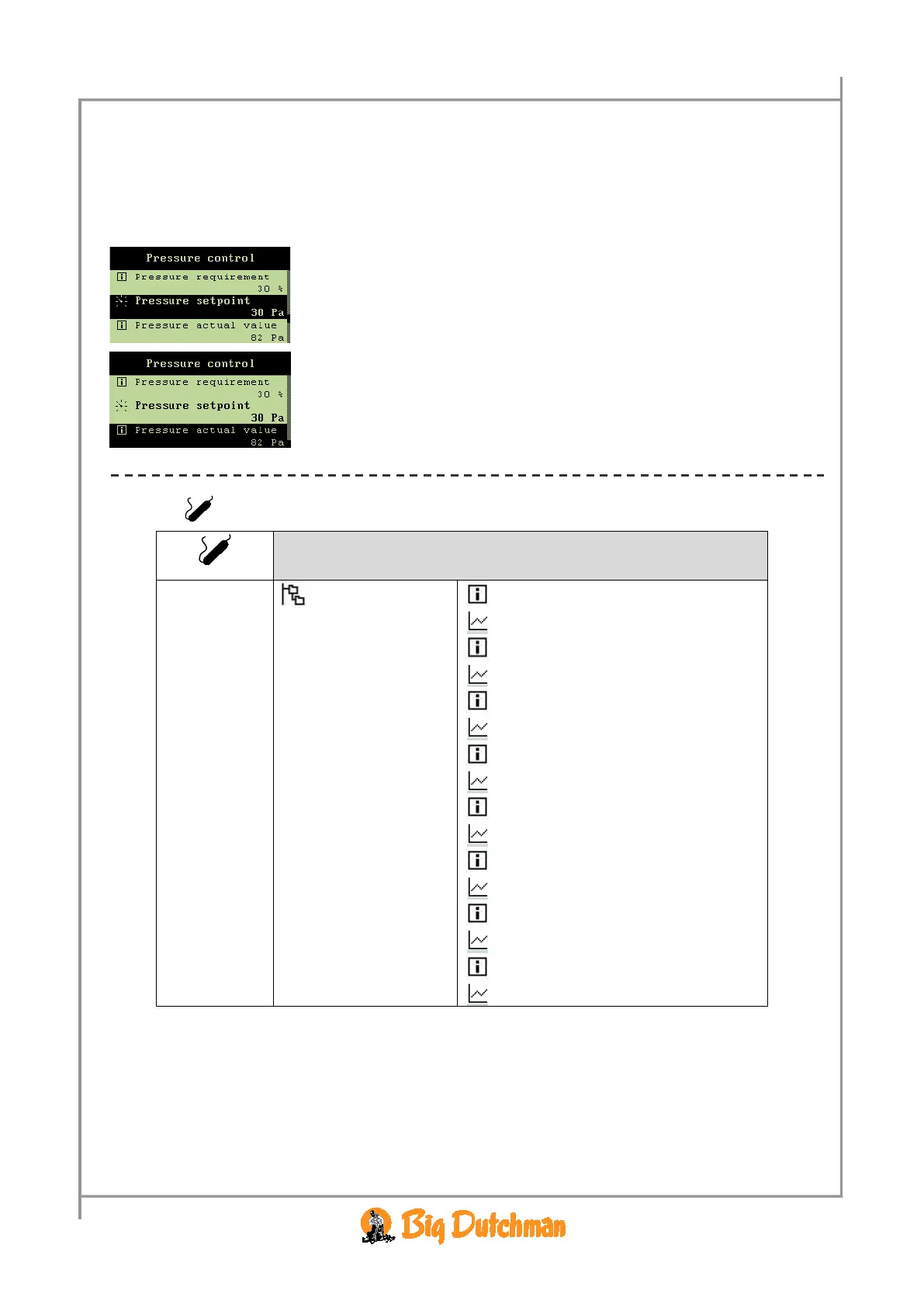
In the Pressure setpoint menu, indicate the pressure level which Viper is to maintain.
When you want to … set or read the pressure level,
open the
Climate/Pressure control menu, and
→ select
Pressure setpoint, and press
→ set a value, and press
You can read the current pressure level in the house under the menu
item
Pressure actual value.
2.2.7 Auxiliary Sensors
CO2 sensor 3000 ppm
Trend CO2-sensor
Press. sensor 20 pa
Trend pressure sensor
NH3 sensor 0 ppm
Trend NH3-sensor
O2 sensor 0 ppm
Trend O2 sensor
Temperature sensor 22.0 °C
Trend temperature sensor
Humidity sensor 74.0 %
Trend humidity sensor
Air velocity sensor 1.5 m/s
Trend air velocity sensor
Wind direction sensor 0
Trend wind direction sensor
Table 11: Outline of the auxiliary sensors menu
This section is relevant only to houses with auxiliary sensors.
In the
Aux. sensors menu, you can read Viper’s registrations from the auxiliary sensors installed.
CO
2
, pressure, NH
3
, O
2
, temperature, humidity, air speed and wind direction sensors can be connected.
Viper can be connected to up to four auxiliary sensors; the
Aux. sensors menu display depends on
which types of auxiliary sensors you install.



 To Next Page