Personalizing your HomeSurf Tablet
30
Binatone Helpline: 0845 345 9677 (UK), 1300 768 112 (Australia), +91 7503011385 (India), +491805938802 (Europe)
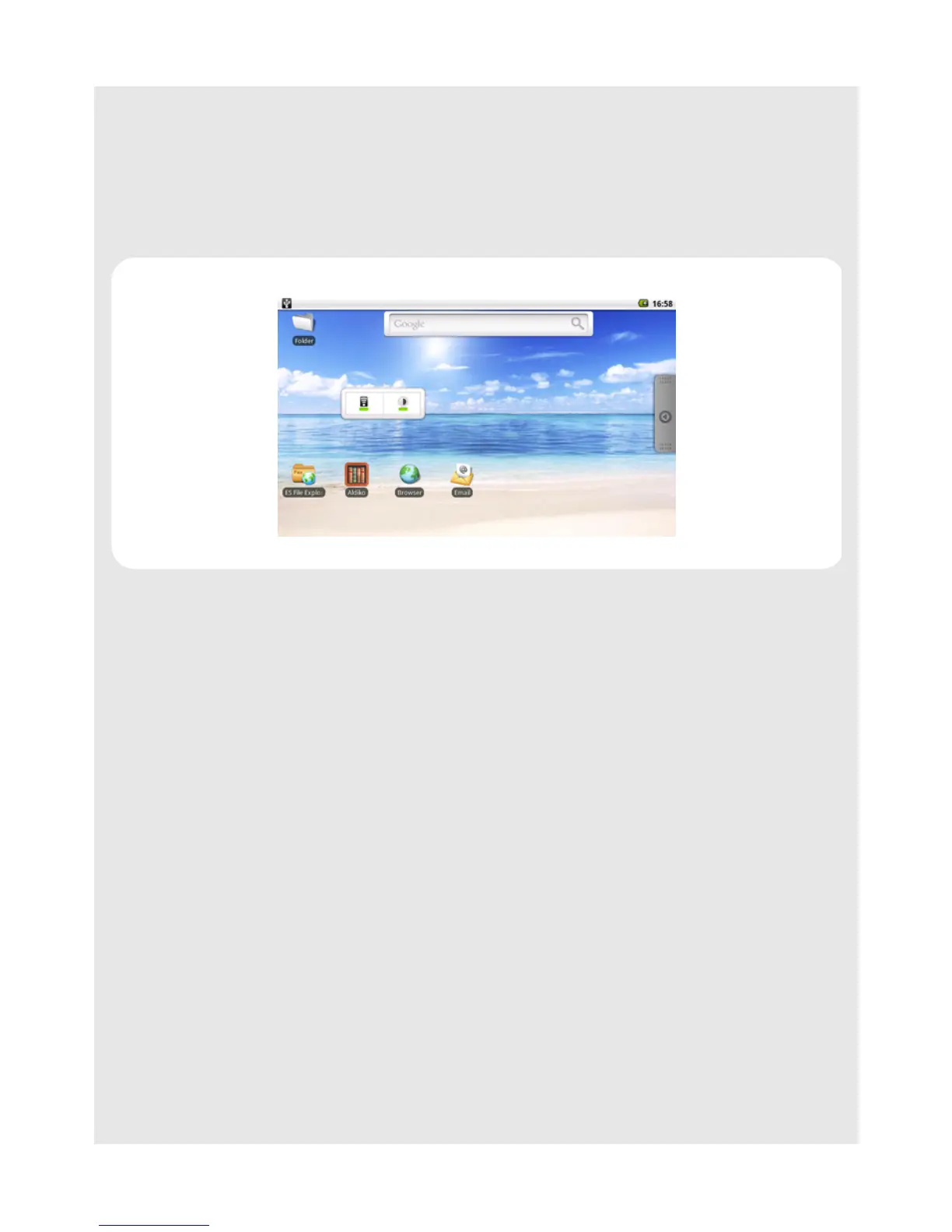
8.1.8 Add Folders to your home screen
1 From the home screen, press O.
2 Tap Add > Folders.
3 Tap New folder or select a folder.
A new folder is now added to your home screen.
8.1.9 Add items to the folders on your home screen
1 Tap and hold the item until it wiggles.
2 Drag the item to the folder in which you wish to place the item.
8.2 Sound
8.2.1 Set media volume
1 From the home screen, press O.
2 Tap Settings > Sound & display > Media volume.
3 Slide across the volume control bar to reduce or increase media volume and tap OK to
confirm.



 To Next Page