Using the Web Browser
Binatone Helpline: 0845 345 9677 (UK), 1300 768 112 (Australia), +91 7503011385 (India), +491805938802 (Europe)
37
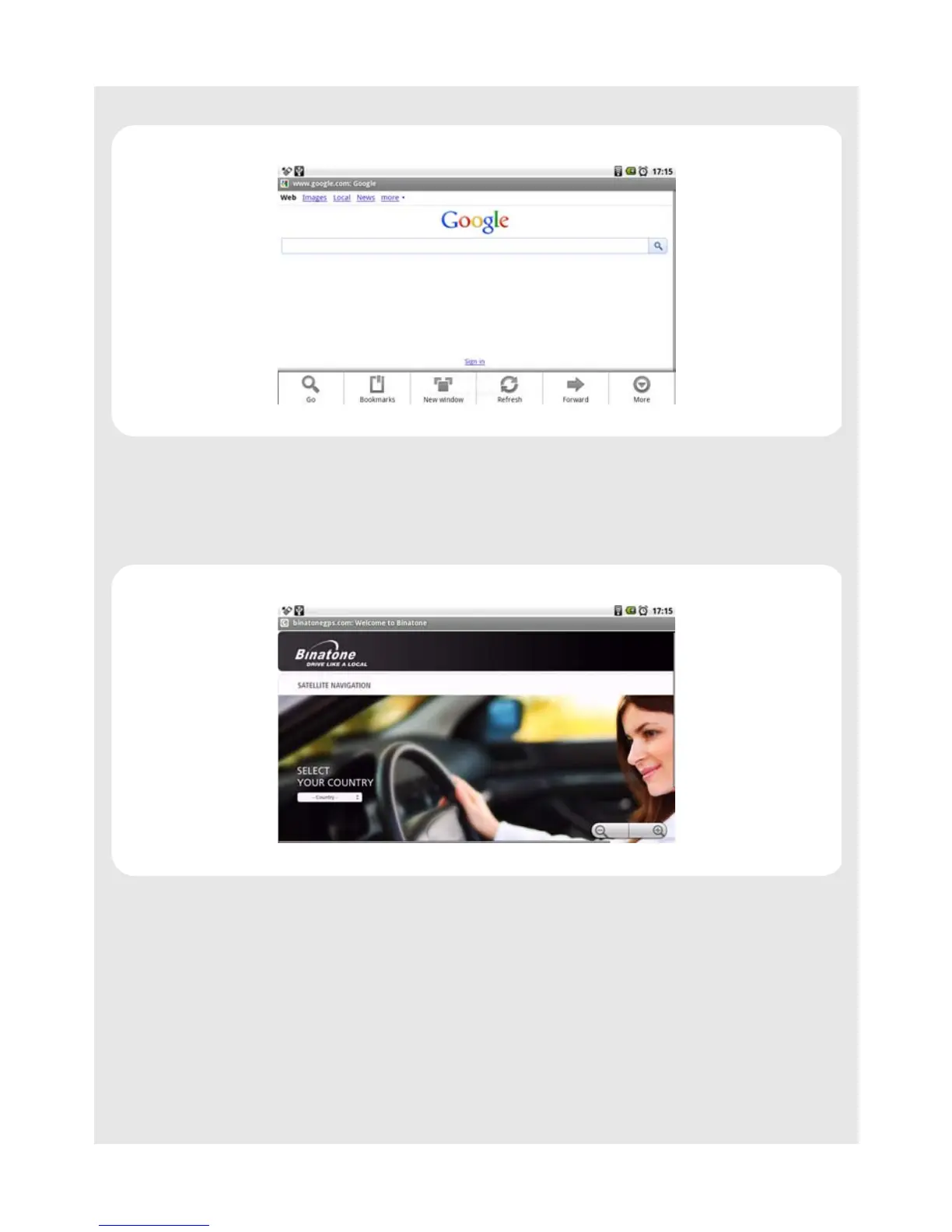
2 Tap Refresh.
11.5 Zoom in and out of a webpage
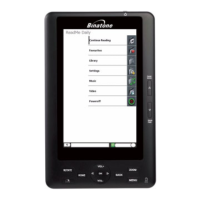
1 Launch the zoom control by sliding across the screen in one direction.
2 Tap the zoom control icon to zoom in and zoom out.
11.6 Open a new browser window
You can open multiple browser windows and switch between different web pages.
1 In the Browser window, press
O and tap New Window.
A new browser window opens and enters the home page.



 To Next Page