Using the Web Browser
Binatone Helpline: 0845 345 9677 (UK), 1300 768 112 (Australia), +91 7503011385 (India), +491805938802 (Europe)
35
Note
The connection speed is dependent on the capability of the Wi-Fi network.
Once you have joined a Wi-Fi network manually, your HomeSurf Tablet will automatically
connect to it whenever the network is in range. If more than one previously used network
is in range, your HomeSurf Tablet will join the one last used.
11 Using the Web Browser
YOU MUST JOIN A WI-FI NETWORK THAT IS CONNECTED TO THE INTERNET
BEFORE YOU CAN SURF THE WEB VIA THE BROWSER APPLICATION.
SEE PAGE 33 ON HOW TO JOIN A WI-FI NETWORK.
You can use the Browser to surf the web. The Browser is fully optimized and comes with
advanced features that let you enjoy Internet browsing on your HomeSurf Tablet.
11.1 Open Browser
Tap Program Launcher > Browser.
11.2 Setting your home page
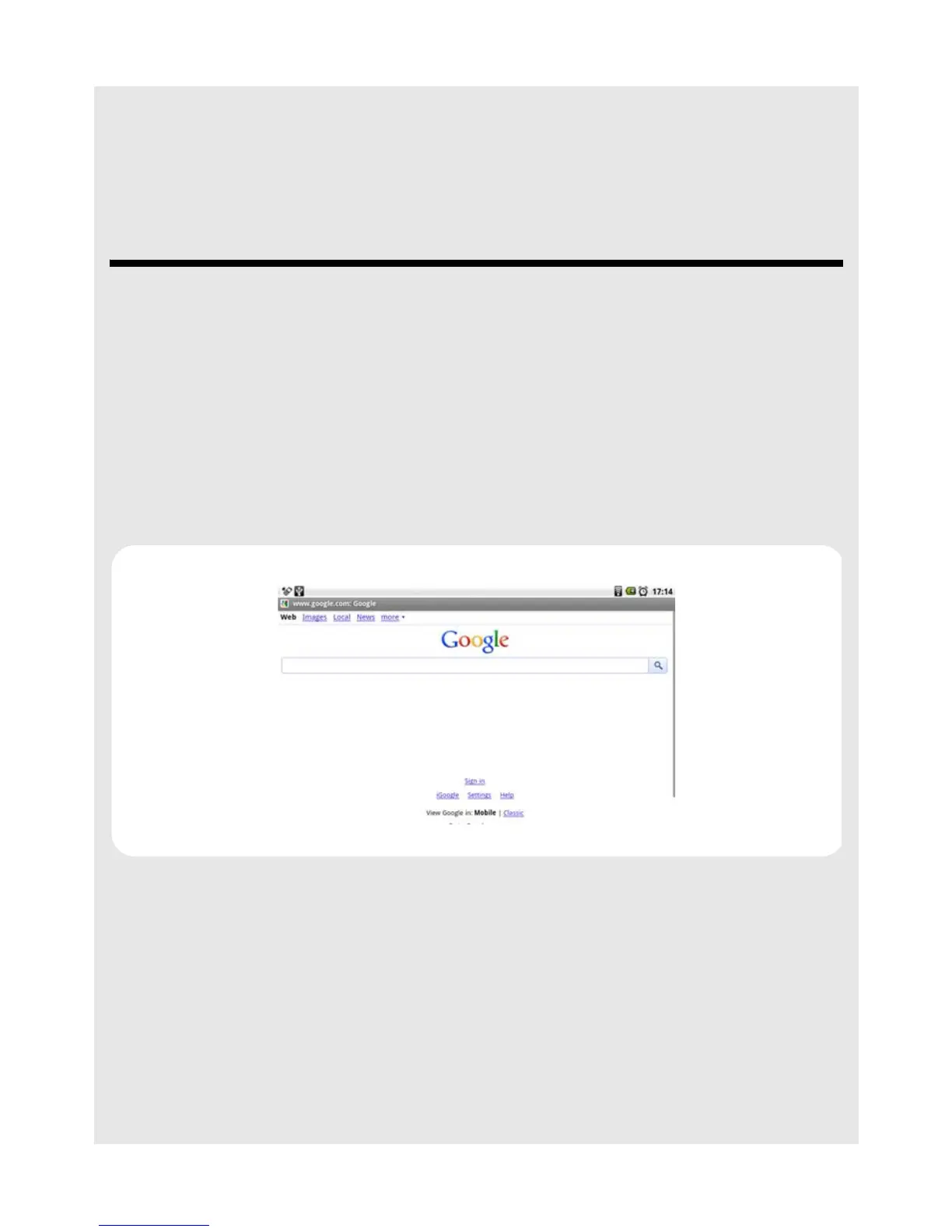
By default, the home page is www.google.com
1 To set another home page, press
O and tap More.
2 Tap Settings > Set home page.
3 In the Set home page dialog box, tap on the URL input field to launch the onscreen
keyboard.
4 Enter the web address of the home page and tap Done.
5 Tap OK to confirm.



 To Next Page