Installing non-Android applications
Binatone Helpline: 0845 345 9677 (UK), 1300 768 112 (Australia), +91 7503011385 (India), +491805938802 (Europe)
73
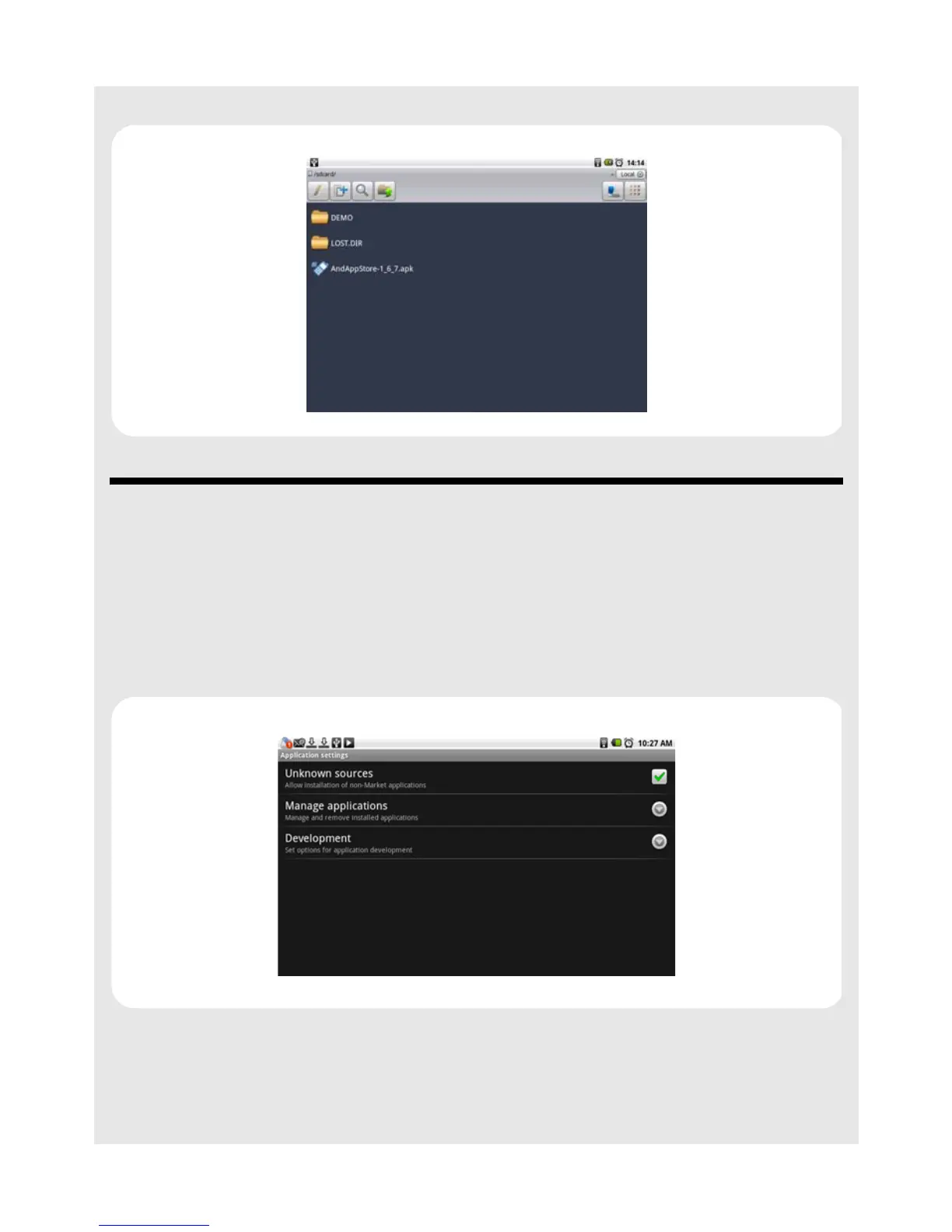
4 Browse the .apk files through ES File Explorer and install them.
19 Installing non-Android applications
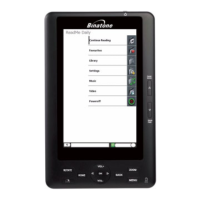
To install applications from other sources, you need go to the Settings menu to enable
downloading from Unknown sources.
1 From the home screen, press O and then tap Settings > Applications.
2 Tap Unknown sources to enable or disable the downloading of unknown applications.
When enabled, ✓ appears next to the option.
Note
All downloaded applications are saved to the storage card. Before you download an
application from the web, make sure that you have installed a storage card on your HomeSurf
Tablet. See Inserting a memory card on page 15 on how to install a storage card.



 To Next Page