Reading and Managing emails
Binatone Helpline: 0845 345 9677 (UK), 1300 768 112 (Australia), +91 7503011385 (India), +491805938802 (Europe)
45
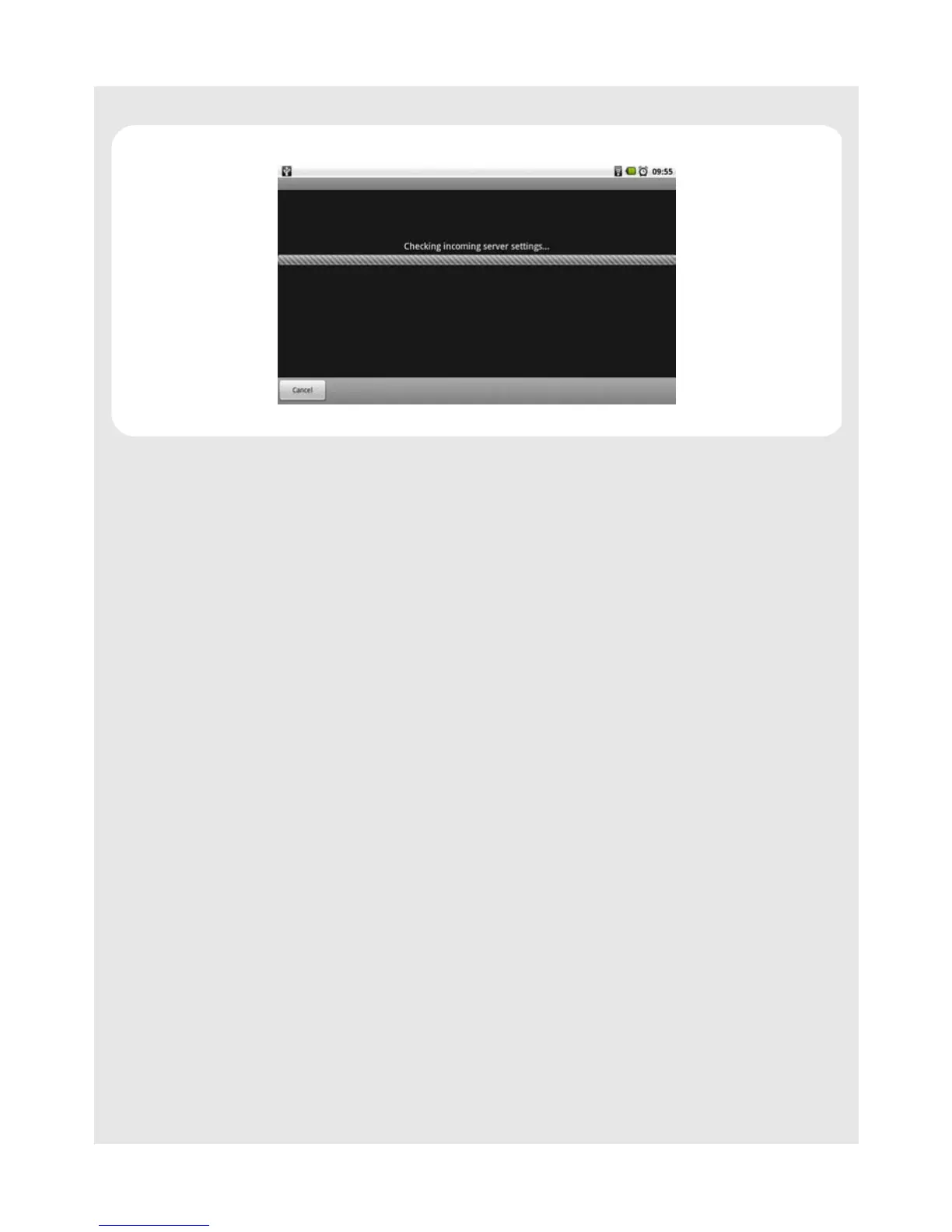
The email application will start to verify your incoming and outgoing server settings.
7 Enter the Account name (optional) and Your name (optional) to be displayed on
outgoing messages, and then tap Done.
The email application will start to load your messages. It might take a few minutes for
the messages to load completely.
Notes
When you have set up an email account, the account will open by default when you open
Email.
If you have set up more than one email account, the email accounts will appear in Your
accounts list. Tap to select the account you wish to access.
12.3 Set up another email account
Do one of the following:
• If you are in Your accounts list screen, press
O and then tap Add account.
• If you are in an email account, press
O and then tap Account settings > Add another
account.
Follow the onscreen instructions to set up your email account.
12.4 Account settings
12.4.1 Edit Account name
1 Tap Program Launcher > Email.
2 Press
O and tap Account settings > Account name.
3 Enter your account name and tap OK.



 To Next Page