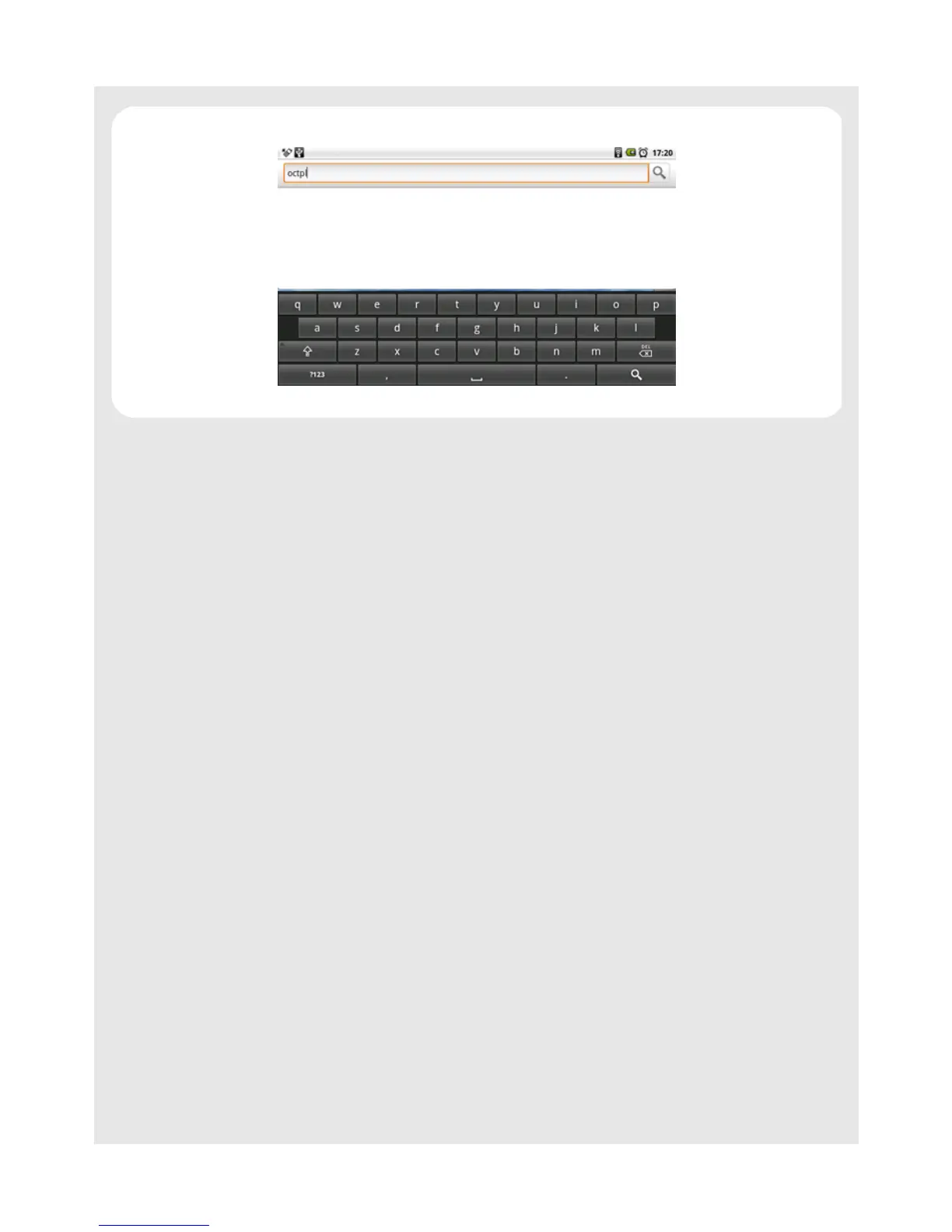
Using the onscreen keyboard
32
Binatone Helpline: 0845 345 9677 (UK), 1300 768 112 (Australia), +91 7503011385 (India), +491805938802 (Europe)
9.4 Edit text
Tap and hold on the word you have typed to activate the following edit text options:
Select all
Select text
Cut all
Copy all
Input Method
9.5 Calibrate the touch screen
1 Press and hold O for about 10 seconds to start touch screen calibration.
2 Use the stylus pen to press the center of the cross "+" as accurately as possible in the
four corners of the screen, and finally at the center of the screen.
3 After touch screen calibration, your HomeSurf Tablet will save the new touch screen
data. This process might take up to a few minutes.



 To Next Page