Viewing Photos and Creating your own slideshows
Binatone Helpline: 0845 345 9677 (UK), 1300 768 112 (Australia), +91 7503011385 (India), +491805938802 (Europe)
63
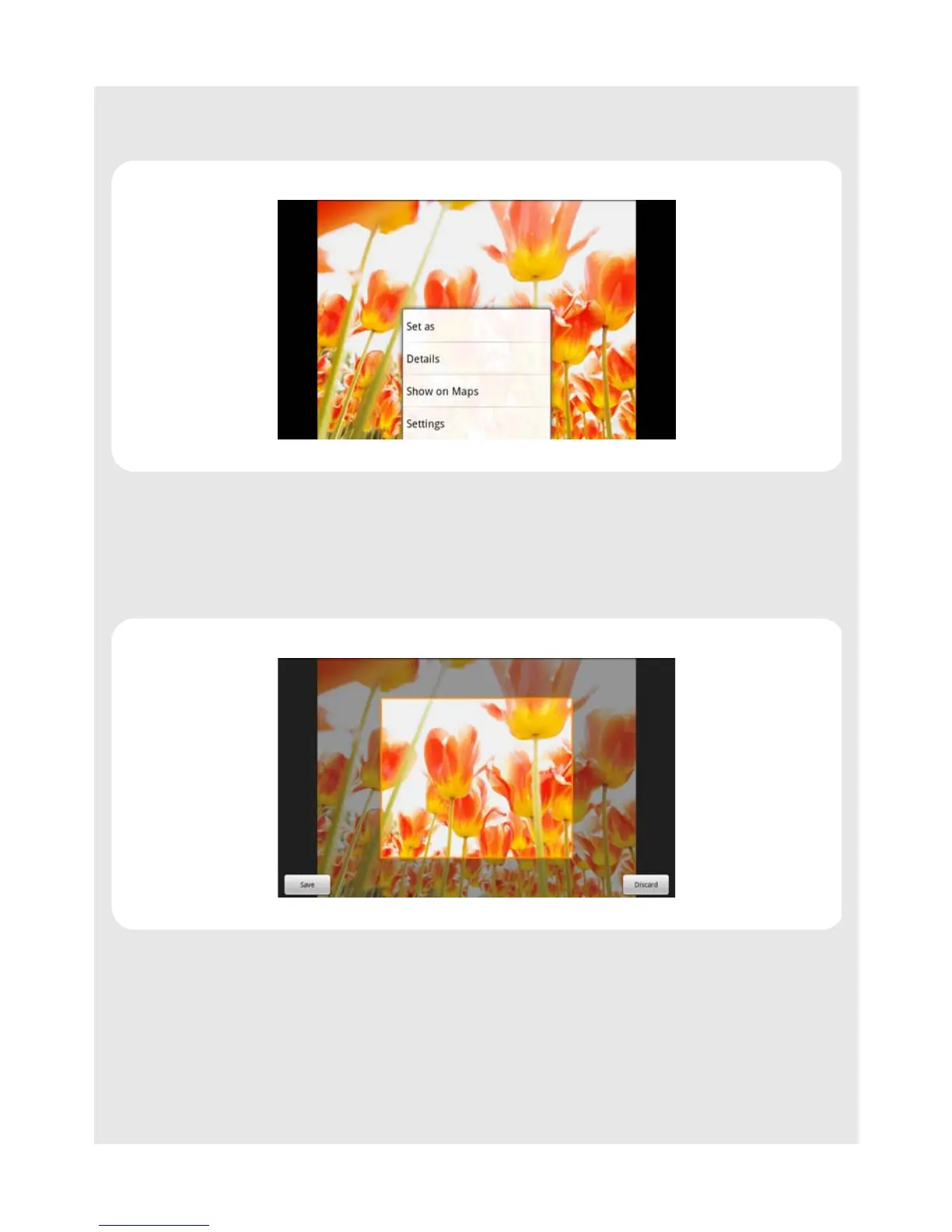
2 Tap to select a picture.
3 Press
O and tap More > Set as.
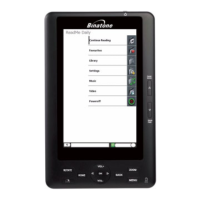
An image position box will appear at the center of the picture.
4 To resize the picture, tap and hold the edge of the box, and drag inward or outward.
To move the box to another area on the picture, tap and hold inside the box, then drag it to
the desired position.
5 Tap Save to confirm.
The picture will be set as the wallpaper of your HomeSurf Tablet.
6 Press B to exit.
Note
Keep the file size of the wallpaper to 300kbytes or smaller.



 To Next Page