Downloading and Reading eBooks
Binatone Helpline: 0845 345 9677 (UK), 1300 768 112 (Australia), +91 7503011385 (India), +491805938802 (Europe)
67
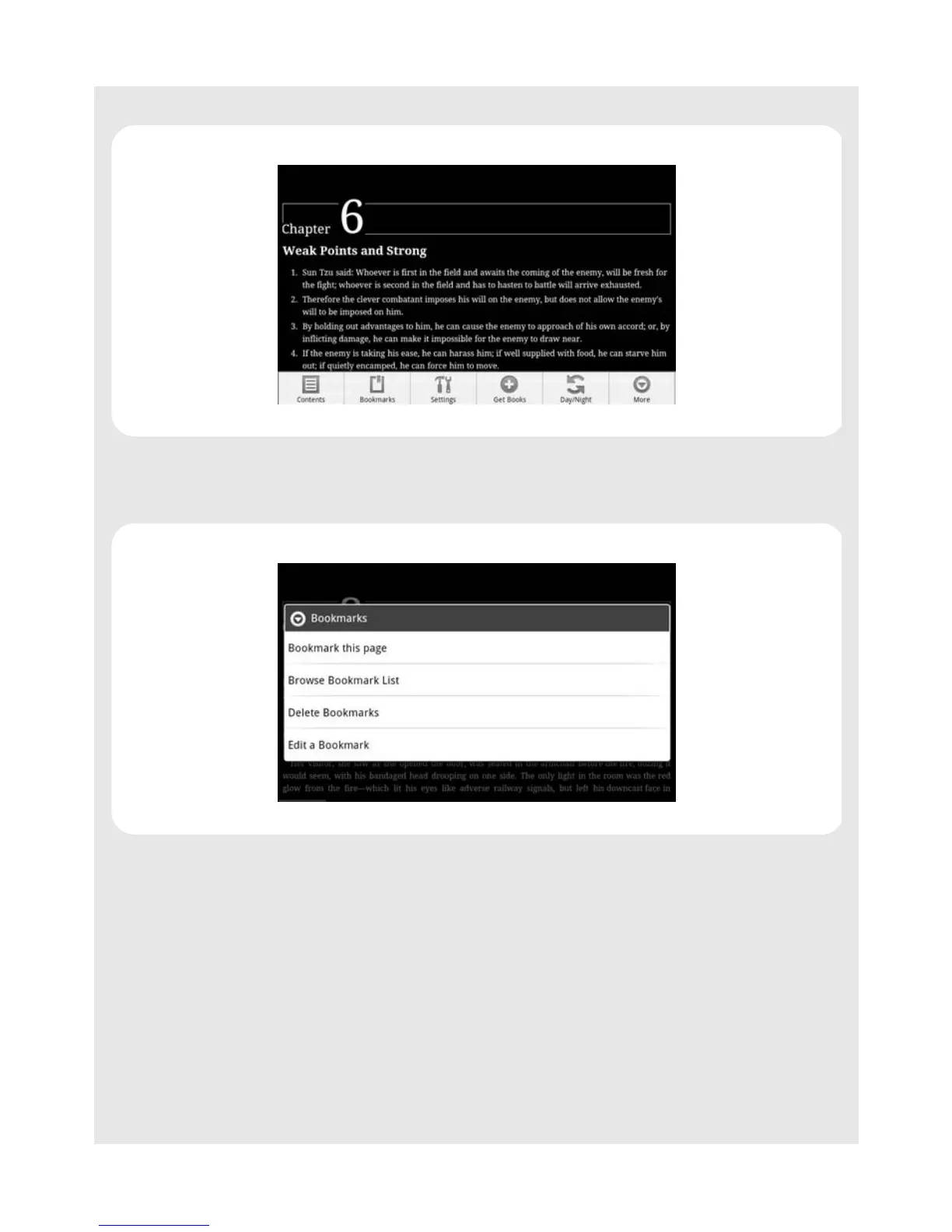
When reading an eBook, you can press
O to open a menu with a number of options:
Content displays the chapters in the book.
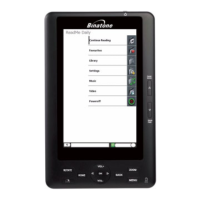
Bookmarks allows you to create and use bookmarks in the book.
Show Progress displays the section you are in, a thumbnail of the cover and a bar
displaying the overall progress and the progress within the chapter.



 To Next Page