BA-EN-HydroStar V3.1 page 22
10 Optional operation via touch display
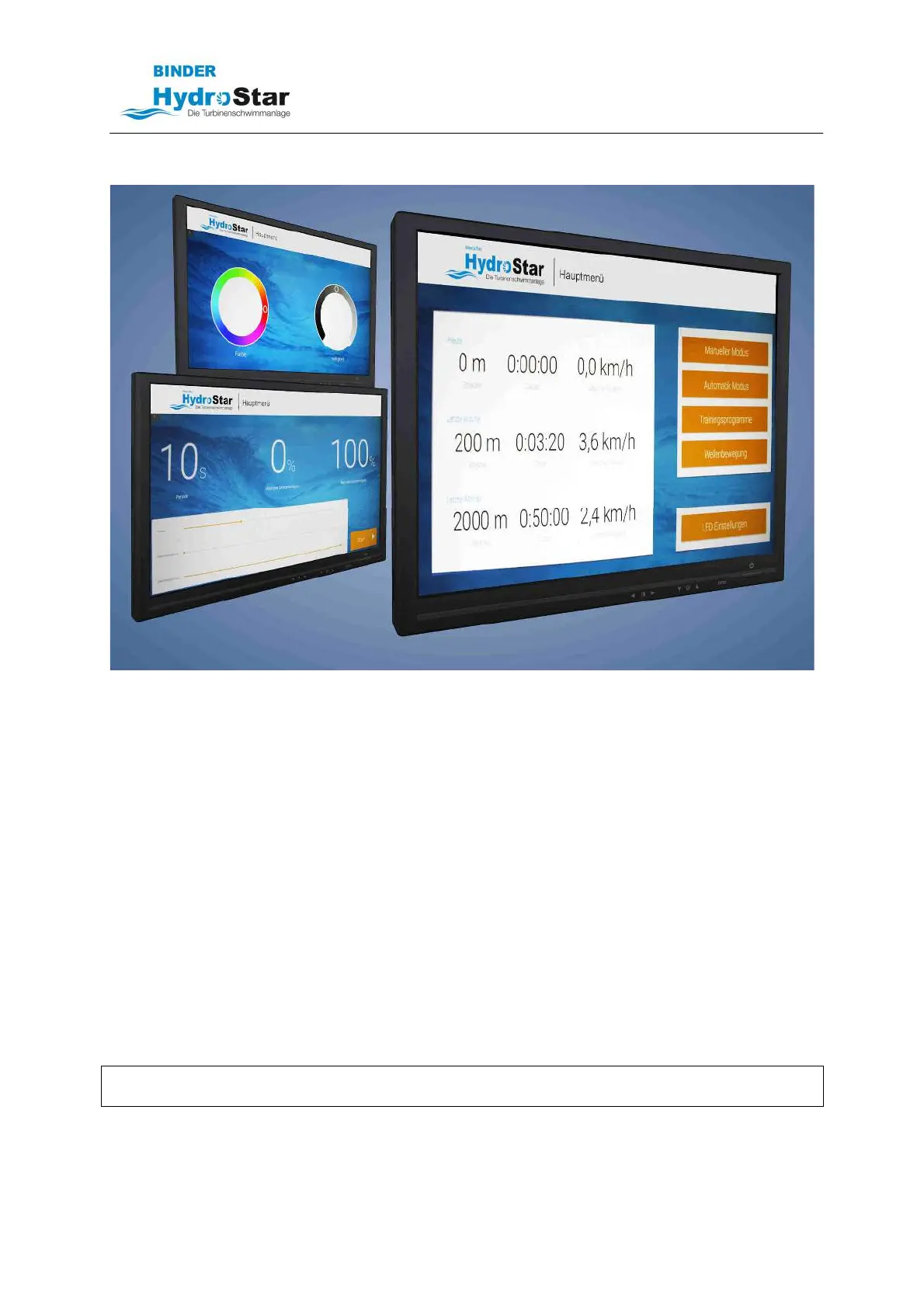
HydroStar Touch-Display
Several users can be created in the main menu. The swimming data and the training
program are always stored under the registered user.
- Manual mode
• Adjustment of the HydroStar output via slider
• Representation of the power in percent, km/h, m/s und m³/h
- Training program
• You can set and run a sequence with duration (time) and intensity (power of the
system)
• This sequence can be changed again and again
- Wave motion
• Simulates a recurring current which can be adjusted in duration and intensity
- LED settings
• Two LED sliders can be used to adjust the LED spotlight (optional) in the brightness
and the color.
Slider = touch surface on the screen
NOTE
Our touch screens comply with protection class IP54, but should not be exposed to the weather.



 To Next Page