KB 23 / KB 23-UL (E3.1) 02/2019 page 30/87
Next step – set-point entry in the desired program sections:
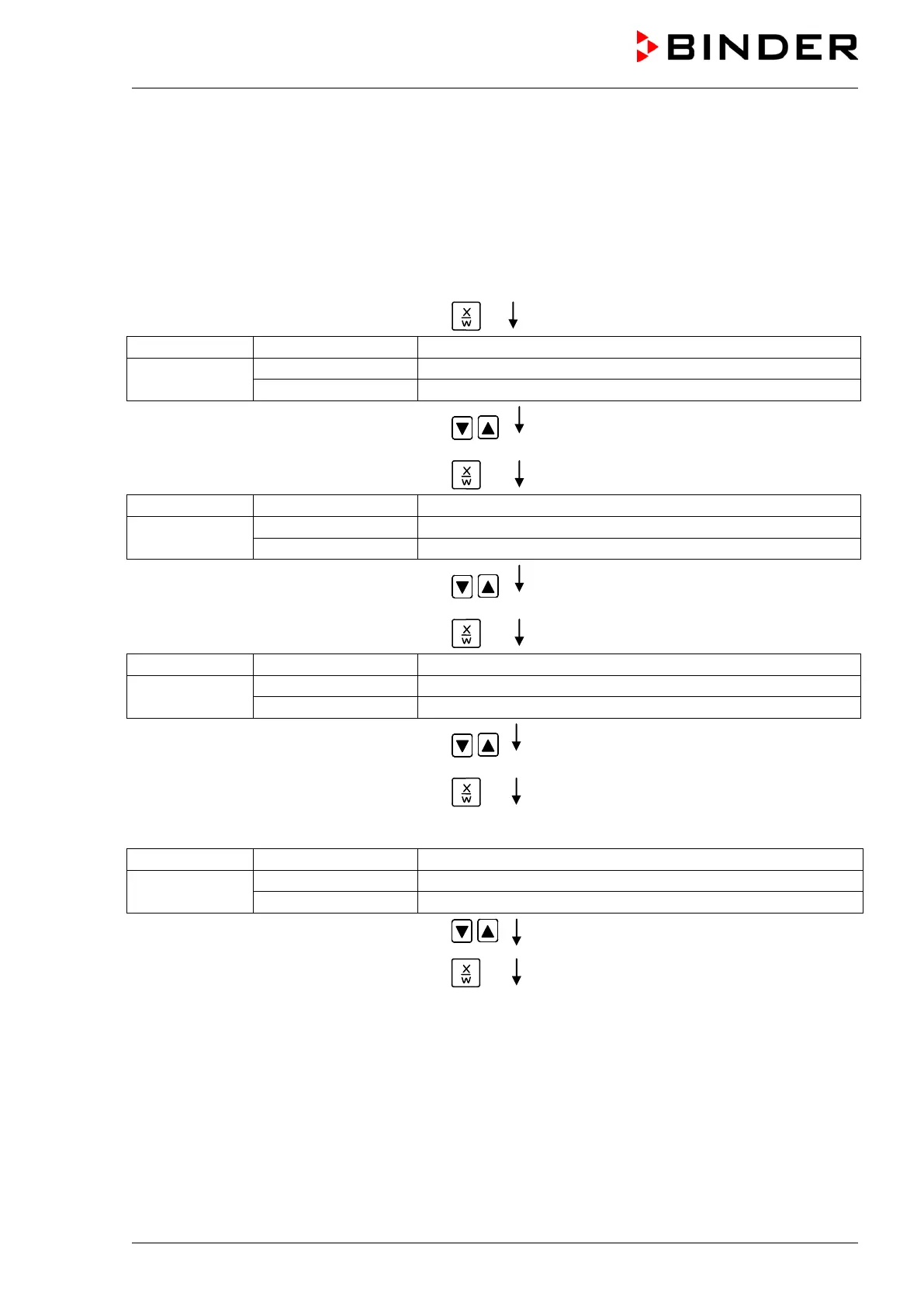
Basic entry principle: Access the parameters of individual program sections with button X/W one after
the other. Enter the values of the individual parameters with the arrow keys. A value flashes once after 2
seconds thus indicating that it has been taken over to the controller. If several parameters are to be
skipped (e.g. in order to change a parameter in a posterior program section), the parameters can be
rapidly jumped over by holding down the X/W key. If no button is pressed for more than 120 sec the
controller toggles back to Normal Display. The program entered to this point remains stored.
Press key
(actual temperature set-point)
Display 2 shows
(variable: temperature in °C)
(information: go on with X/W)
Enter temperature set-point of S01 in °C
using arrow keys
Press key
(actual section length set-point)
Display 2 shows
alternating
(variable: section length in hh:mm)
(information: go on with X/W)
Enter section length set-point of S01 in
hh.mm using arrow keys
Value is shown in both displays.
Press key
(actual fan speed set-point)
Display 2 shows
alternating
(variable: fan speed in %)
(information: go on with X/W)
Enter fan speed set-point of S01 in % using
arrow keys
Value is shown in both displays.
Press key
Only with option zero-voltage relay outputs via operation lines (chap. 16.4):
(actually set switching state)
Display 2 shows
alternating
(variable: switching state)
(Information: go on with X/W)
Enter switching state using arrow keys
Press key






 To Next Page