KB 23 / KB 23-UL (E3.1) 02/2019 page 31/87
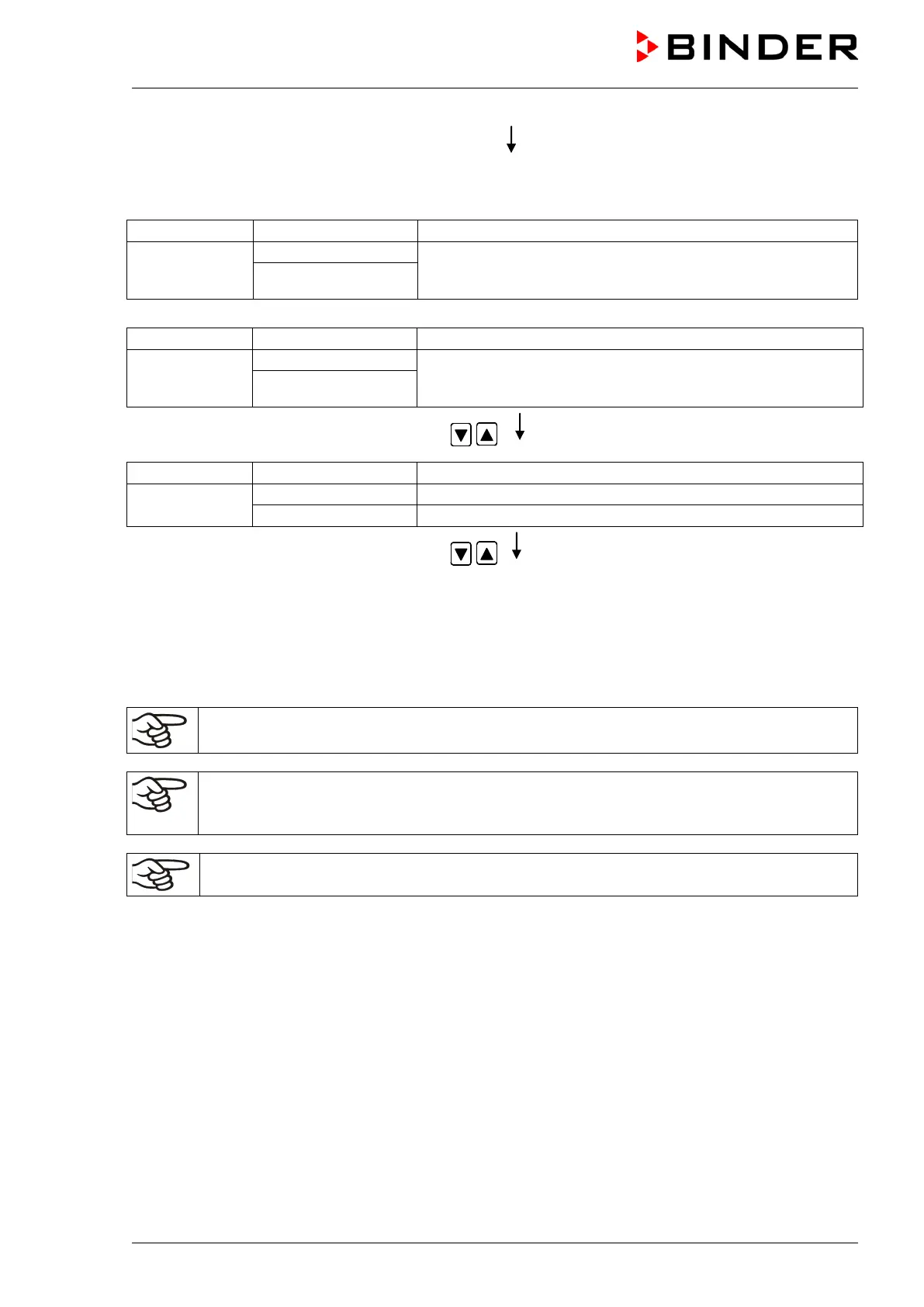
Selecting the next program sections to be entered
Display 2 shows
alternating
Section S02 has already been created.
enter new set-points for the individual parameters with X/W.
CONTINUE X/W
or:
Display 2 shows
alternating
Section S02 has not yet been created.
enter set-points for the individual parameters with X/W
NEW SEC. X/W
Select the next section to be entered using
arrow keys
(actual temperature set-point)
Display 2 shows
(variable: temperature in °C)
(information: go on with X/W)
Enter the temperature set-point of S02 in °C
using arrow keys
Etc.
If all sections up to S10 or up to S20 have been programmed, section S01 follows again. In order to quit
the entry mode, press the EXIT button several times or wait 120 sec → the controller will then return to
Normal Display.
When changing the set-point, check the setting of the safety controller in the user level (chap.
10) if the safety controller has been set to “limit” mode.
If the fan is operated with less than 100 % speed, the temperature performance and the spatial
exactitude of the temperature can differ from the manufacturer’s specifications. The fan speed
rate should only be reduced if absolutely necessary to meet special requirements.
The cooling power decreases when the fan speed is reduced to 20% or below.






 To Next Page