KB 23 / KB 23-UL (E3.1) 02/2019 page 46/87
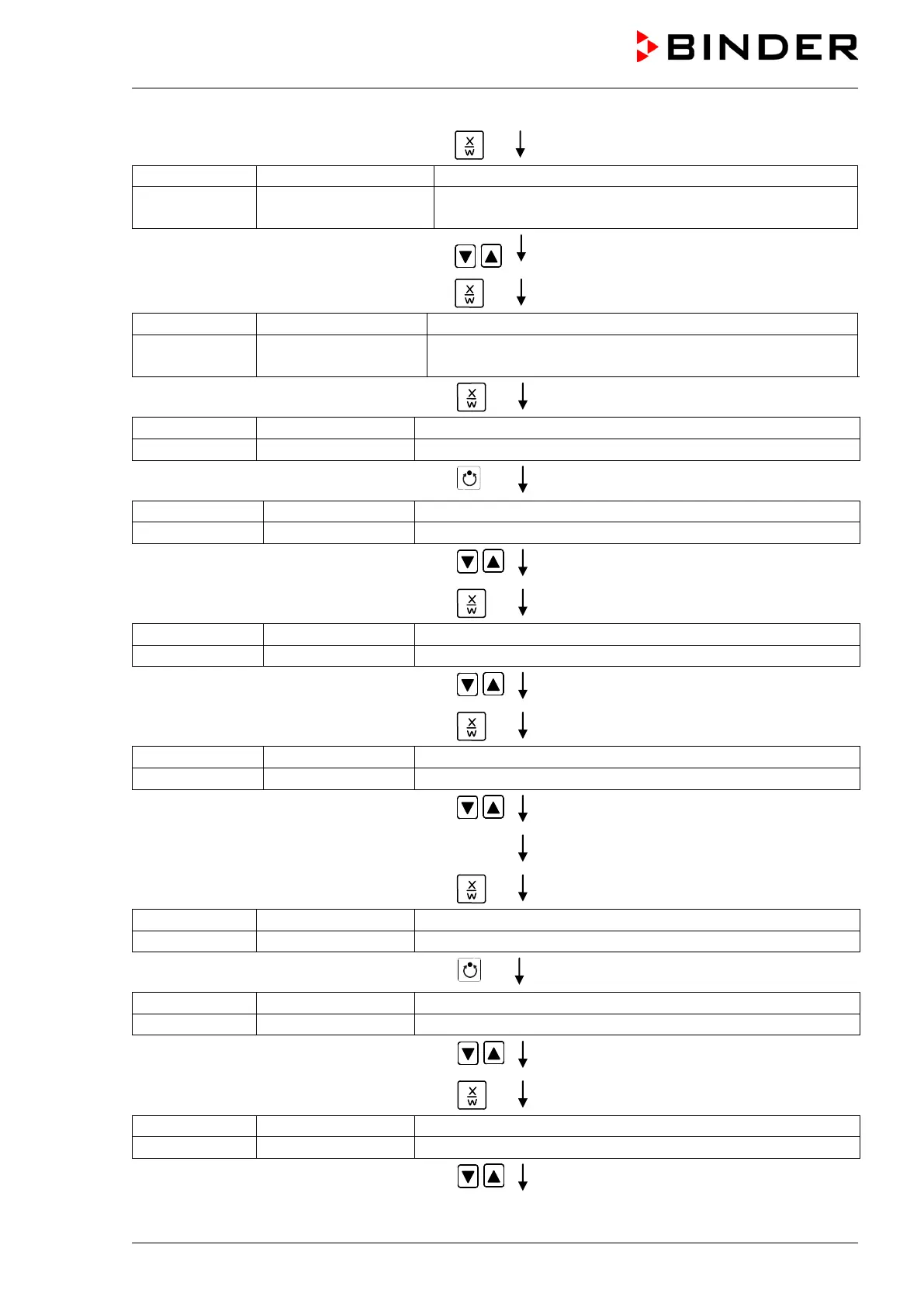
Press several times key
until Prog.Clk appears:
Display 2 shows Prog.Clk Active
(Week program timer active or inactive?
(actual setting: Active)
Select “Active” using arrow keys
Setting is shown in display 2.
Press key
(Display mode 12 hours or 24 hours?
(actual setting: 24h)
Press key
(Main menu: Setting the date of the real time clock)
Press program key
(Setting the year of the real time clock)
Set year (2006 up to 2050) using arrow keys
Setting is shown in display 2.
Press key
(Setting the month of the real time clock)
Set month (1 up to 12) using arrow keys
Setting is shown in display 2.
Press key
(Setting the day of the real time clock)
Set day (1 up to 31) using arrow keys
Setting is shown in display 2.
Press key
Press key
(Main menu: Setting the time of the real time clock)
Press program key
(Actual setting: 13, i.e. 1 p.m.)
(Setting the hour of the real time clock)
Set hour (0 up to 23) using arrow keys
Setting is shown in display 2.
Press key
(Actual setting: 30 minutes)
(Setting the minute of the real time clock)
Set minute(0 up to 59) using arrow keys
Setting is shown in display 2.






 To Next Page