KB 23 / KB 23-UL (E3.1) 02/2019 page 47/87
Press several times key
EXIT
or wait for 120 seconds
Controller returns to normal display.
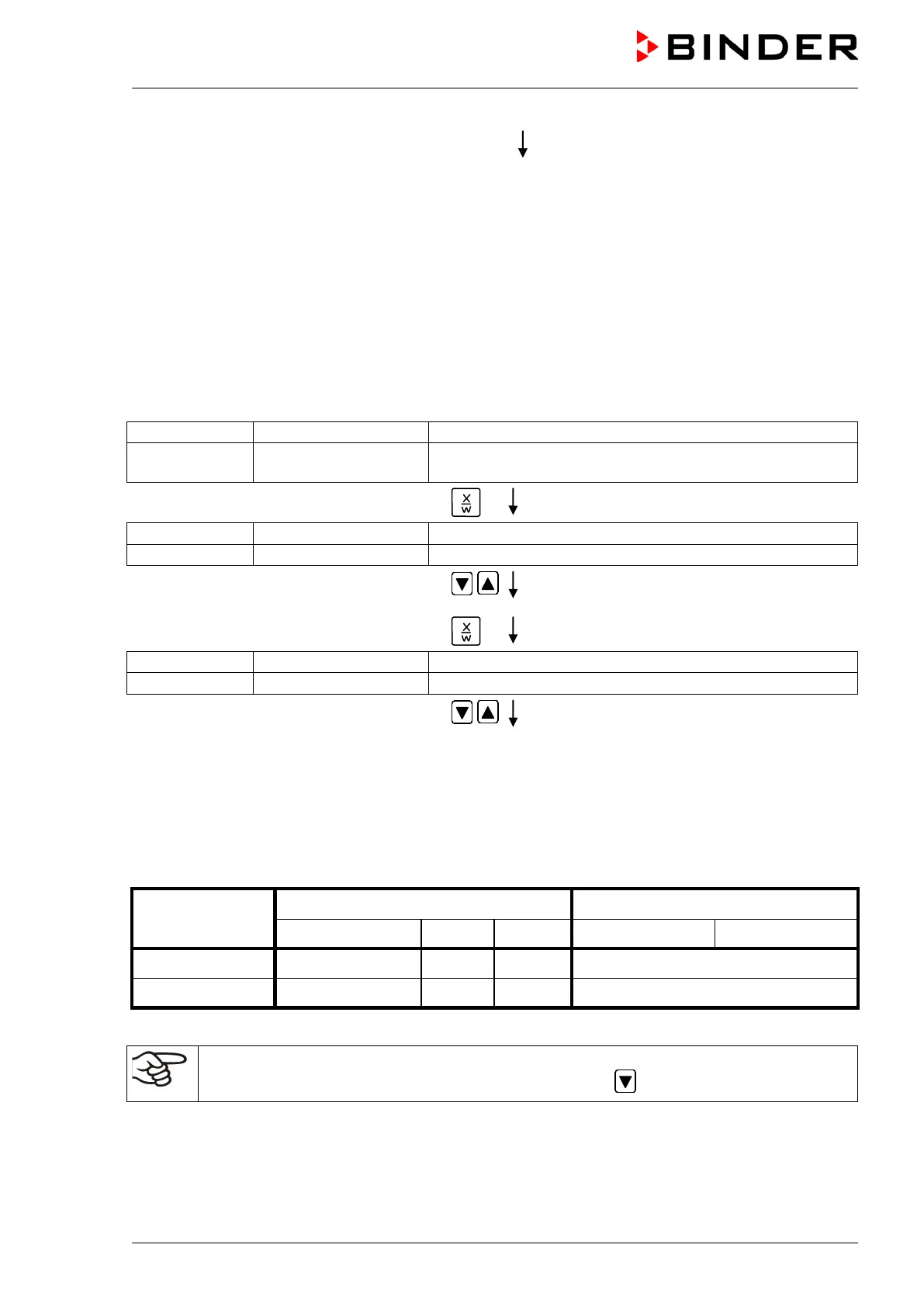
2. Entering the set-points for the week program in Fixed value entry mode (see chap. 6)
Set-points for the example program:
SP 1 (night / weekend) = 5 °C / 41 °F
SP 2 (day / week) = 20 °C / 68 °F
Normal Display
(actual temperature value)
Display 2 shows e.g. 15.05.06 13:52 - -
(actual date and time, actual switching state of week
program timer channel 1: Off, channel 2: Off)
Press key
(actual temperature set-point 1)
(variable: temperature in °C)
Enter temperature set-point 5 °C using arrow
keys
Value is shown in display 1.
Press key
(actual temperature set-point 2)
(variable: temperature in °C)
Enter temperature set-point 20 °C using
arrow keys
Value is shown in display 1.
Press the EXIT button. The controller changes to Normal Display.
3. Entering the time program to the week program editor
Program table for the example program:
Day of the week Time Channel 1 (temperature)
hh:mm AM PM ON (SP2) OFF (SP1)
Monday S1 06:00 ON
Friday S1 20:00 OFF
SP 1 (night / weekend) = 5 °C, SP 2 (day / week) 20 °C
Make sure that no other shift points have been preprogrammed. If so, they must be deleted:
Set the time of the respective shift point to “ --:-- ” using key .






 To Next Page