Calibrating and adjusting the temperature and humidity control
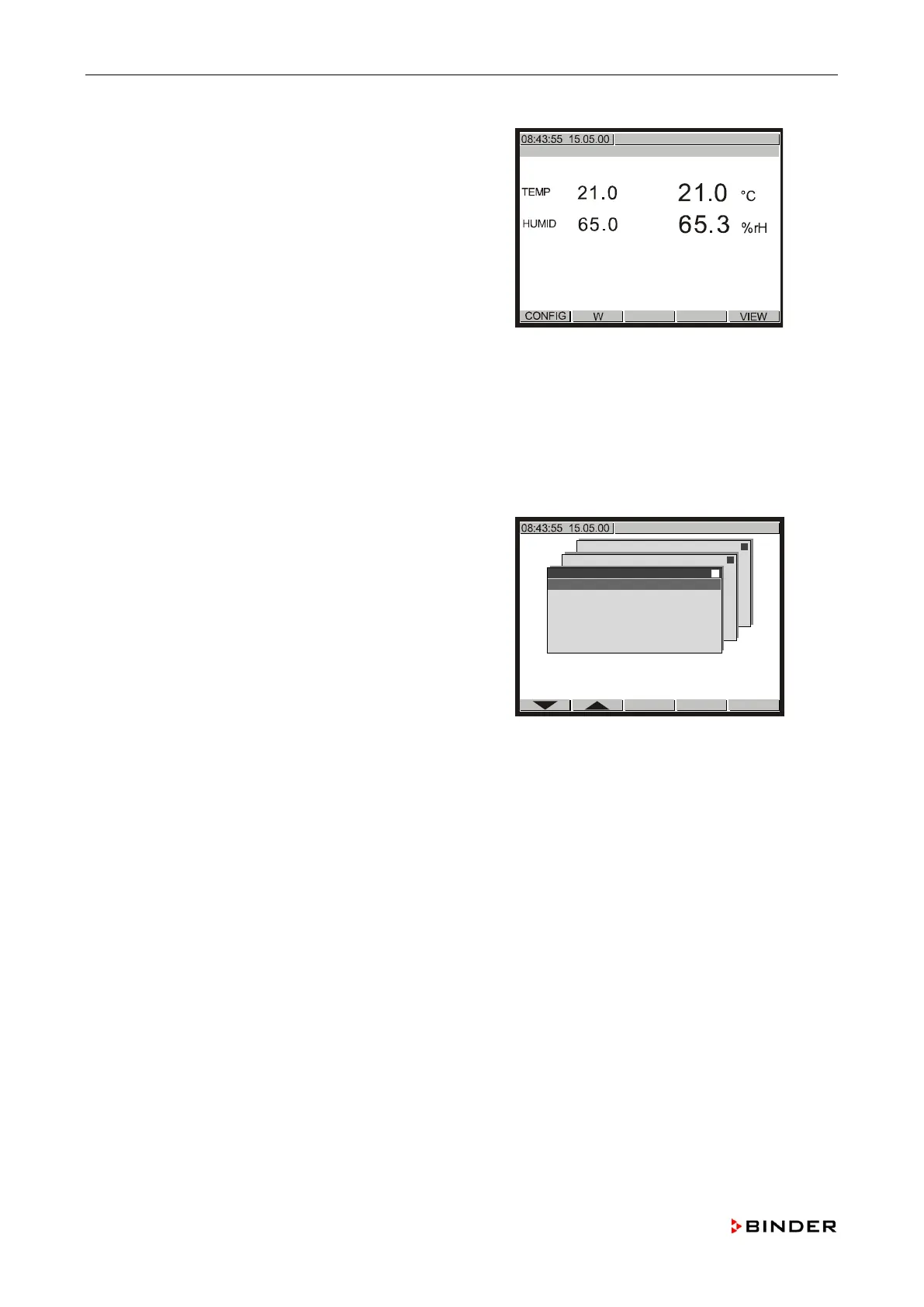
Push <EXIT> four times to return to the basic display.
Push <CONFIG>.
Set the set humidity to the other of the desired values for
the humidity calibration and adjustment
(chap. 11.2.2).
-state condition is reached (chap. 11.1).
↓
Enter the menu “Analogue Inputs“ (see steps 1 and 2)
Note down the actual value of “4.” (e.g. +39.972).
Note down the displayed humidity value of the refe
rence
measuring instrument (e.g. 42.2%
r.H.).
Configuration 2
Analogue inputs
Analogue outputs
Limit comperators
Donor-functions
Controller
Service Level
Service Level
Analogue Inputs
1. +
21.041
2.
+ 0.0
3.
- 12.5
4.
+39.972
5. -
12.5
Compare the values of the noted controller parameter “4.” at both set humidity values with the
displayed humidity values of the reference measuring instrument at the correspon
ding set points.
Adjust the humidity controll
er if the deviation of one of the values of the controller parameter “4.”
and the reference measuring instrument is found to be larger than +/
-2.0% r.H. (confidence criteria)
11.5.3).
nce measuring instrument has a measuring uncertainty larger than +/-2.0% r.H.
(see its calibration certificate), this is the confiden
ce criteria (e.g. +/-2.5% r.H.).
If the deviation is found to be between ± 3.0%
r.H. and 5.0% r.H., calibration of the humidity controller
should from now on be performed every 6 months
.
If the deviation is found to be larger than +/
-5 % r.H. replace the humidity sensor (chap. 7.10).
132 Service Manual KBF (E5.2) 04-2015









 To Next Page