Calibrating and adjusting the temperature and humidity control
11.5.3 Adjusting the humidity controller
1. Enter the menu “Inp.Val. correct.“
(see steps 1 to 0, chap. 11.3.1).
Configuration 2
Analogue inputs
Analogue outputs
Limit comperators
Donor-functions
Controller
Service Level
Service Level
Inp.Val. correct.
Analogue Inputs
Analogue Outputs
Bin. Inputs
Bin. Outputs
Anal. Inp. mTRON
Anal. Out. mTRON
Bin. Inp. mTRON
Bin. Out. mTRON
Memory Display
Use the buttons or to select the menu item
“An
alogue Input 4” and confirm with <ENTER>.
Configuration 2
Analogue inputs
Analogue outputs
Limit comperators
Donor-functions
Controller
Service Level
Service Level
Inp.Val. correct.
Analogue input 1
Analogue input 2
Analogue input 3
Analogue input 4
Analogue input 5
Safety controller
Use the buttons or to select a menu item and confirm
with <ENTER>.
bmenu will be opened.
, , and to key in the values de-
scribed below and confirm with <ENTER>.
State: On
Start value X: Value of “Analogue Inputs“ / “4.” at the
lower set humidity (e.g. +40.0) (step 0, chap.
11.5.2).
Start value W: Value of reference measuring instru-
ment at the lower set humidity (e.g. 42.2) (step 0,
chap. 11.5.2).
End value X: Value of “Analogue Inputs“ / “4.” at the
higher set humidity (e.g. +65.3) (step 0, chap.
11.5.2).
End value W: Value of reference measuring instrument
at the higher set humidity (e.g. 67.5) (step 0, chap.
11.5.2).
Configuration 2
Analogue inputs
Analogue outputs
Limit comperators
Donor-functions
Controller
Service Level
Service Level
Inp.Val. correct.
Analogue input 1
Analogue input 2
Analogue input 3
Analogue input 4
Analogue input 5
Safety controller
Analogue input 4
State Off
Start Value X + 40.0
Start Value W + 42.2
End Value X + 65.3
End Value W + 67.5
Push <EXIT> four times to return to the basic display.
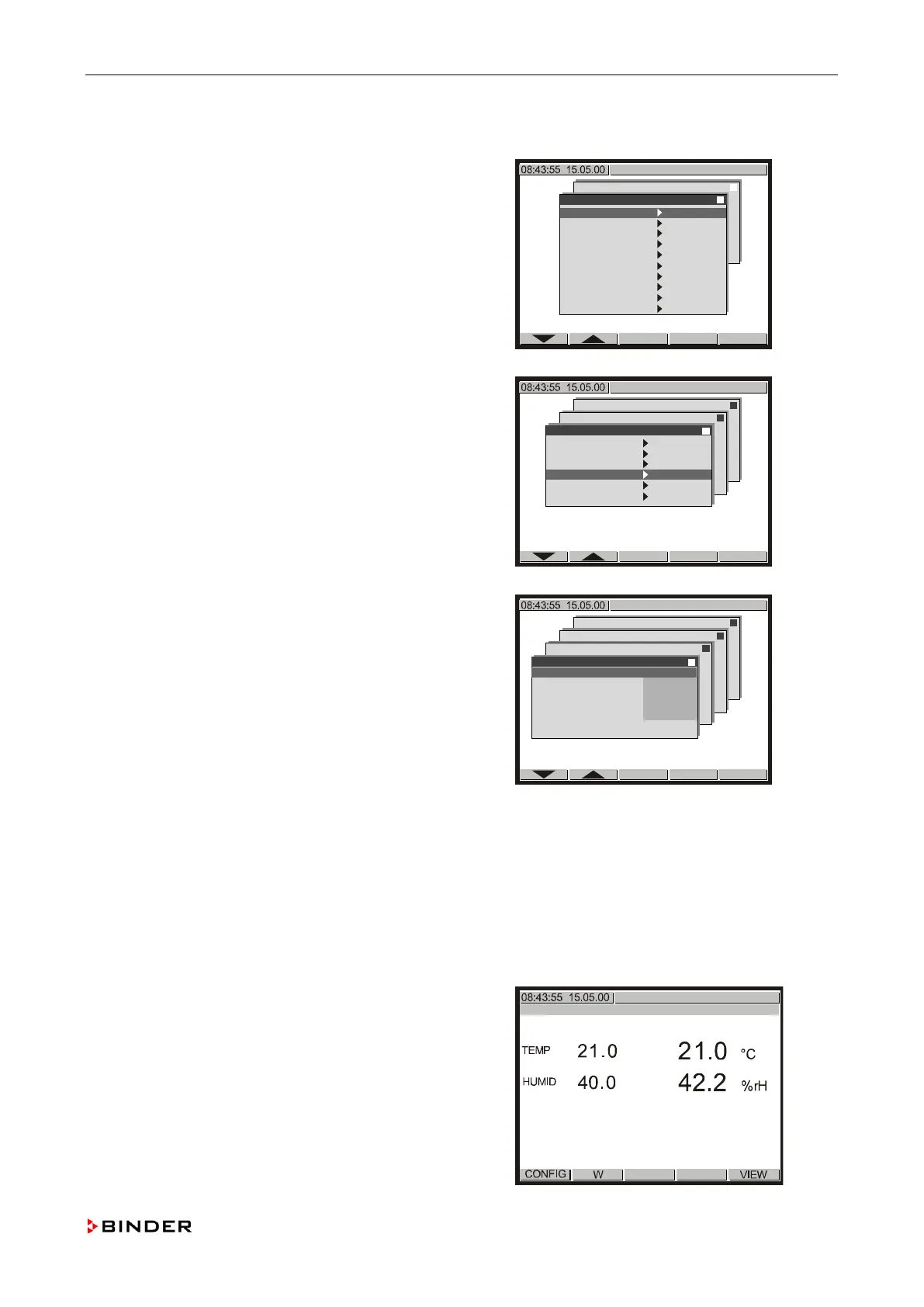
The corrected value appears on the controller display
.
Compare the displayed humidity values of the
controller display and the reference measuring
instrument. The deviation must be less than the
e criteria (chap. 11.5.2).
Service Manual KBF (E5.2) 04-2015 133









 To Next Page