26
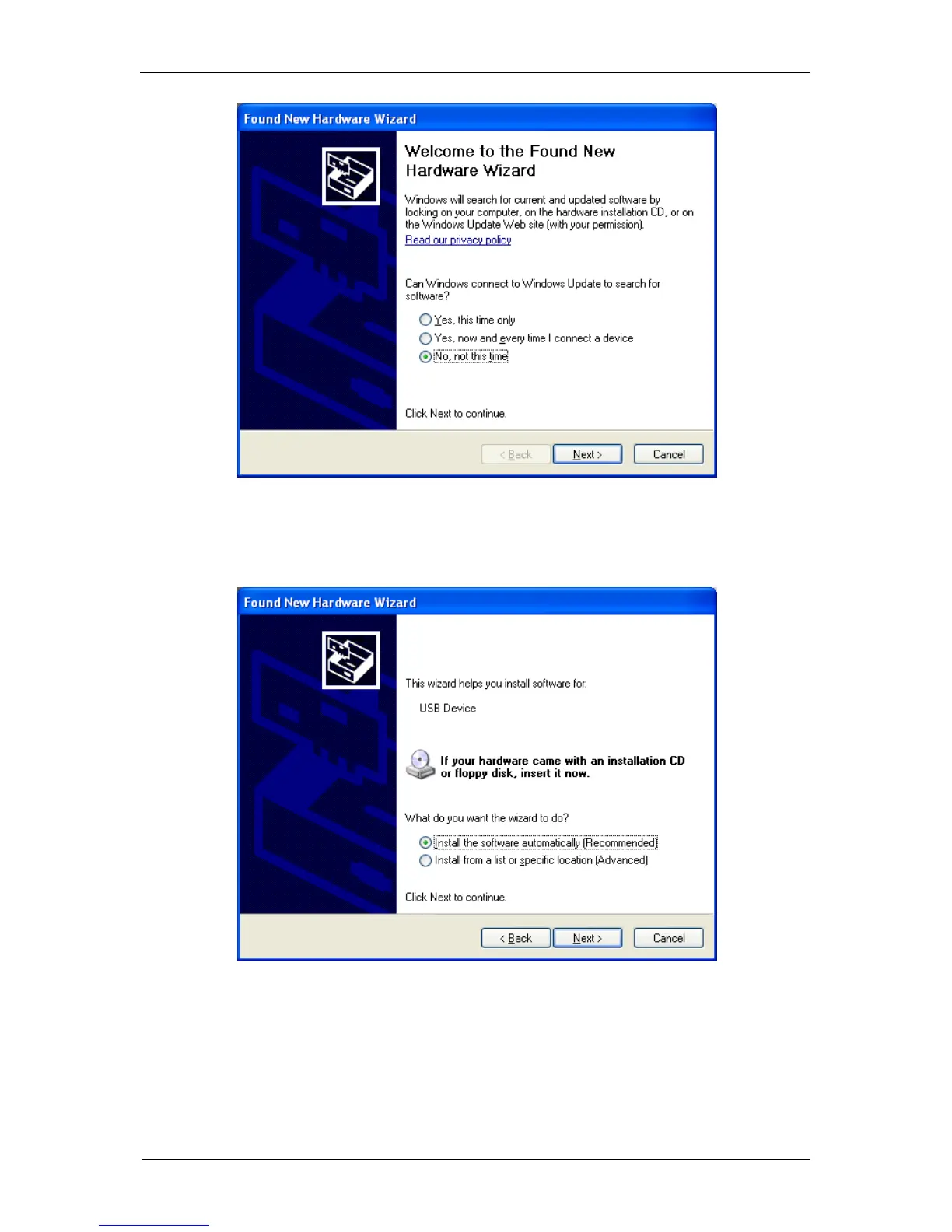
Fig. 26: USB device installation window. Step 1.
In this window, select “No, not this time” and click on “Next”. The following window is
displayed:
Check that the EC-Lab
installation CD is in the CD drive. If it is, Windows
XP will
automatically search on the CD, find the USB driver and complete the installation.



 To Next Page