Basic Operation and Maintenance
Bio-Plex Pro and Bio-Plex Pro II Wash Stations 19
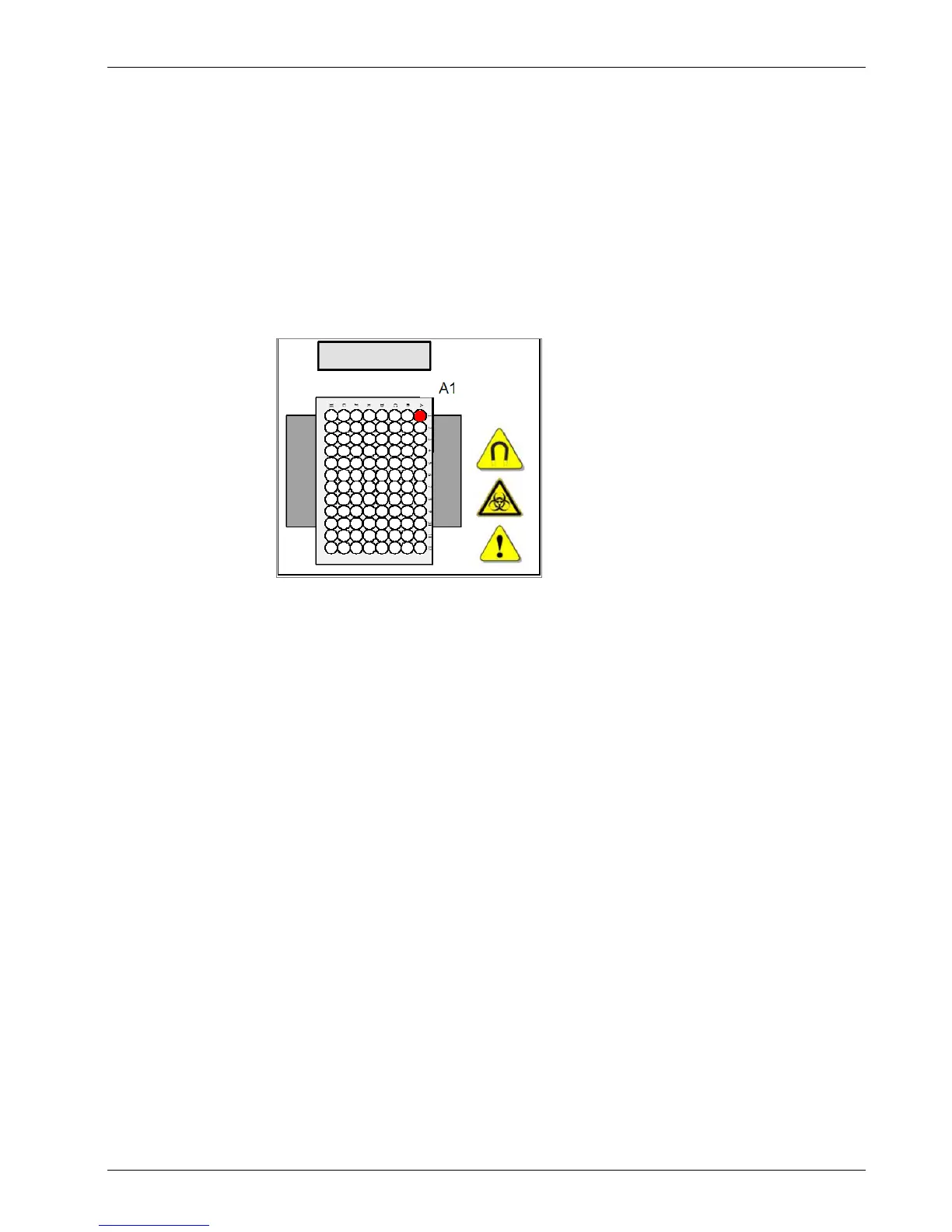
Installing the Microplate
Insert the 96-well microplate into the plate transport for washing and ensure that the
microplate is correctly oriented (position A1 of the plate corresponds to position A1
marked on the plate transport). If using the vacuum plate carrier for polystyrene-
based assays, see Changing the Plate Carrier on page 23.
Turning on the Power
The power switch is located at the rear of the instrument, above the power cable
connection. Make sure the instrument is plugged in using the provided power cable
before you attempt to operate.


 To Next Page