Defining New Programs
Bio-Plex Pro and Bio-Plex Pro II Wash Stations 55
Process Step: Aspirate
Select required aspirating time (1 - 20 seconds).
Select required aspirating speed (1 - 20 mm/sec).
Select and confirm aspirating step (ASP)
CX = Cycle Number
PX = Program Step Number
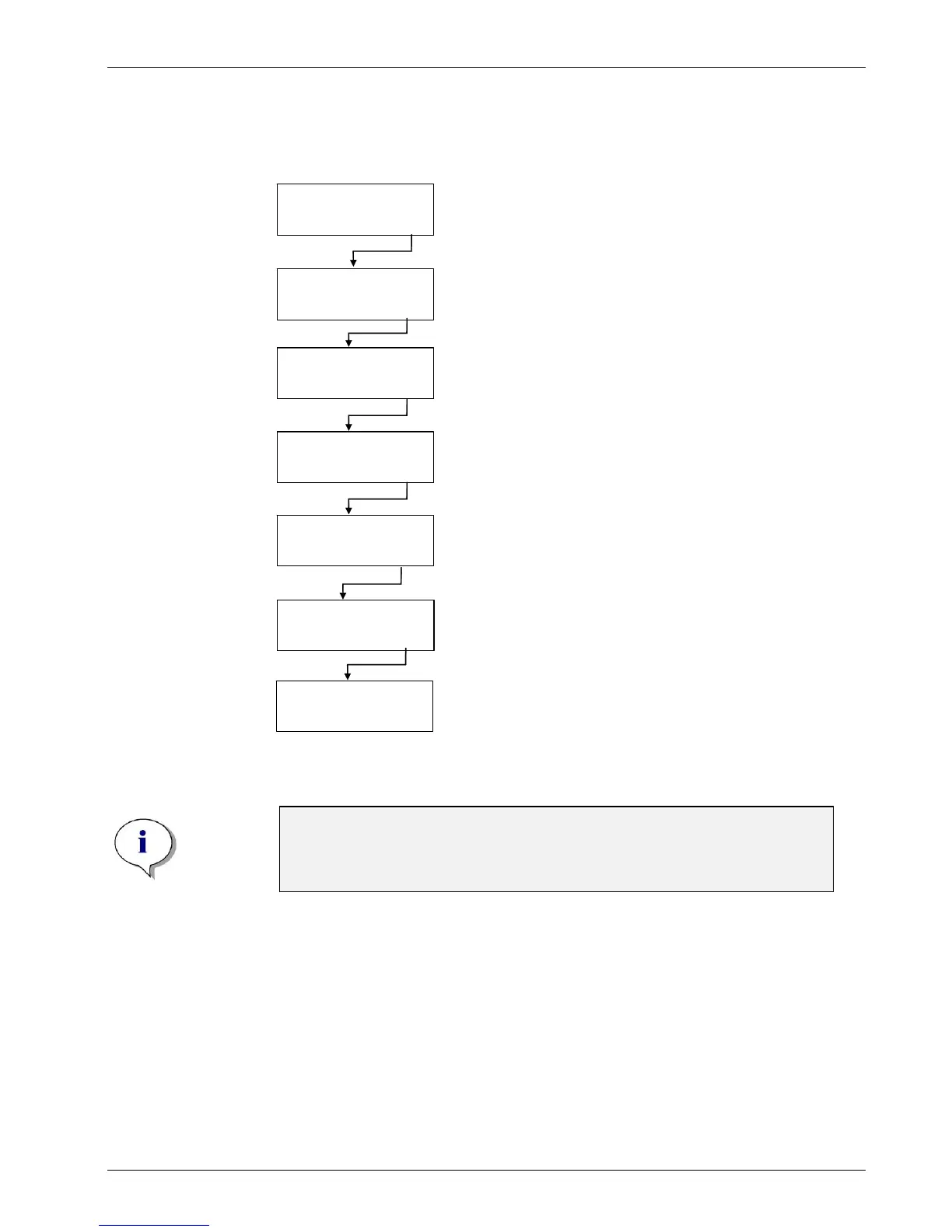
Crossw.Asp YES
- + EXIT OK
POS: BOTTOM
- + EXIT OK
TIME: 4 s
- + EXIT OK
H-SPEED10mm/s
- + EXIT OK
CX PX ASP
- + EXIT OK
ASP.RATE 2
- + EXIT OK
Select YES using – or + to perform crosswise
aspiration or select NO to perform normal aspiration.
Press – or + to select the aspiration position
(BOTTOM; OVERFLOW or CUSTOM).
Select required aspirating rate (1 - 3),
where 1 is the weakest and 3 the strongest rate.
fter the process step has been defined the initial
display appears.
CX = Cycle Number
PY = Program Step Number incremented by 1
Press OK to define another aspiration step
or press – or + to select the next program step,
Program End or a new cycle.
CX PY ASP
- + EXIT OK
Note
Low residual volumes cannot be guaranteed if not all wells in a strip are
filled with liquid. To prevent cross contamination, the head speed
should be lowered.


 To Next Page