Basic Operation and Maintenance
22 Bio-Plex Pro and Bio-Plex Pro II Wash Stations
Plate Washing Programs
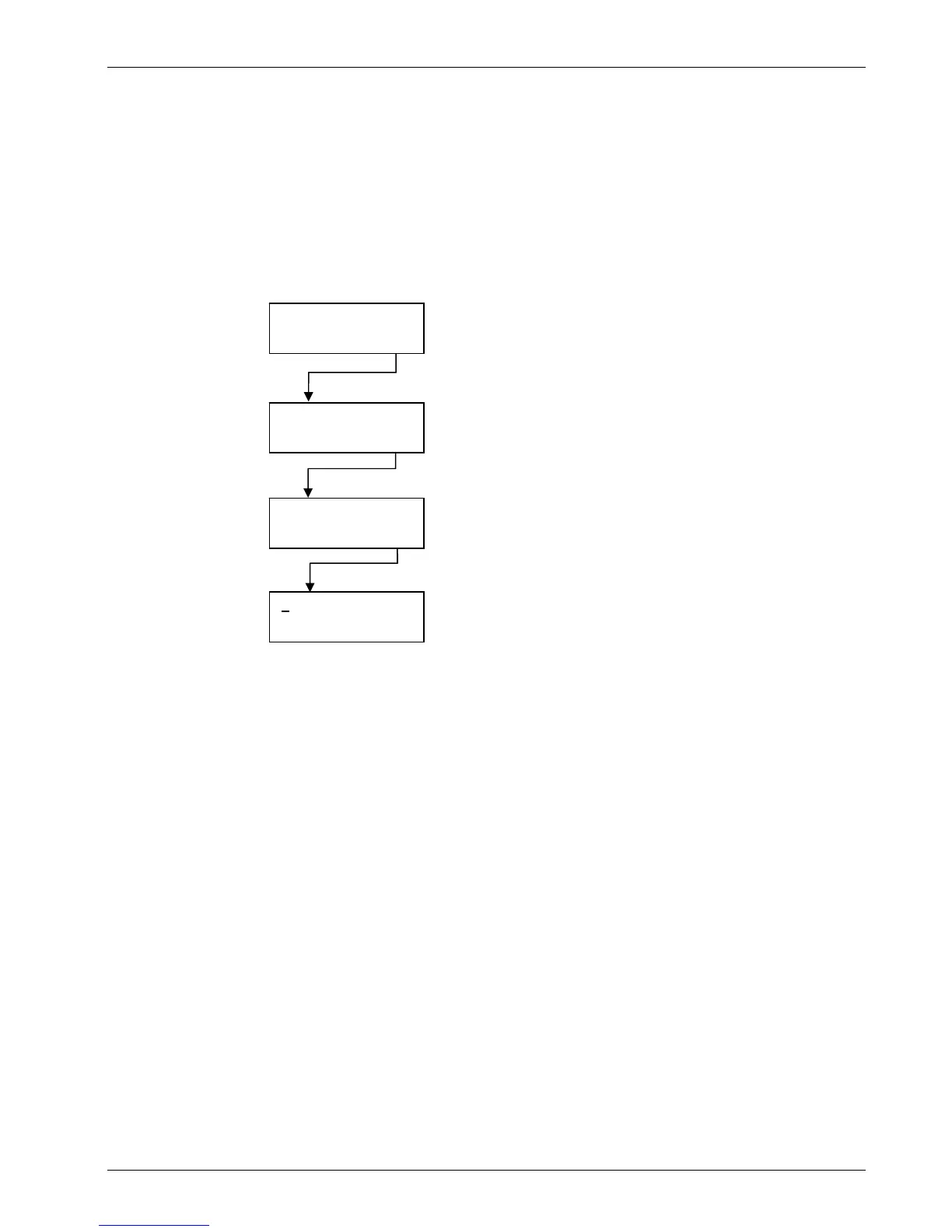
Instructions for running the preconfigured wash program are detailed below.
Instructions for setting new Wash, Dispense, and Aspirate modes into a new wash
program, and instrument rinse instructions, are found in the Defining New Programs
section on page 53.
START
< > OK
SSSSSSSSSSSS
+ - OK
RUN1: Program X
< > EXIT OK
PROGRAM
< > OK
Navigate to PROGRAM in the primary
menu and press OK.
Use the keys under the < and > symbols to access the
Pro
ram menu if it is not alread
displa
ed
Press OK
Select the required program and press
OK to continue
Choose OK.
Rows are represented by S (selected) or
N (not selected). All rows should be
selected.
It is highly recommended that all wells
are selected and the entire plate is
washed.


 To Next Page