18 Instruction Manual TProfessional Basic 06/2011
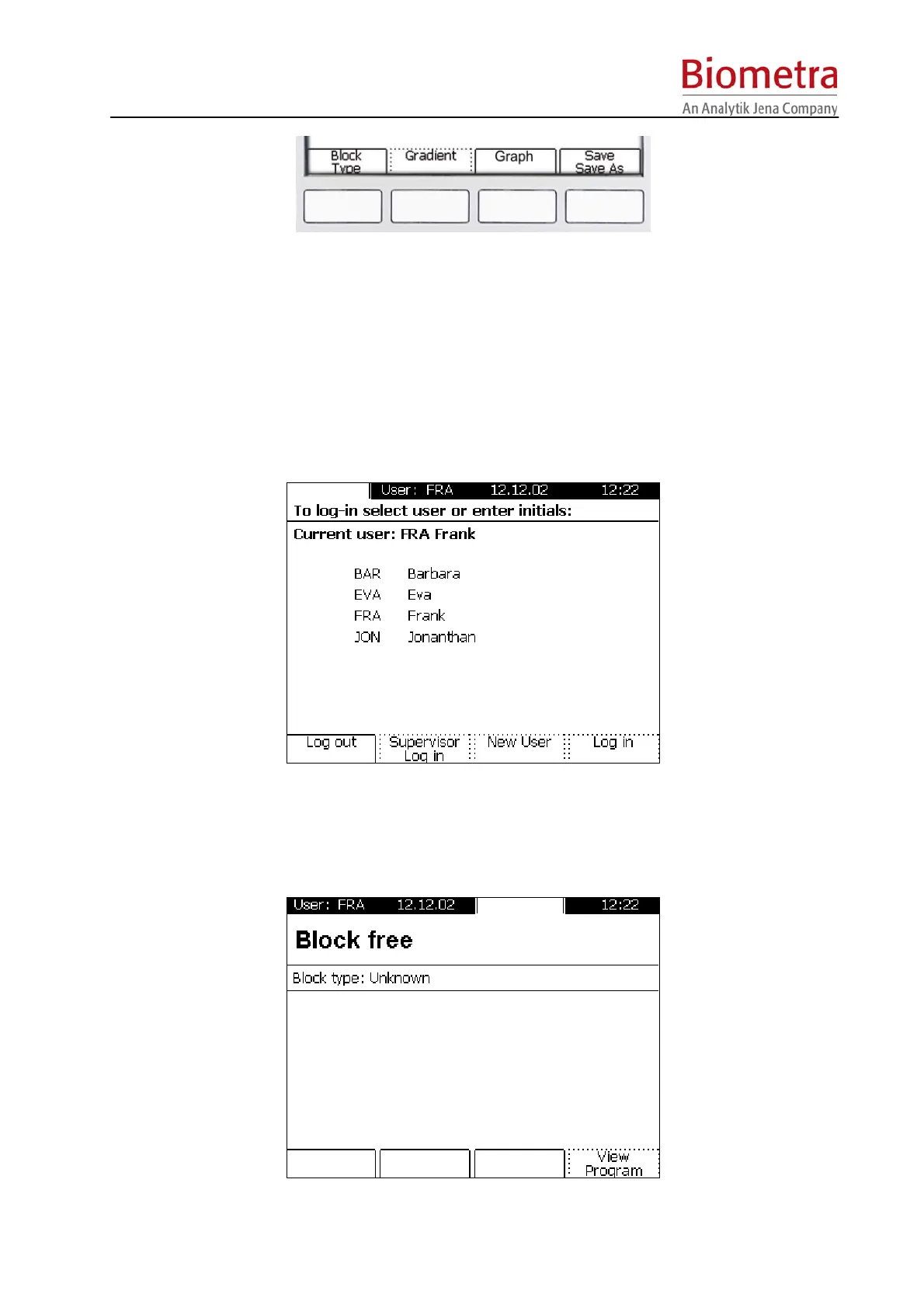
In contrast to the Menu Buttons, the Soft Keys have changing functionalities, which are shown
in the above display line.
5.1.3 Log in Menu
To enter the Log In menu, press the Menu Button [Log in/out] above the display.
When the instrument is switched on, the Log in screen is displayed. To use the instrument a
user has to be selected. Alternatively, a new user can be created.
5.1.4 Block Menu
To enter the Block Menu, press the Menu Button [Block] above the display.



 To Next Page