54 Instruction Manual TProfessional Basic 06/2011
It is recommended to execute an extended self test regularly.
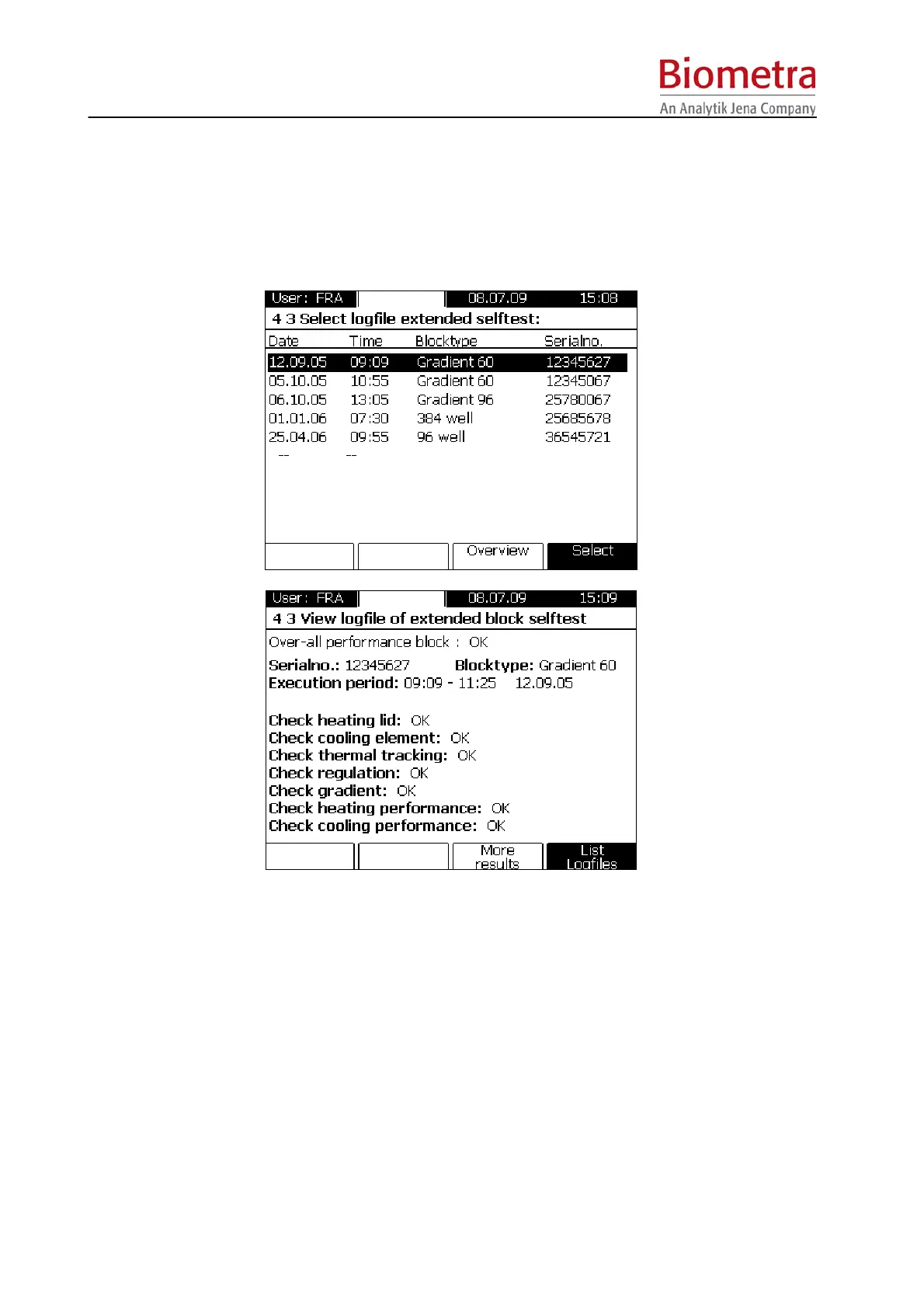
6.4.3 View log files from extended self test
The results of the extended self test logfiles are stored by the instrument. To view a summary of
the self test select the suitable logfile from the menu.
In the next window the actual status of all important components is summarized at a glance.
6.4.4 View Error log files
A history of all software and hardware errors is shown in this menu.
Note: Sever errors that require action by the User are displayed in the User Software Menu.
6.4.5 Create Info file for Biometra Service Department
This option creates a Service file containing technical details for the Biometra Service
Department.



 To Next Page