Instruction Manual TProfessional Basic 06/2011 25
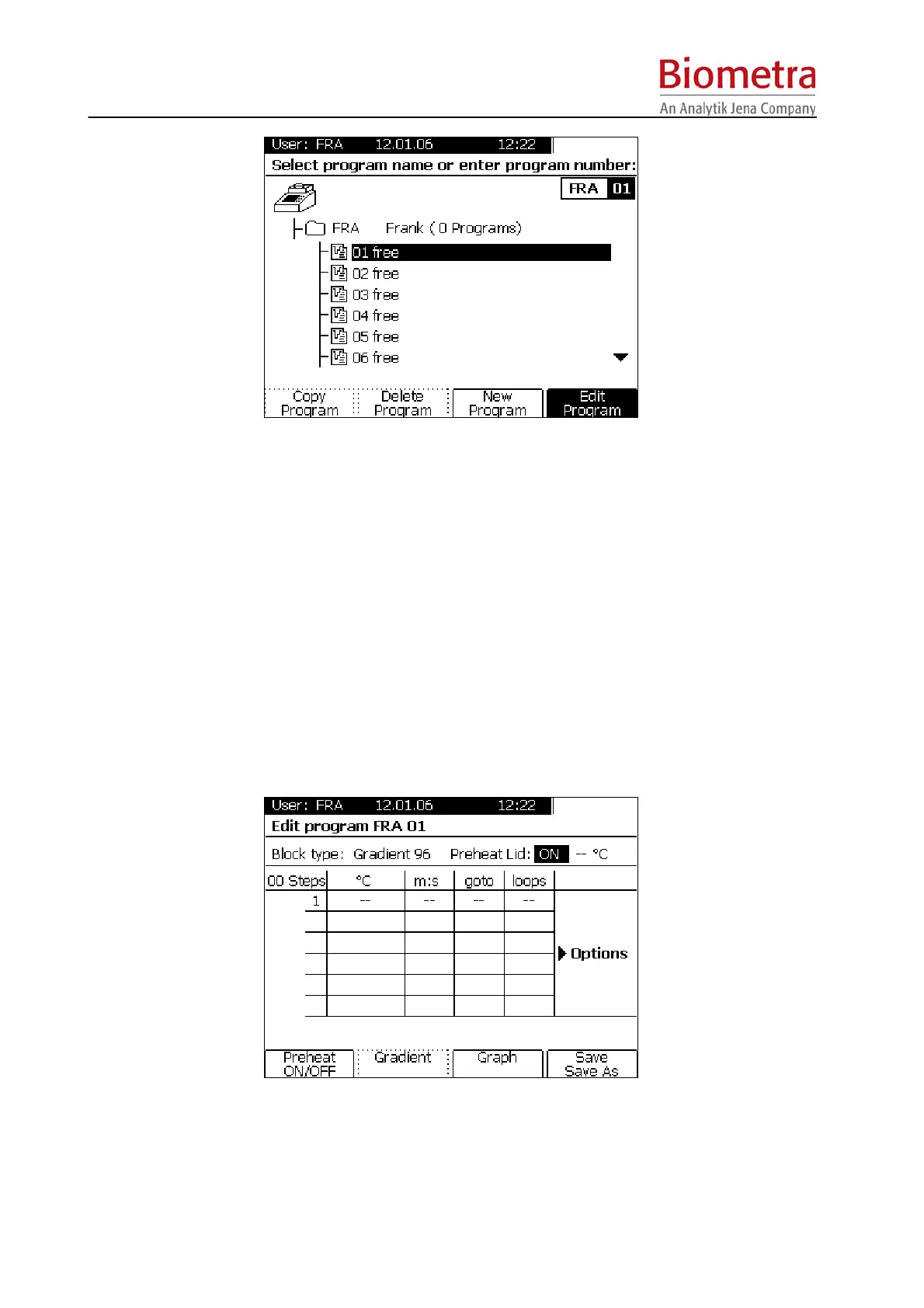
Press softkey [Edit Program] and in the next screen press [New Program].
The programming table opens (see chapter Fehler! Verweisquelle konnte nicht gefunden
werden.).
5.3.3 Set lid pre-heating mode
You can choose whether the lid is pre-heated before the program starts. This is to avoid
evaporation during the initial heating phase.
Note: During the preheating of the lid, the block is held constant at 25°C.
Note: After reaching the set lid temperature, there is a 40 second equilibration phase before the
block starts.
Note: The default setting, which is recommended for most applications, is preheating: On.
However, if the program should start while the lid is heating, this can be set by pressing the Soft
Key [preheat on/off].
After Lid settings have been made, confirm with [Enter] to enter the programming spreadsheet.



 To Next Page