Instruction Manual TProfessional Basic 06/2011 35
Note: The new step has been entered within an existing loop, this loop now consists of four
steps.
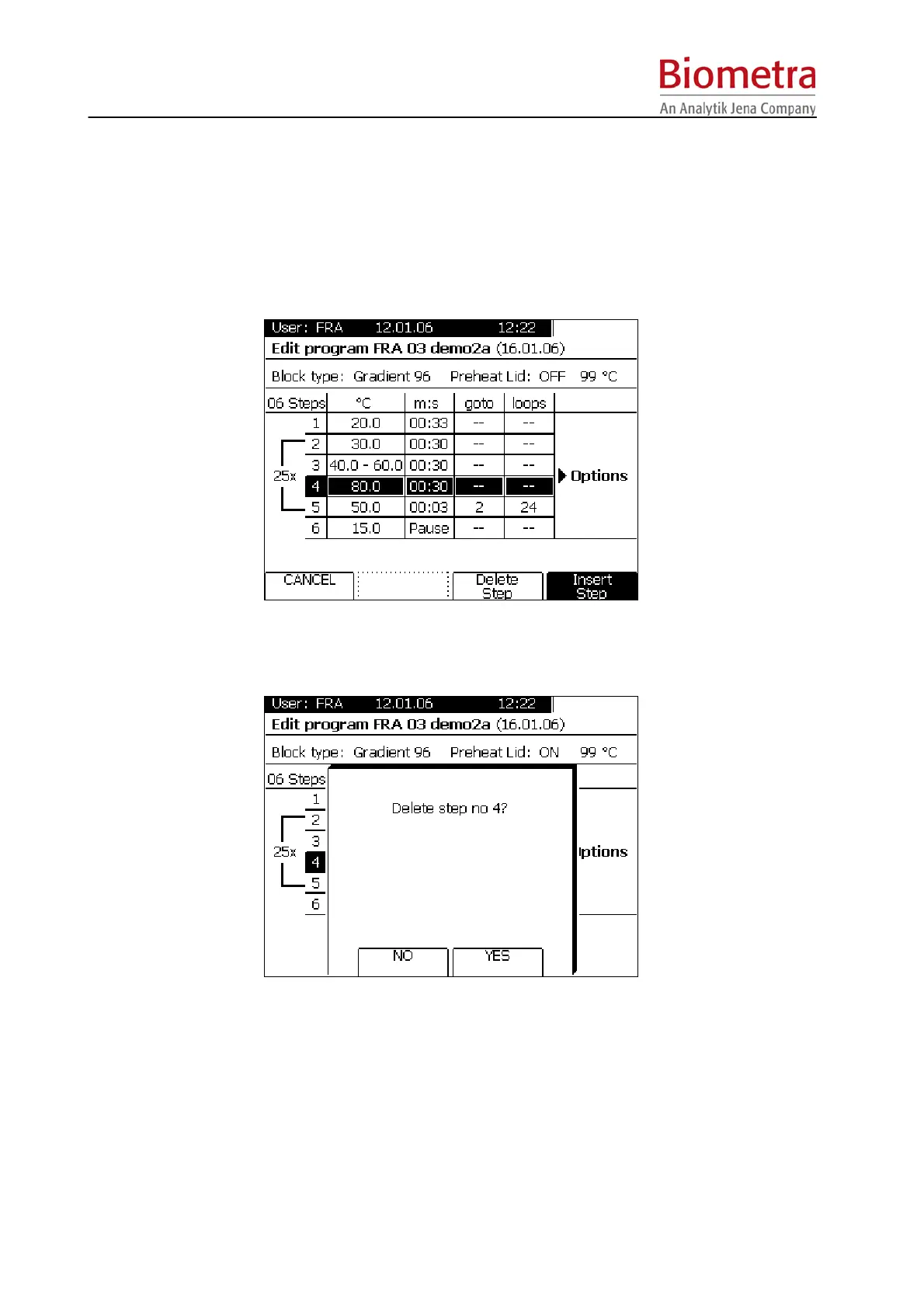
5.4.2 Delete program step
Move cursor to the step that should be deleted and press Soft Key [insert/delete step].
To delete the highlighted step press Soft Key [Insert/Del]
Confirm deletion of step number 4 with Soft Key [YES]



 To Next Page