Instruction Manual TProfessional Basic 06/2011 47
6 System settings
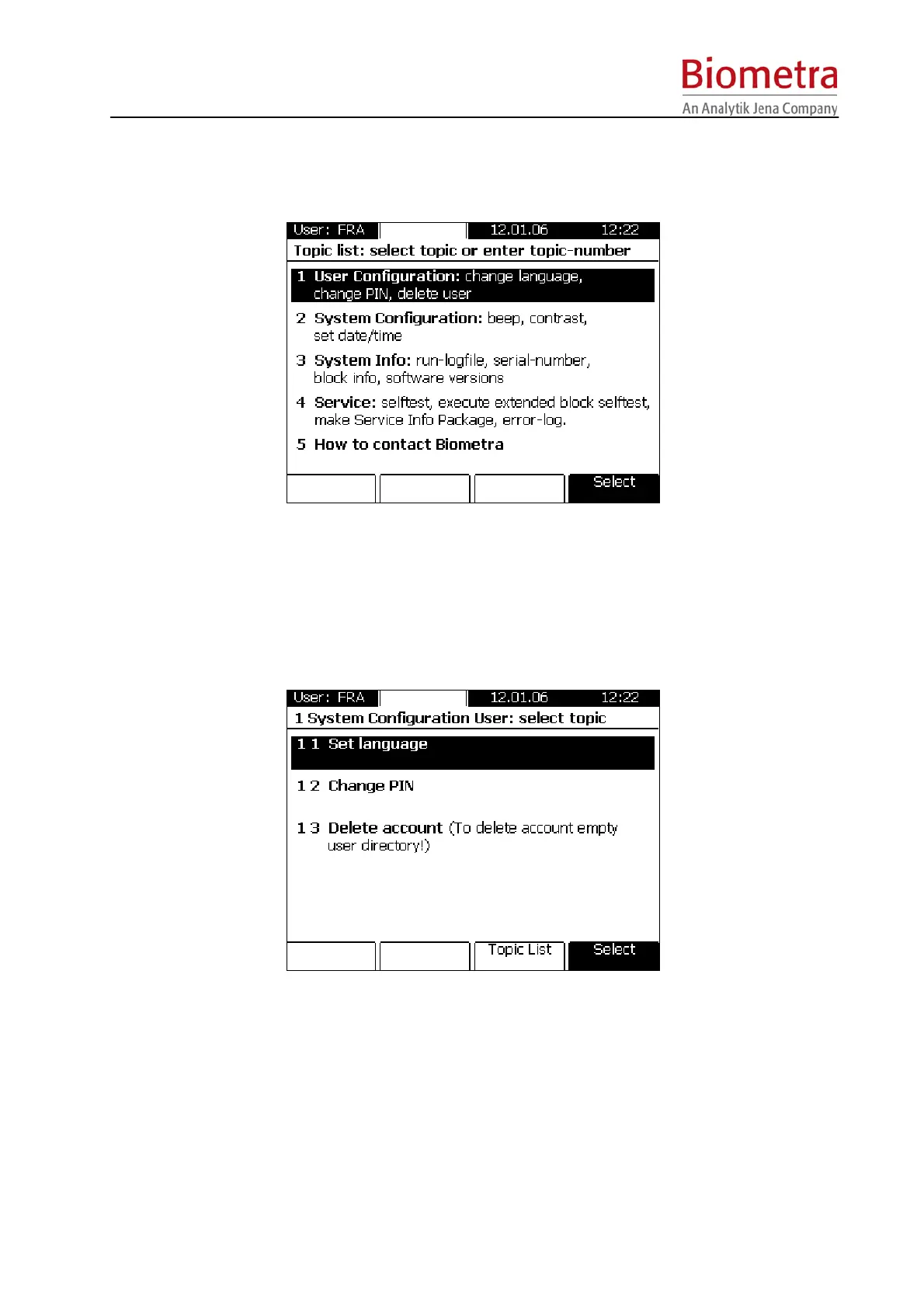
To change global settings press the [System] Menu Button above the screen.
Main screen
6.1 User configuration
This option allows changes of your individual user account.
6.1.1 Set language
The language settings are part of each User account. Available languages are English and
German (second software release)
6.1.2 Change individual PIN
The option allows changing the PIN of the current User.



 To Next Page