Instruction Manual TProfessional Basic 06/2011 55
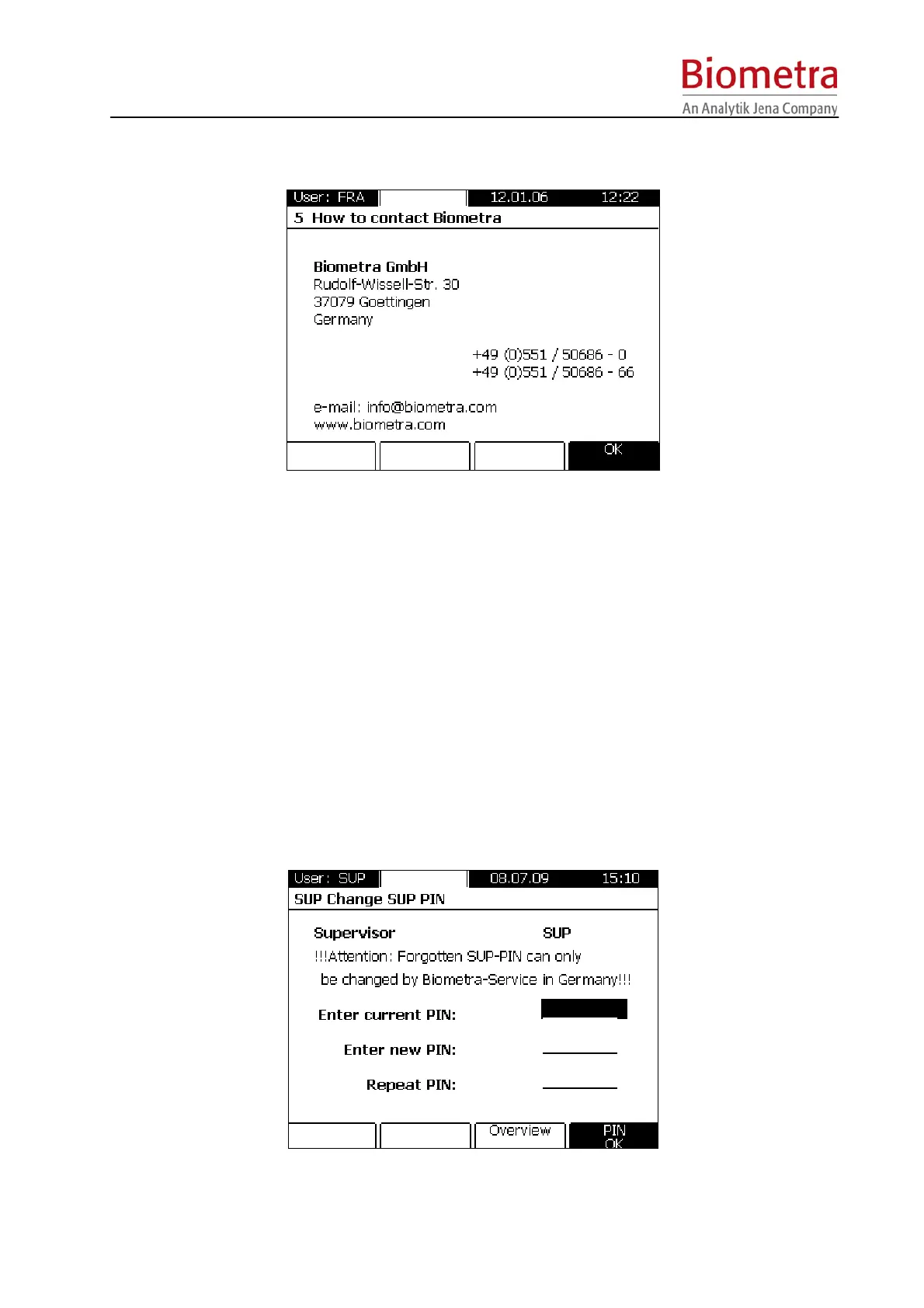
6.5 How to contact Biometra
6.6 Supervisor system configuration
The supervisor has access to an own system menu with some specific functions.
6.6.1 Change user PIN
The supervisor can change the PIN for each user account. Select the appropiate user directory
from the list and enter a new PIN.
6.6.2 Delete user account
Select the user directory to delete from the list and confirm with [OK]. The directory and the
programs therein are deleted.
6.6.3 Change supervisor PIN
Enter your actual PIN (the default Supervisor PIN is 000 000 0 (do not enter blanks)), enter your
new PIN and repeat your input. Confirm with [PIN OK].



 To Next Page