Instruction Manual TProfessional Basic 06/2011 27
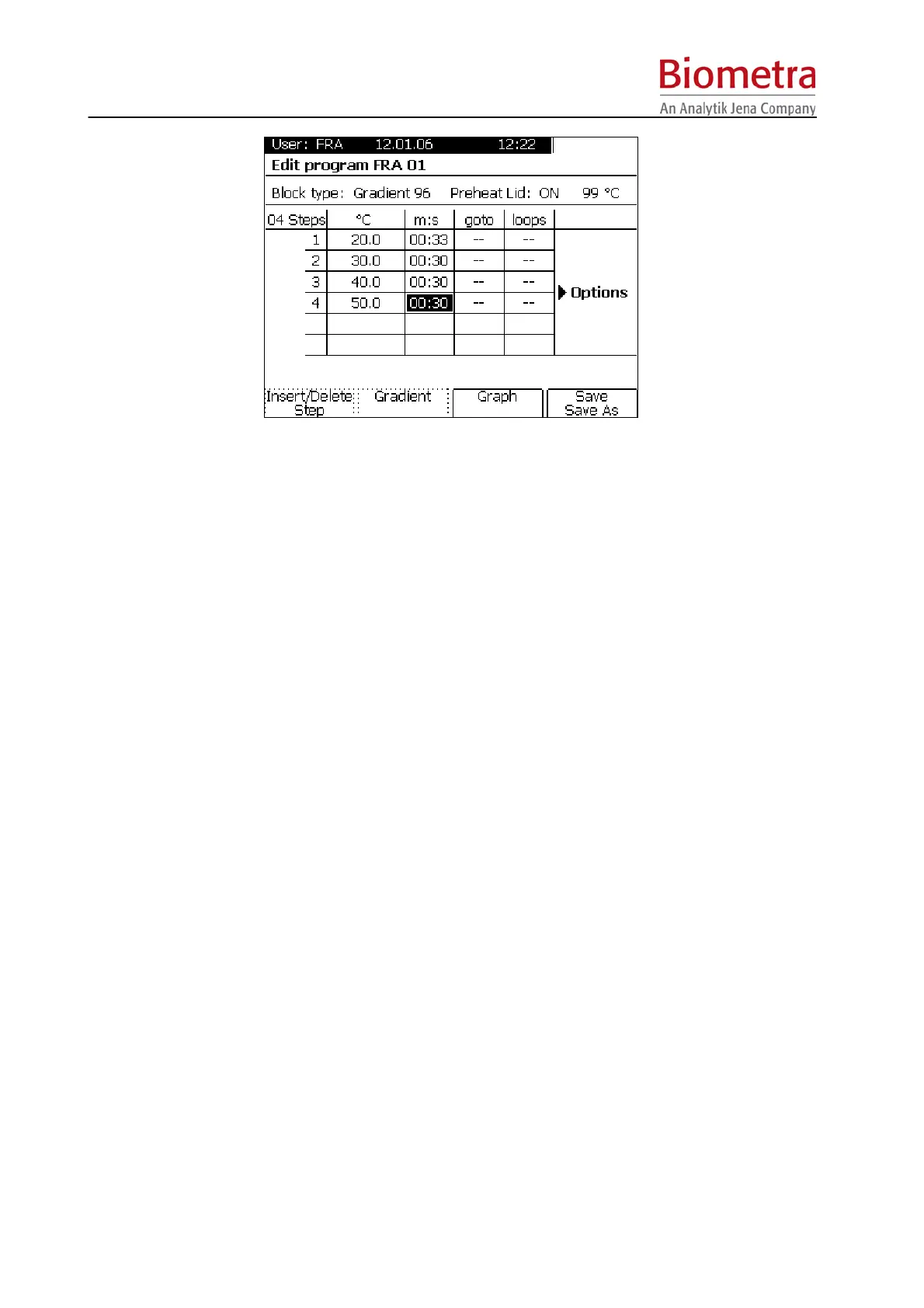
Enter temperature for the first step and press [Enter]. In the next row you can enter the time for
this temperature:
Note: Minutes and seconds can be separated by “dot”, but this is optional. You can also enter
the digits one after the other.
Example: To set 2 minutes, 30 seconds enter “2”, “3”, “0”. Subsequently 2:30 [m:s] will be
displayed in the programming table
Note: For Biometra Thermocyclers a dot can be used as a shortcut to program minutes.
Example: To set 2 minutes enter “2”, “.”. Subsequently 2:00 [m:s] will be displayed in the
programming table
5.3.6 Set loop
Note: In general, loops are entered in the LAST STEP of the loop. A loop is defined by
selecting the FIRST STEP in the loop plus the number of back loops.
Enter the number of the first step within the loop in the row “go to” and confirm with [Enter].
Enter the number of back loops in the row “loops”.



 To Next Page