42 Instruction Manual TProfessional Basic 06/2011
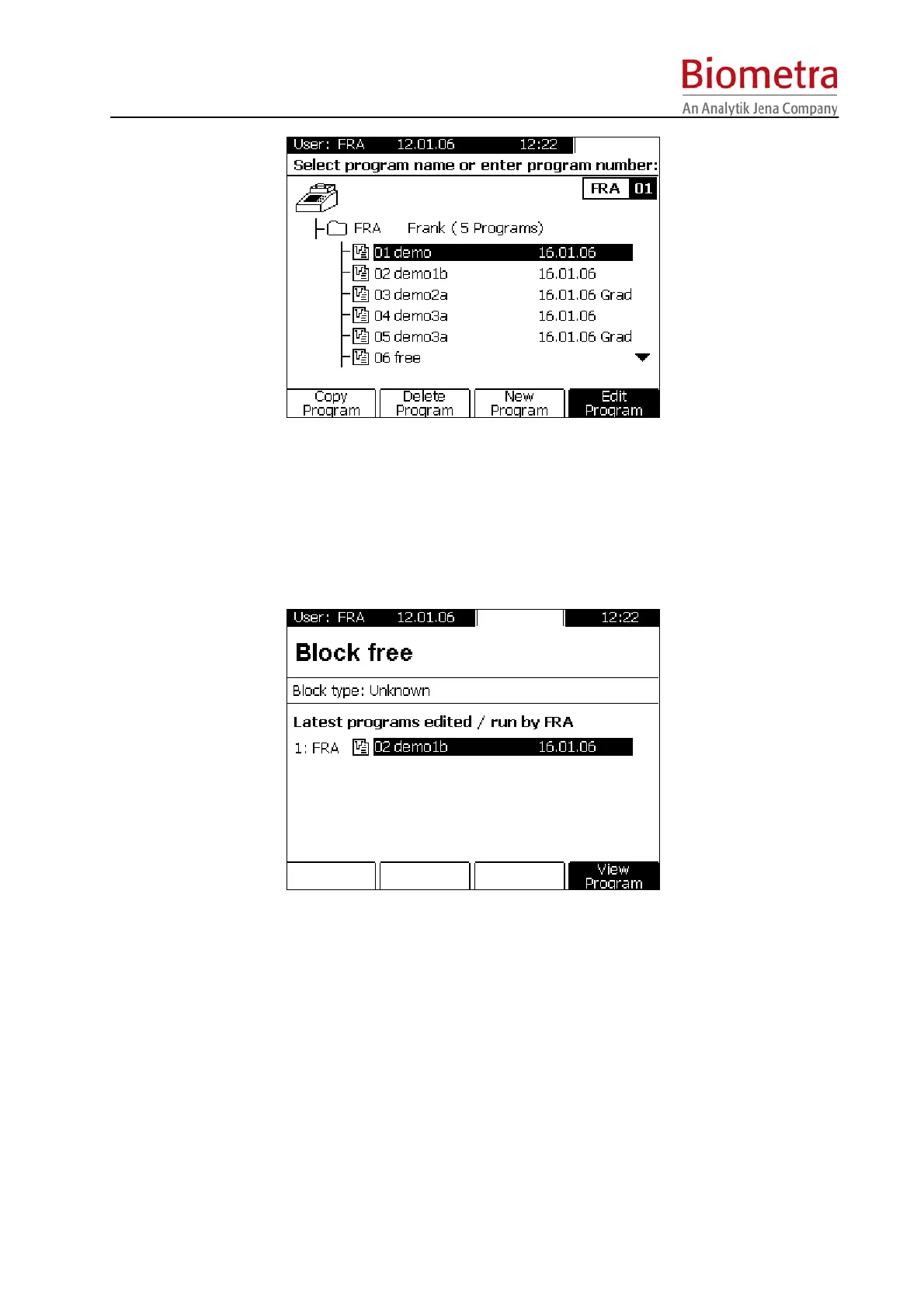
Select directory and program with cursor keys and press [Start] Button.
5.6.2 Quick start programs from the block Menu
The TProfessional Basic provides the last 5 programs that haven been run for quick start.
Push the [block] Menu Button above the Display.
Select one of the last five programs with the cursor keys.
Press the (illuminated) Start button on the left side of the keypad (see section 4.3, page 15).
5.6.3 View program prior to start
To check the program prior to start press the [View Program] Soft Key.



 To Next Page