Instruction Manual TProfessional Basic 06/2011 61
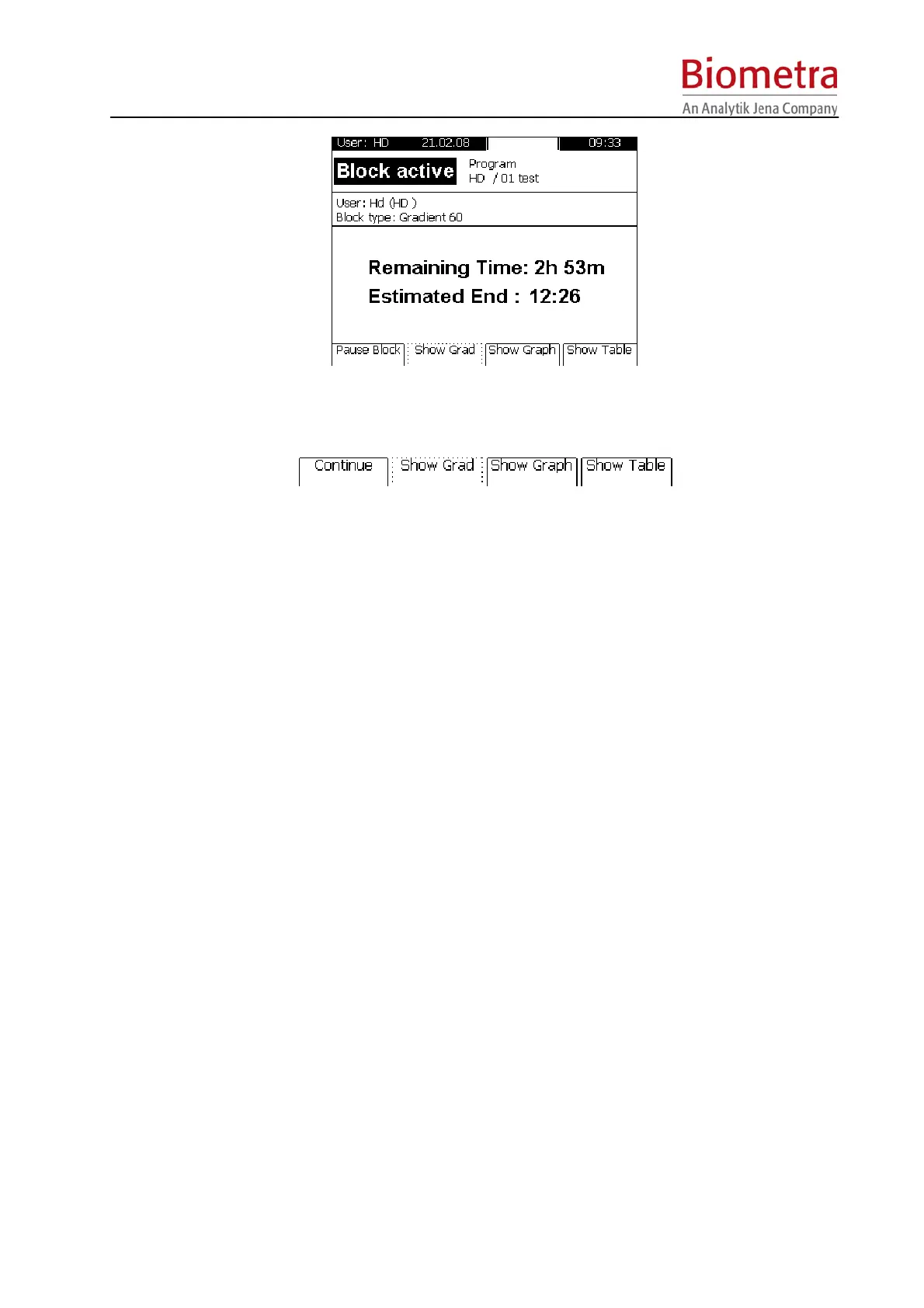
 To pause an active pogram press [Pause Block]. The message “PAUSE” is shown in the display and
alternates with the elapsed time.
 To continue a paused program press [Continue].
To stop an active program press the [Stop] button on the left side of the keypad and confirm with [OK] in
the TProfessional Basic program screen. Programs with a pause in the last step have to be stopped
manually as well.



 To Next Page