Rev 1.4 8.EtCO2 109
8.3 EtCO2 Parameter Setting Menu
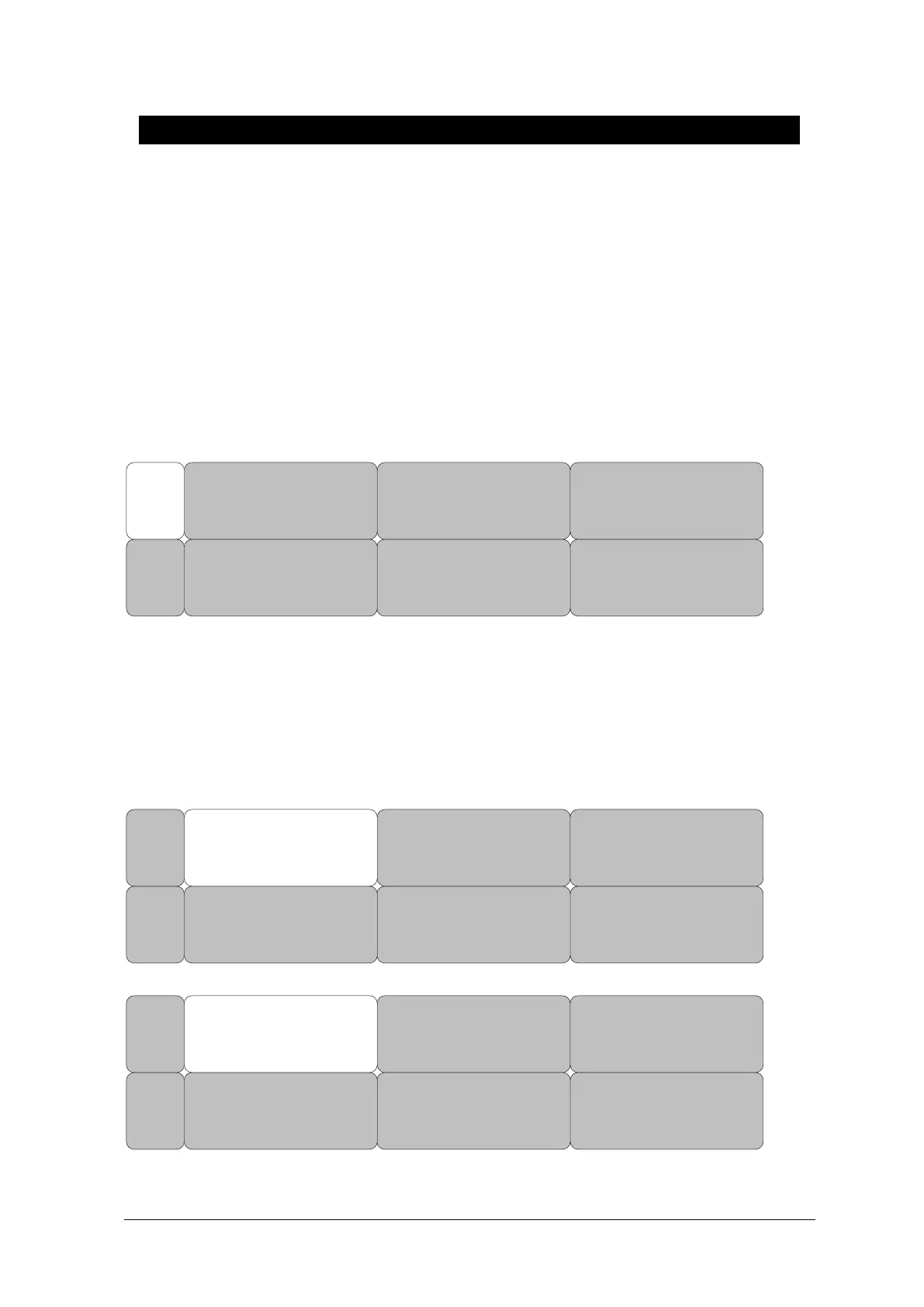
Turn the rotary wheel on the blue cursor to position the data window, Select the menu button, and
the following window is displayed.
ALARM: A menu to set the alarm
SWEEP SPEED: Speed is changeable to 6.25, 12.5, 25mm/s.
SCALE: A menu to set the screen scale of measured waveform
SETUP: A menu to handle the information of EtCO2 Module
ZERO : When the adapter type is changed.
APNEA DETECT : Turn the APNEA detection alarm off and on
SETUPZERO
APNEA
DETECT:
OFF
ALARM
SWEEP
SPEED:
6.25mm/s
WAVEFORM
SCALE:
40
MAIN
MENU
ALARM LIMIT(Upper/lower limit value of alarm)
Upper/lower limit value of alarm differs depending on the position of measurement.
The basic setting range of alarm setting value for EtCO2, FiCO2, AWRR, APNEA.
SETUPZERO
APNEA
DETECT:
OFF
ALARM
SWEEP
SPEED:
6.25mm/s
WAVEFORM
SCALE:
40
MAIN
MENU
ALARM
LIMIT
ALARM
SOUND:
OFF
PREV
MENU
MAIN
MENU



 To Next Page