Rev. 1.4 2. PATIENT/DATA MANAGEMENT
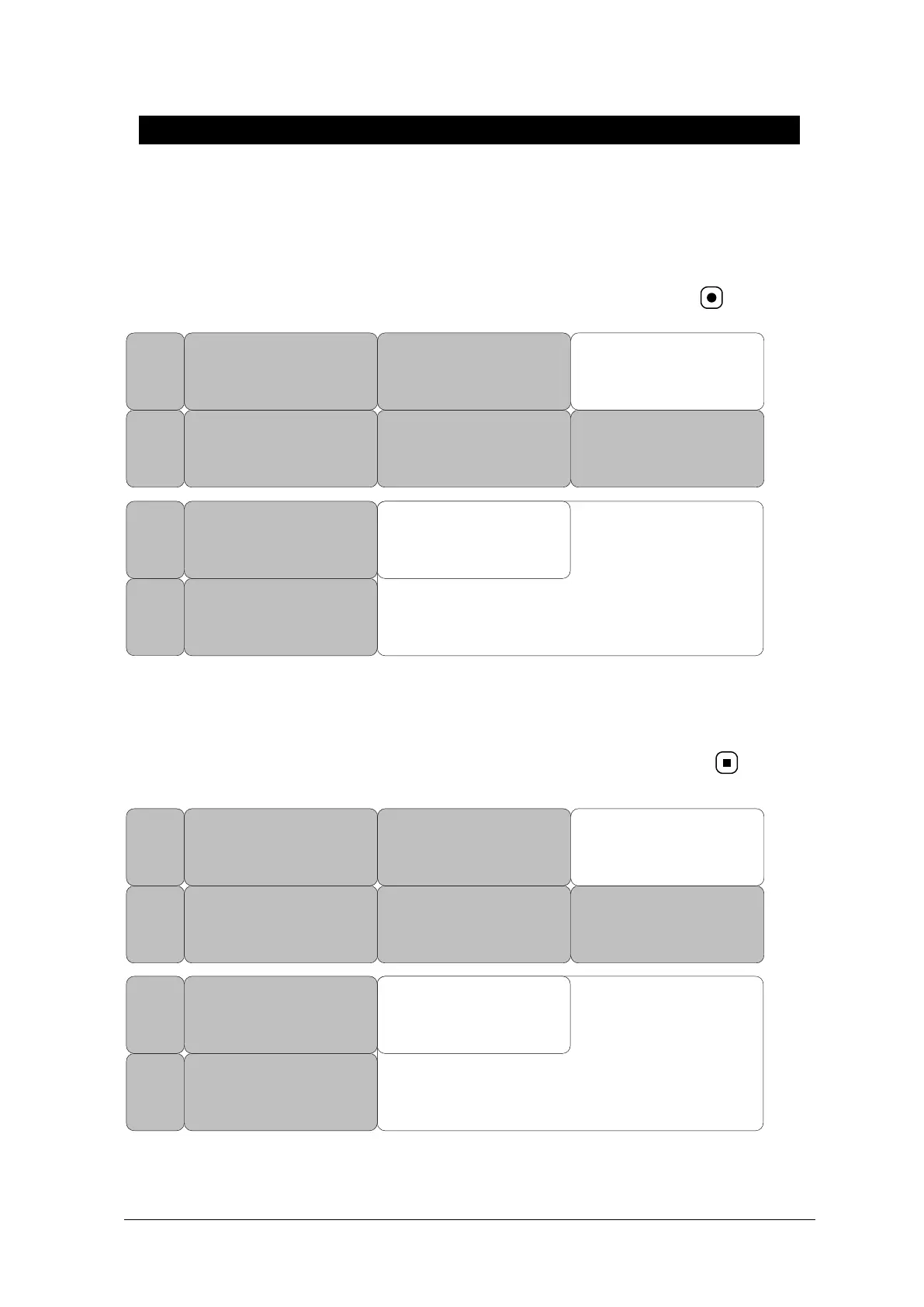
DISCHARGE ( Discharge Patient )
The CHANGE ADMIT INFO option allows you to change or enter information pertinent to the
monitored patient.
Patient information and all numbers change to standard, and the screen displays
DEFAULT
SETTING
WEIGHT
UNIT:
KG
HEIGHT
UNIT:
CM
ADMIT
TYPE:
ADT
CHANGE
ADMIT
INFO
DISCHARGE
PREV
MENU
MAIN
MENU
> NO
YES
DISCHARGE
PREV
MENU
MAIN
MENU
ADMIT
TYPE:
ADT
HEIGHT
UNIT:
CM
ADMIT ( Admit patient )
Depending on how your monitor is set up, you will see either ADMIT patient or new case.
Patient information and all numbers change to standard, and the screen displays
DEFAULT
SETTING
WEIGHT
UNIT:
KG
HEIGHT
UNIT:
CM
ADMIT
TYPE:
ADT
CHANGE
ADMIT
INFO
ADMIT
PREV
MENU
MAIN
MENU
> NO
YES
ADMIT
PREV
MENU
MAIN
MENU
ADMIT
TYPE:
ADT
HEIGHT
UNIT:
CM



 To Next Page