Rev. 1.4 4. SAVE DATA MANAAGEMENT
4.1 Record List View
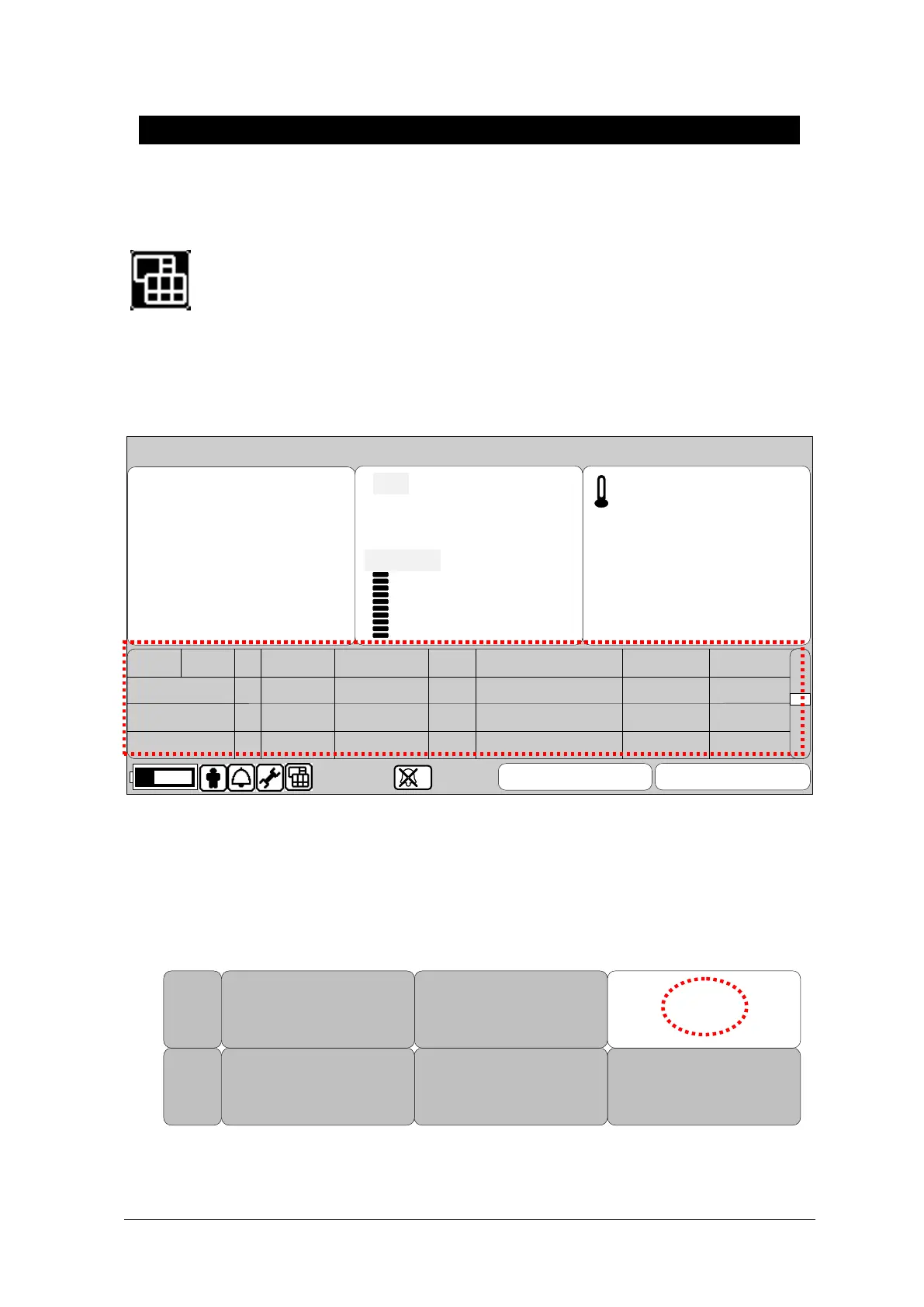
Set up Record List View after selecting print mode icon of menu icon.
Select in the List window and move inside of the list for Management.
Turn touch wheel button in inside of the list then move to records.
Move to patient’s record then Touch wheel button to adjust or delete.
13-SEP-2009 15:23 P20001
ADT
SAVE
CANCEL
36.5
98
120
ADT
mmHg
PR
42.0
30.0
℃
80
(93)
80
%SpO2
P20001
A
09-13
12:02:02
99
120/80(93)
99
98
RET PAT
TEMP
SPO2
NIBPDATE TIMET
UNKNOWN 09-12
09-12UNKNOWN
P
A
14:02:02
09:02:02
PR
87
103
72
130/90(103)
100/70(83)
36.7
36.8
36.7
s
AXILLARY
< Record List View >
4.2 Exit from Record List
There are 3 ways to exit from Record List.
1. Touch Home menu in the Menu
DELETE
RECORD
DELETE
PATIENT
DELETE
ALL
VIEW
PATIENT
EDIT HOME
Rtn



 To Next Page