Rev. 1.4 2.PATIENT/DATA MANAGEMENT
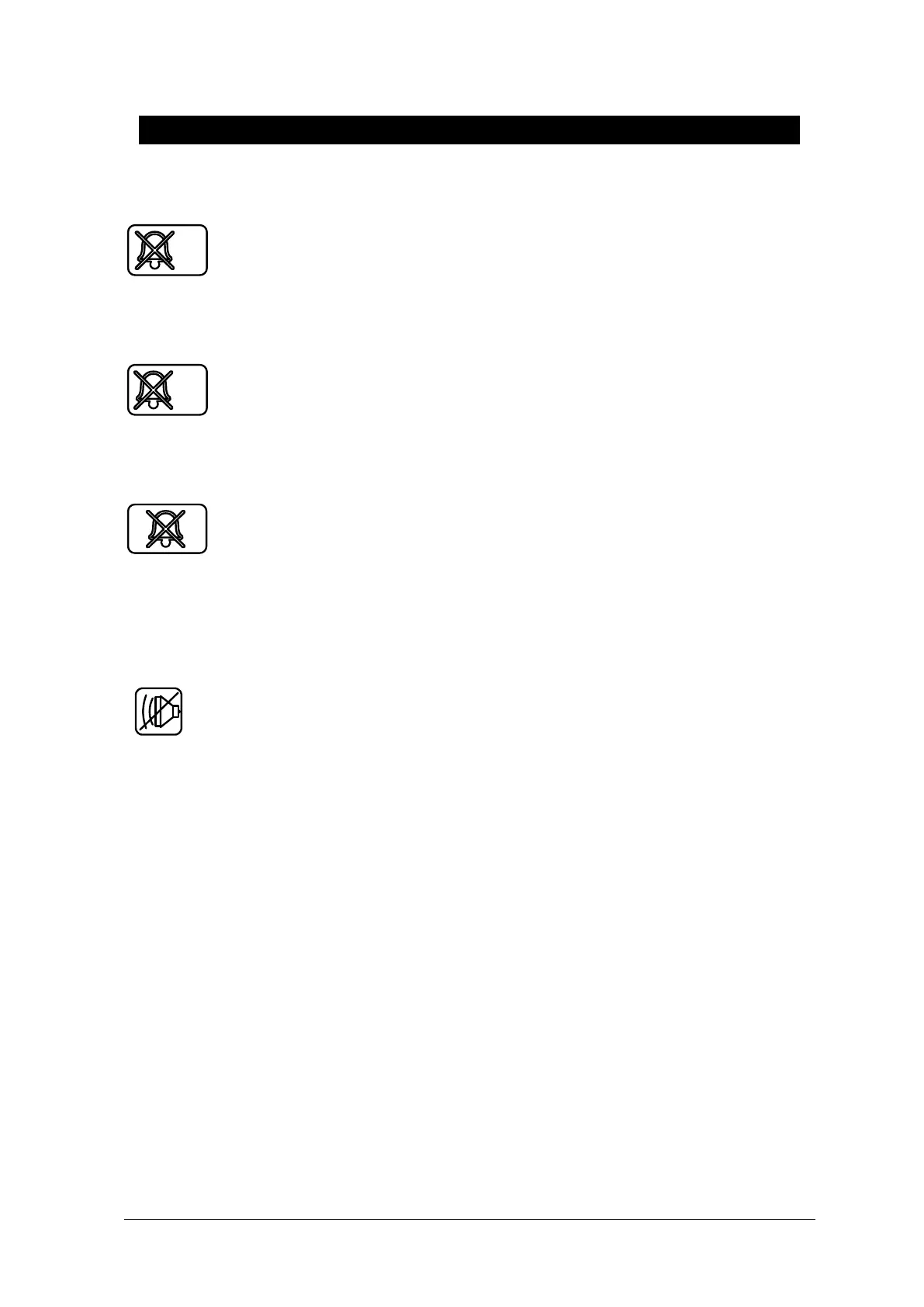
Alarm ICON
(SILENCED) : To silence an alarm tone when it sounds, Touch the Silence Alarm key
on the front of the monitor. The current alarm will be silenced for 60 seconds and the icon is
displayed on the screen.
(Alarm pause 5Min.): To start an alarm pause, touch Silence alarm key on the front of
the monitor. Touch the key twice if an alarm is sounding when you want to start an alarm pause.
( All alarm off.): To start an alarm pause, Touch alarm key on the front of the monitor.
Touch the key three times if an alarm is sounding when you want to start all alarm pause.
( Alarm VOL. OFF) : You can permanently turn the alarm volume off. The icon is
displayed on the screen.



 To Next Page