Rev. 1.4 3.SETUP
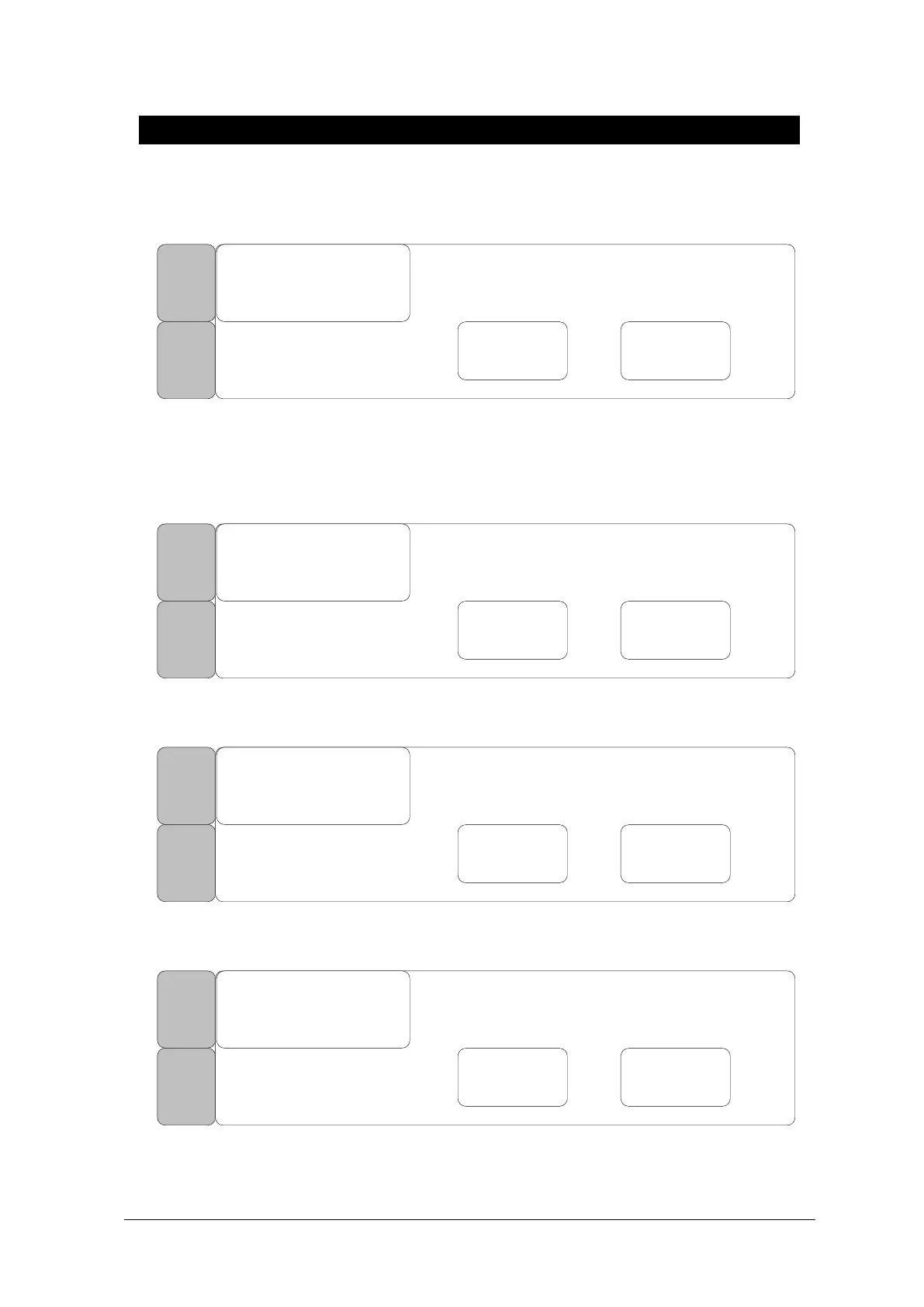
The following message will appear if there is no USB MEMORY after the user commanded SAVE
function
USB MEMORY CHECK!
USB
FILE
COPY
PREV
MENU
MAIN
MENU
SAVE CANCEL
Display the data saving task progress
The number on left indicates files saved so far, while the number on right shows the total number of
files to be saved.
100 / 400
USB
FILE
COPY
PREV
MENU
MAIN
MENU
SAVE CANCEL
Display following message when Data Saving is cancelled.
FILE COPY CANCEL!
USB
FILE
COPY
PREV
MENU
MAIN
MENU
SAVE CANCEL
Display following message when Data Saving is complete.
FILE COPY COMPLETE!
USB
FILE
COPY
PREV
MENU
MAIN
MENU
SAVE CANCEL



 To Next Page