16
Connecting PTZ Keyboard to Your network
PTZ Keyboard is the world’s rst PTZ controller with NDI® and NDI®|HX support. Along with NDI®
there is support for Visca over IP, RS422, and RS232. You can mix and match cameras from any of the
supported protocols and control them all from a single PTZ Keyboard.
NDI® Connection
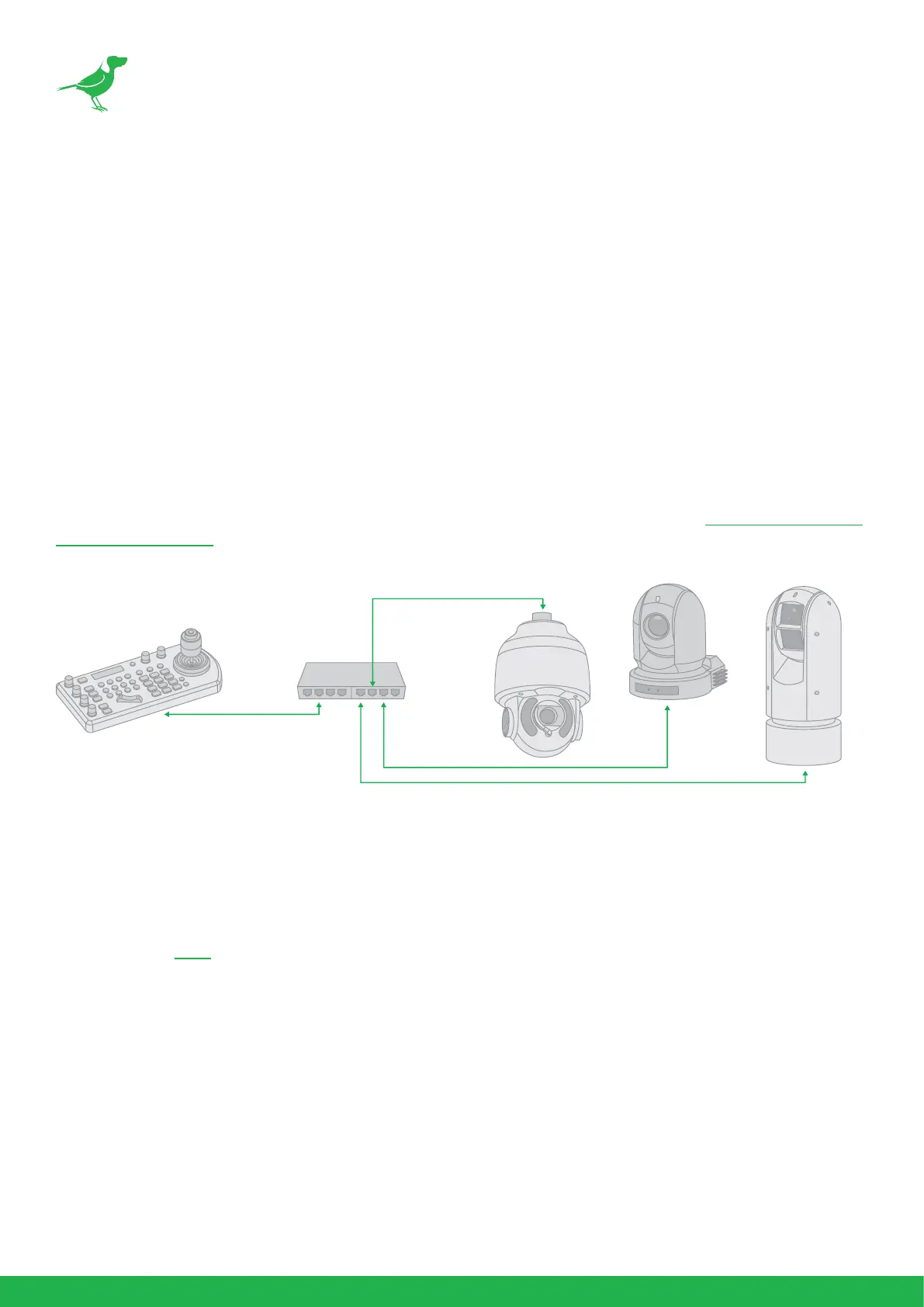
If using PoE+, you can use a single Ethernet cable to connect the Keyboard’s IP port to a port on an
Ethernet switch. This allows you to use NDI® for control as well as using the web interface for set up of
PTZ Keyboard.
With IP control, you can automatically search for available IP cameras in the network and easily assign
IP addresses.
For more information on congurating Network and NDI® settings, please refer to Web User Interface
Conguration Panel.
Other Control Protocols
Please refer to here for information on using PTZ Keyboard with other control protocols.



 To Next Page