28
Setting and calling presets.
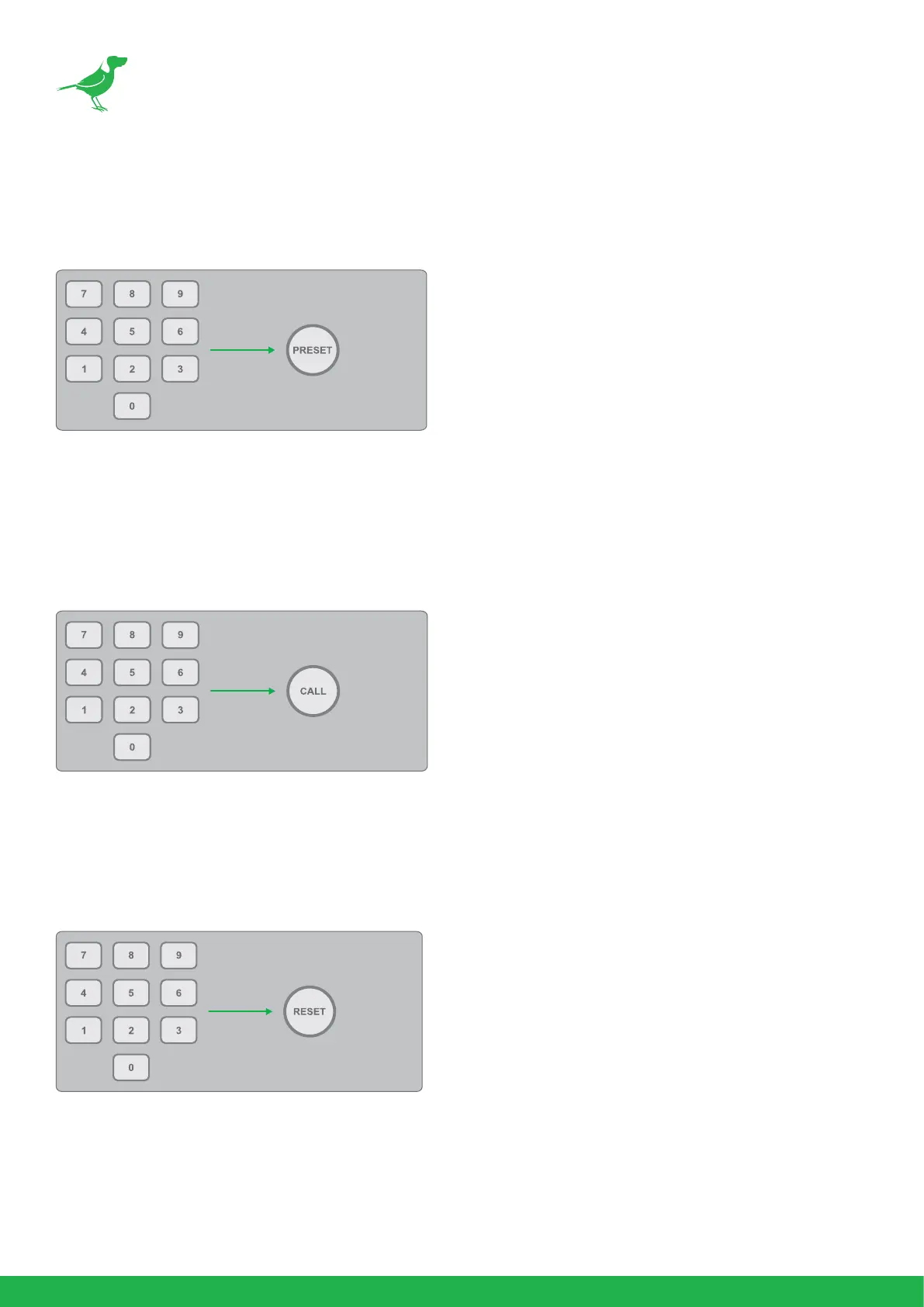
Creating Presets
1. Move the camera to the desired position.
2. Enter the desired preset number on the alphanumeric keyboard, and then hold the PRESET button
for 3 seconds to save.
Calling Presets
1. Enter the preset number on the alphanumeric keypad.
2. Press the CALL
button.
Resetting / Deleting Presets
1. Enter the number of the preset you wish to delete.
2. Press the RESET
button.
HOLD 3 SEC.
PRESS
PRESS



 To Next Page