17
Navigating the Menus
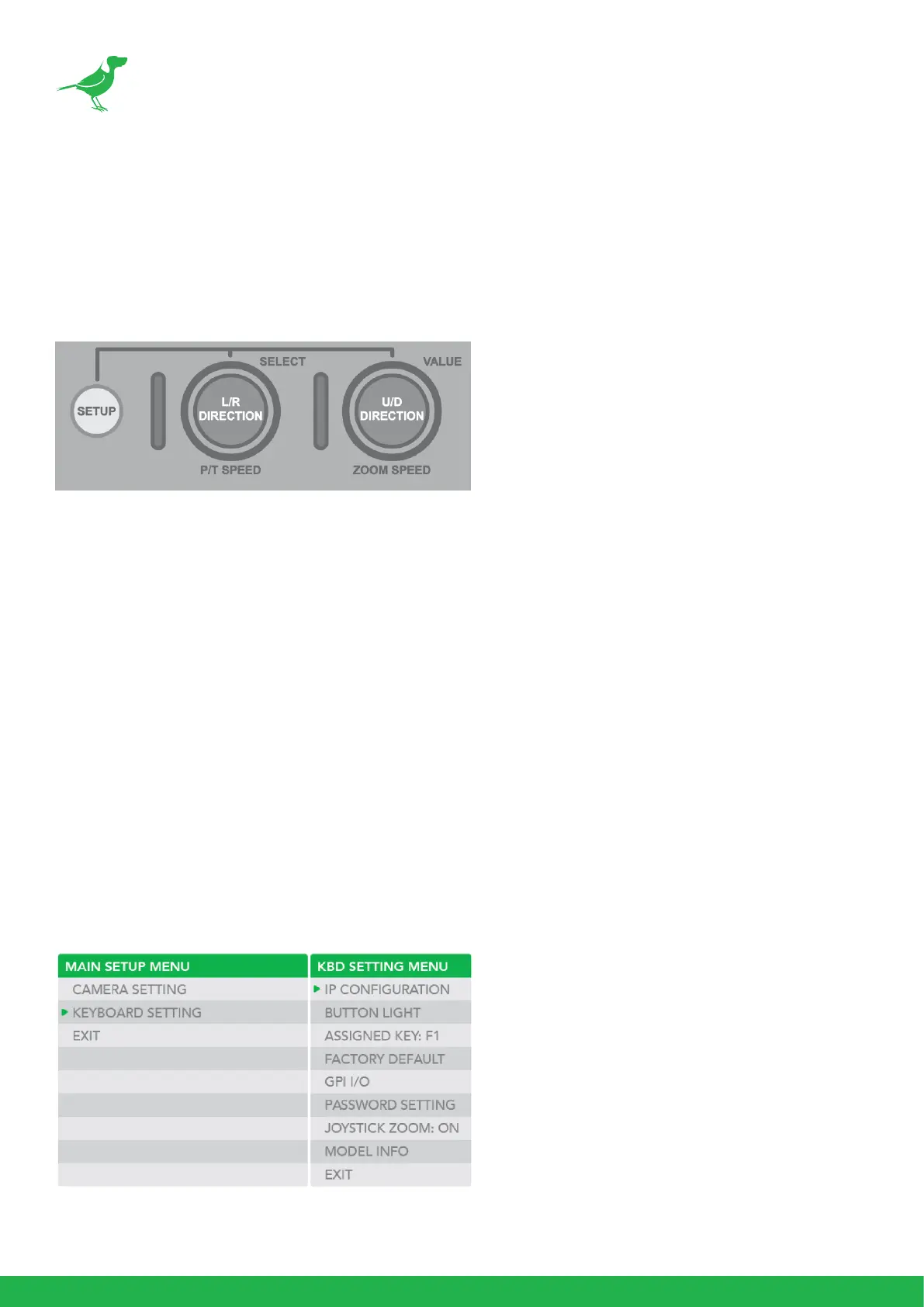
Press the SETUP button to display the SETUP menu on the LCD screen (Default Password: 0000).
The password can be changed at: SETUP > KEYBOARD SETTING > PASSWORD SETTING.
The following controls are used to navigate the menus and select/save parameter values. Use the P/T
Speed dial to navigate the menus and the Zoom Speed dial to change and save your settings.
P/T Speed Dial
• Rotate: Moves the cursor.
• Click: Selects the menu item.
Zoom Speed Dial
• Rotate: Change the value.
• Click: Save your value change.
Keyboard Conguration
These menus are used to congure PTZ Keyboard.
Keyboard Setting Menu
Navigate to KEYBOARD SETTING in the MAIN SETUP MENU.



 To Next Page