20
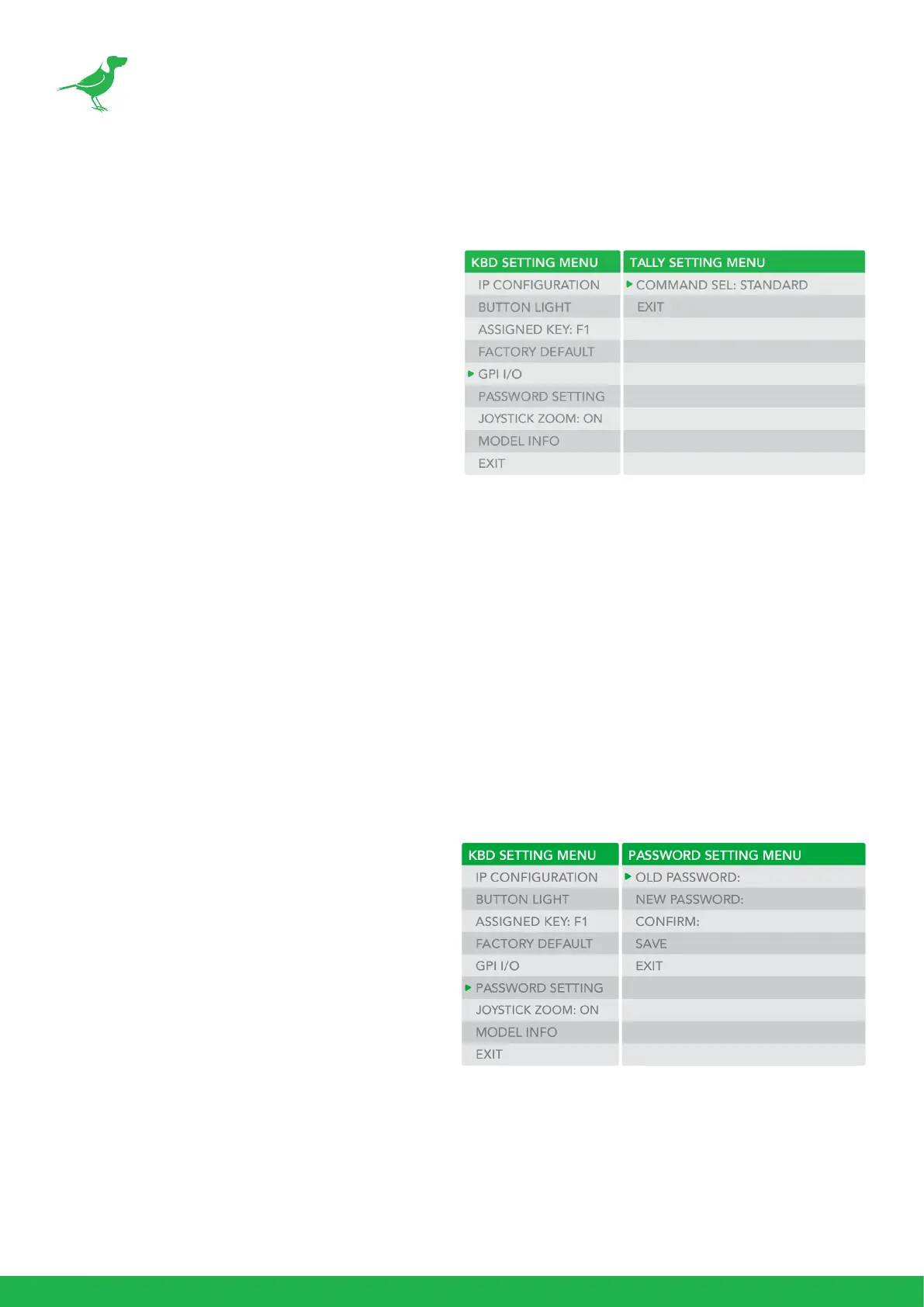
Tally - GPI I/O
To congure the Tally settings.
Command Select
STANDARD: Sets the input/output method
to Standard method. The camera numbers
and input/output pin numbers have a 1:1
correspondence.
• If the unit and cameras are
connected by serial connection,
cameras 1 to 7 correspond to input/
outputs 1 to 7.
• If the unit and cameras are
connected by LAN connection,
cameras 1 to 10 in group 1 correspond
to input/outputs 1 to 10.
EXPAND: Handles camera numbers as binary numbers.
• Tally input numbers 8 and higher in a serial connection are ignored. In this case, the
response is equivalent to no input.
• Numbers in a LAN connection, corresponding to cameras 1 to 10 in groups 1 to 10, are
handled as the numbers 1 to 100. Tally input numbers 101 and higher are ignored. In this
case, the response is equivalent to no input.
Password Setting
To change the password:
1. OLD PASSWORD: Enter the current
password.
2. NEW PASSWORD: Enter the password you
would like to set.
3. CONFIRM: Enter the new password again to
conrm.
4. SAVE: Select this to apply the password.
“OK” will display, conrming that the new
password has been applied.



 To Next Page