27
Using the Joystick to Control Cameras
Joystick Calibration
Move the joystick up/down and left/right on bootup to calibrate the joystick. During this period, control
movements will not be sent to the camera.
Joystick Movements
• Pan, Tilt, and Zoom movements can be executed simultaneously.
• The joystick can be used to pan / tilt the camera in any direction and rotated to zoom in /
zoom out.
• When you are not in a menu, the P/T Speed and Zoom Speed dials control how fast the
camera Pans, Tilts, and Zooms.
• Response to commands from the keyboard.
• The Zoom Seesaw can be engaged to zoom in / Zoom out.
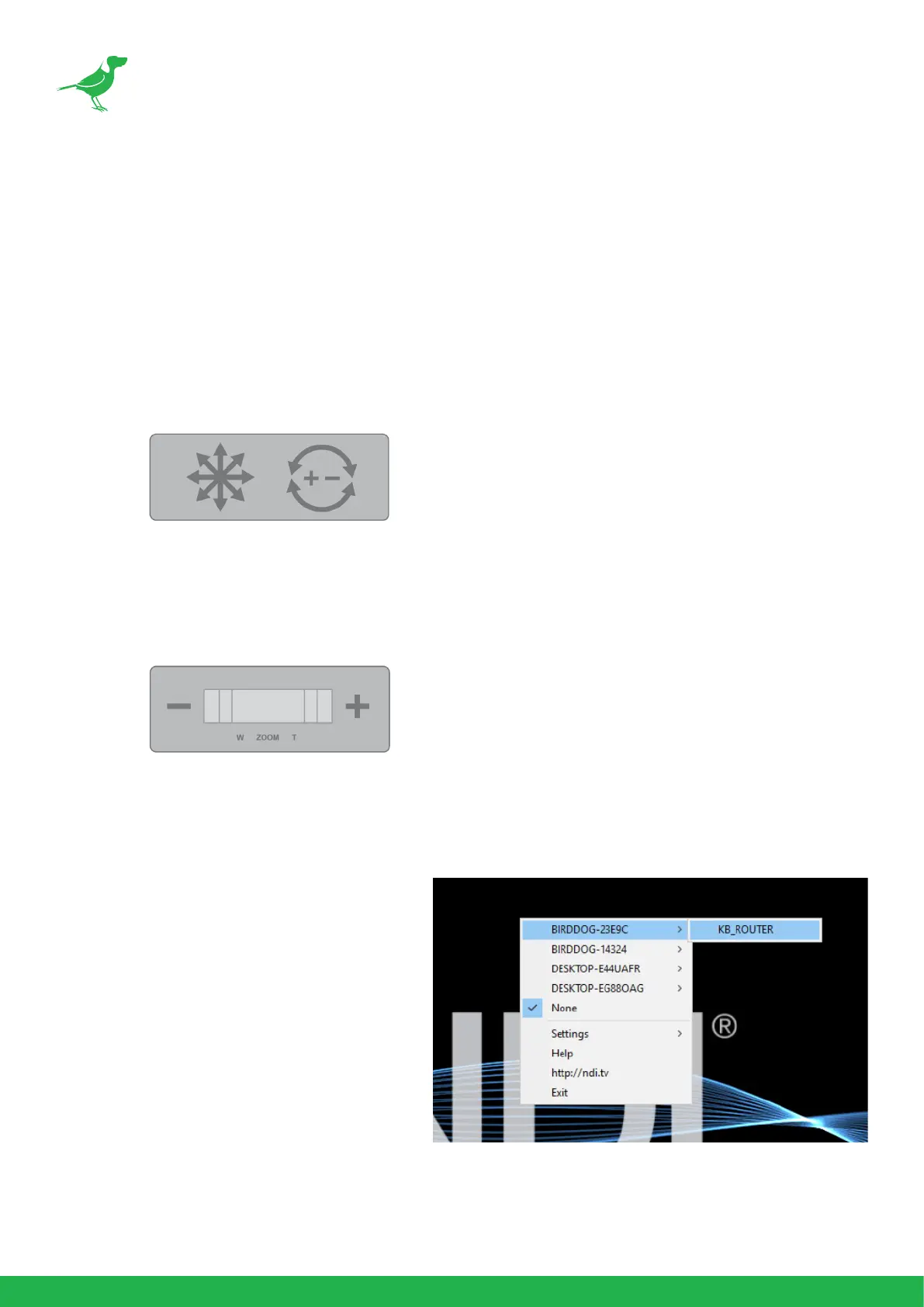
NDI® Keyboard Router
To allow for more ecient monitoring of cam-
eras, PTZ Keyboard outputs a video stream
that follows the active controlled camera.
To do this, select KB_ROUTER as the output
channel of the desired NDI® sources.
Now, selecting Cam 1 on the keyboard will
display the Cam 1 NDI® stream, and then se-
lecting Cam 2 on the keyboard will display the
Cam 2 NDI® stream. Importantly, this output
is a ROUTER output therefore the media is not
passing through the keyboard and any device
controls published by the camera source are
accessible on the viewer (i.e. Tally, Web Con-
guration URL and PTZ Control).



 To Next Page