21
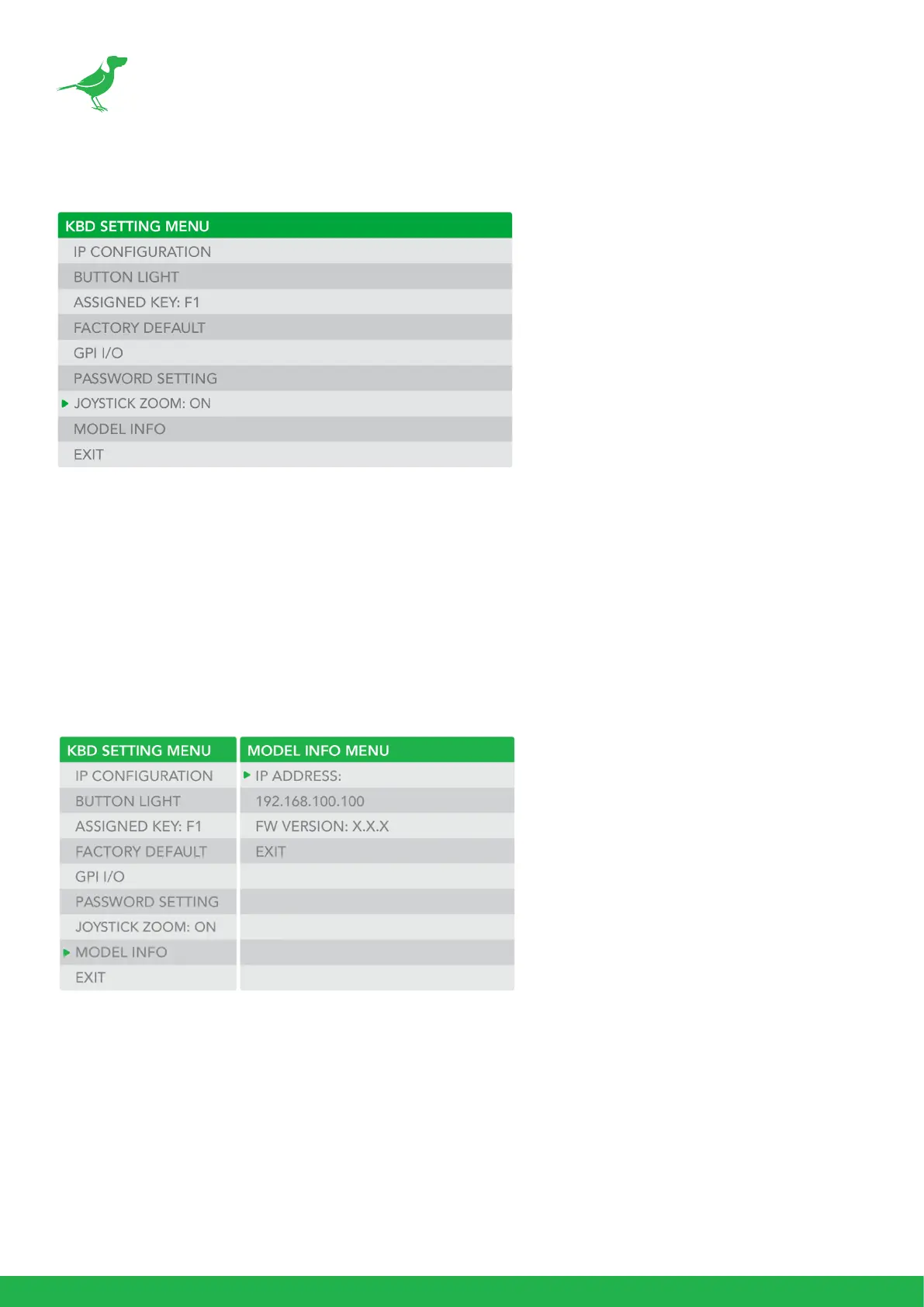
Joystick Zoom Setting
Change this setting to ON if you wish to use the joystick to control the camera’s zoom. This setting can
be changed by rotating the Zoom Speed knob while the setting is selected.
• Click the Zoom Speed knob to save this setting if changed.
• If this setting is set to “OFF”, the Zoom Seesaw will remain active and can be used to control
zoom.
Model Info
The Model info screen displays the current IP address and rmware version of the unit.



 To Next Page