33
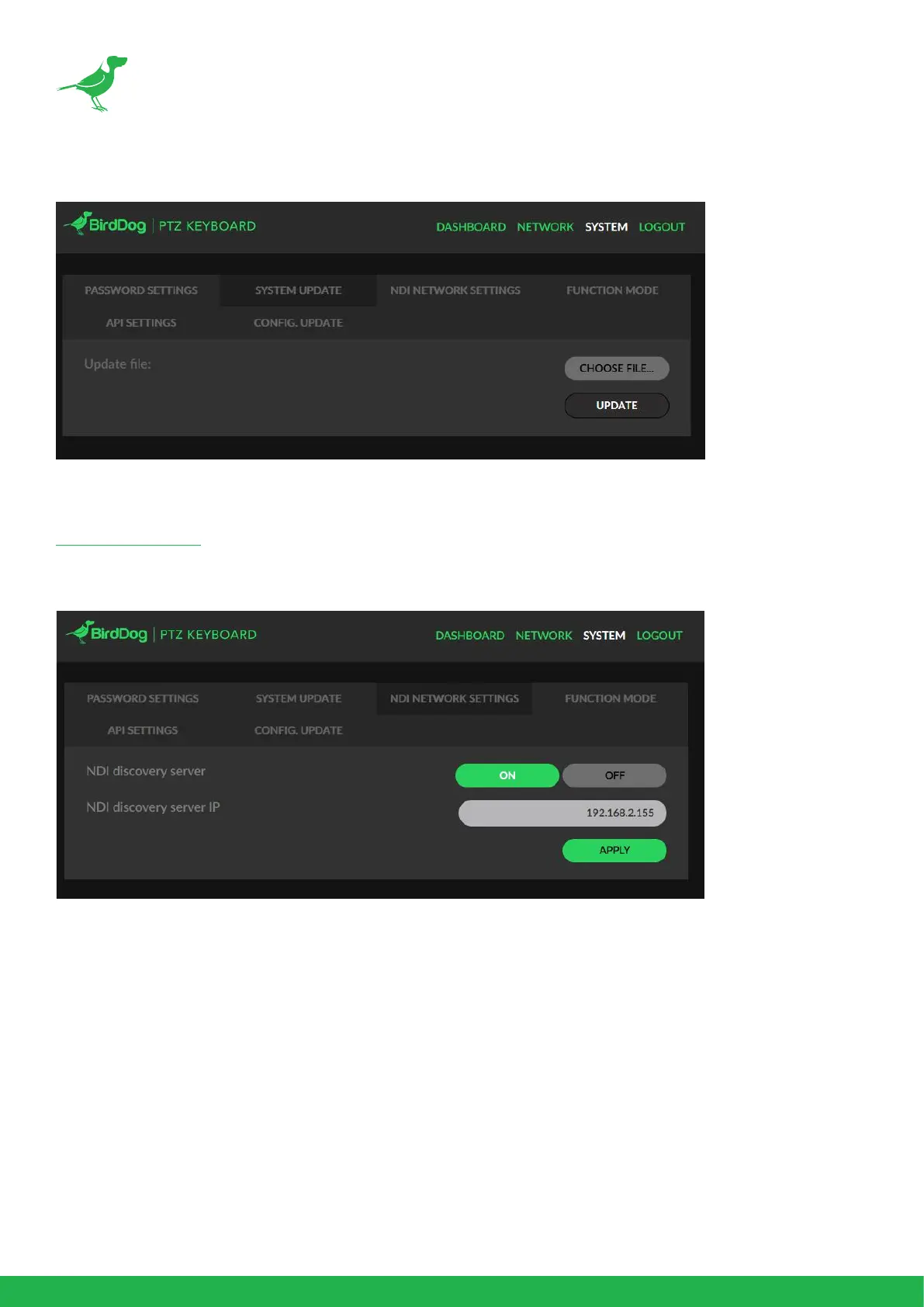
System Update
To perform a system update, download the rmware ZIP le from the link below and follow the
included update instructions.
Firmware Updates
NDI Network Settings
If you choose to use a NDI® discovery server, you can congure it in this tab. By default, NDI® utilizes
mDNS (multicast Domain Name System) to create the zero conguration environment for discovery.
The primary benets of using mDNS is that it requires little or no administration to set up. Unless the
network is specically congured to not allow mDNS, NDI® sources will be discovered.
The NDI® discovery service is designed to allow you to replace the automatic discovery NDI® uses
with a server that operates as an ecient centralized registry of NDI® sources that requires much less
bandwidth. NDI® discovery server also helps with location of devices that reside on dierent subnets.
1. If you are using a NDI® discovery server, click the ON button, otherwise click the OFF button.
2. Enter the IP address of your server.
3. Click the APPLY button to save your changes.


 To Next Page
 Loading...