10
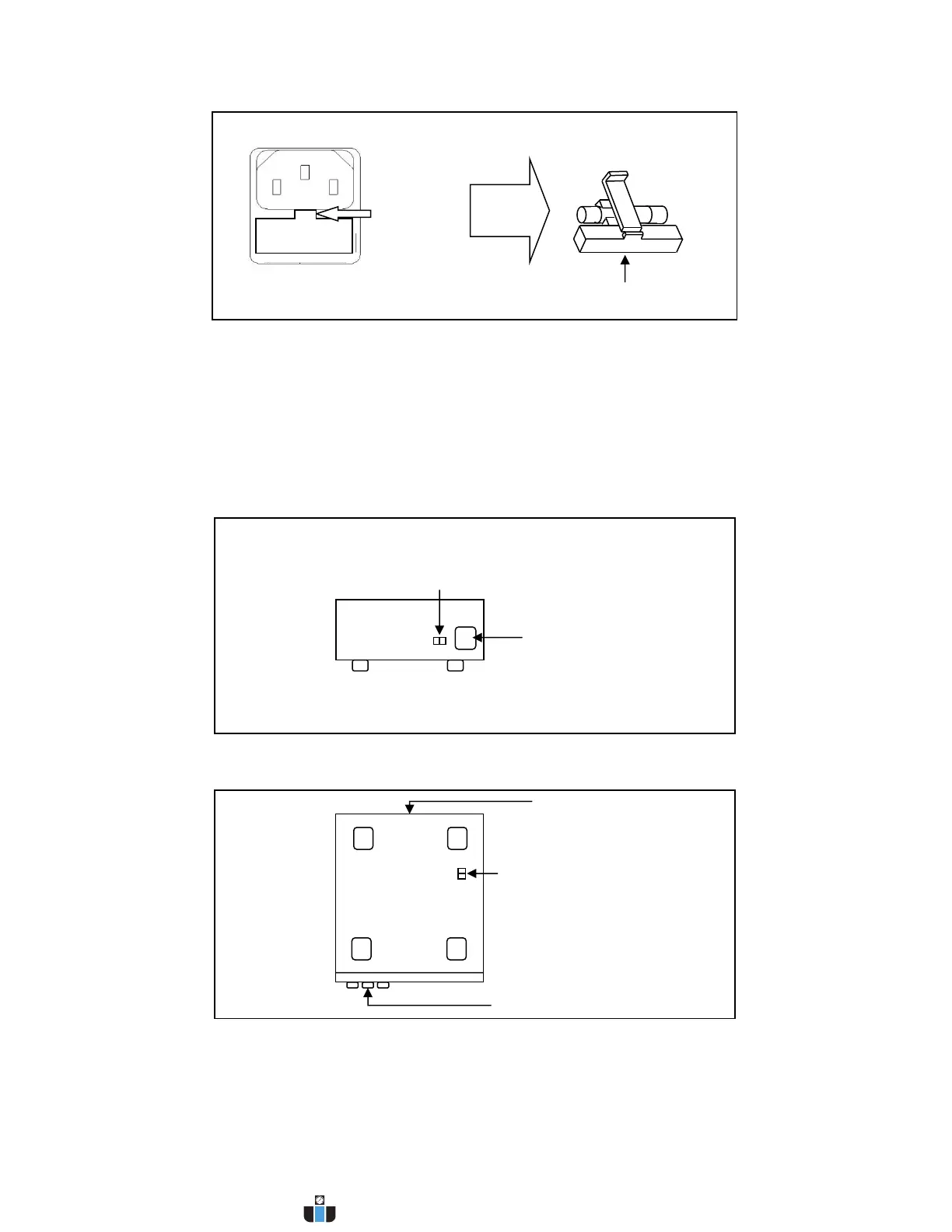
Figure 3 - Fuse replacement
Step 2 - Check and/or Change Line Voltage Switch
- Locate the Line Voltage Switch, which has markings that indicate “110” for 110V or “220”
for 220V line operation. Depending on the model, the Line Voltage Switch will be located
either on the rear or bottom of the instrument. Set the switch to the desired line voltage
operation.
Figure 4 - Models 9201B/9202B Line Voltage Switch Location
Figure 5 - Models 9205B/9206B Line Voltage Switch Location


 To Next Page
 Loading...