27
4 Remote Operation
There are several interfaces available for remote communication: USB and RS-232. With all
these interfaces, this power supply is very flexible to be controlled remotely. Users can program
the power supply by using the SCPI (Standard Commands for Programmable Instruments)
commands over any one of the remote interfaces. This section will describe how to set up all of
the supported interfaces.
Note: The RMT indicator will appear on display when the power supply is successfully
connected to a PC remotely through any remote interface. Keys on the front panel will be
locked until the instrument is in LOCAL mode. To return to LOCAL mode from the front panel,
press . The RMT indicator will disappear when the instrument is in LOCAL mode.
4.1 Interface Configuration
RS-232
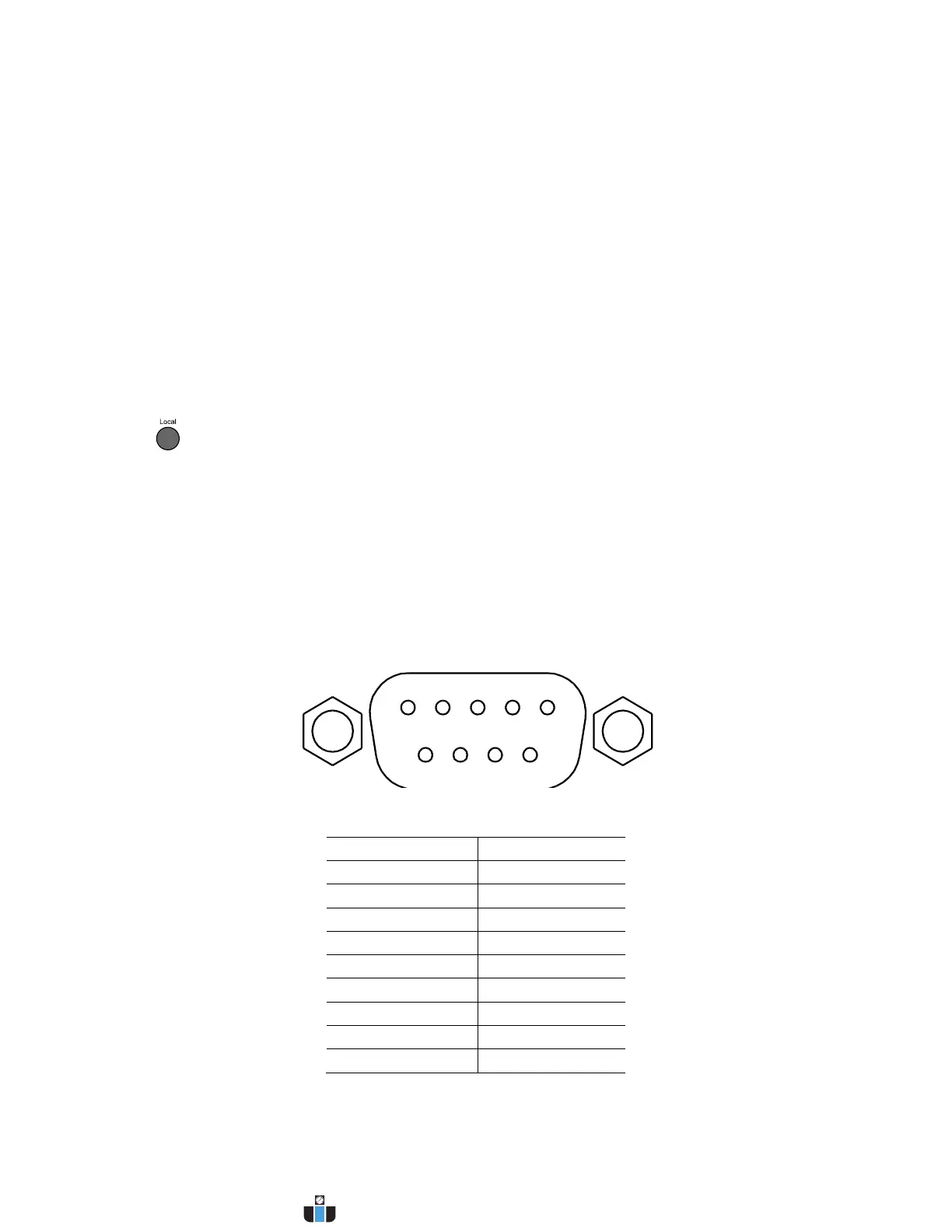
For RS-232 connectivity, refer to the diagram below for pinout information. The RS-232 is
labeled in the rear panel and it is a female DB-9 interface.
Table 3 - RS232 Pin Outs


 To Next Page
 Loading...