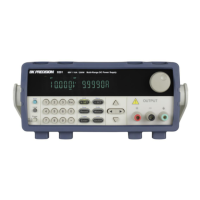
3.5 LIST Menu
All setup procedures and settings explained in this section can be accessed from the LIST SET
menu. To access this menu, press and . Use the keys to select LIST SET and
then press .
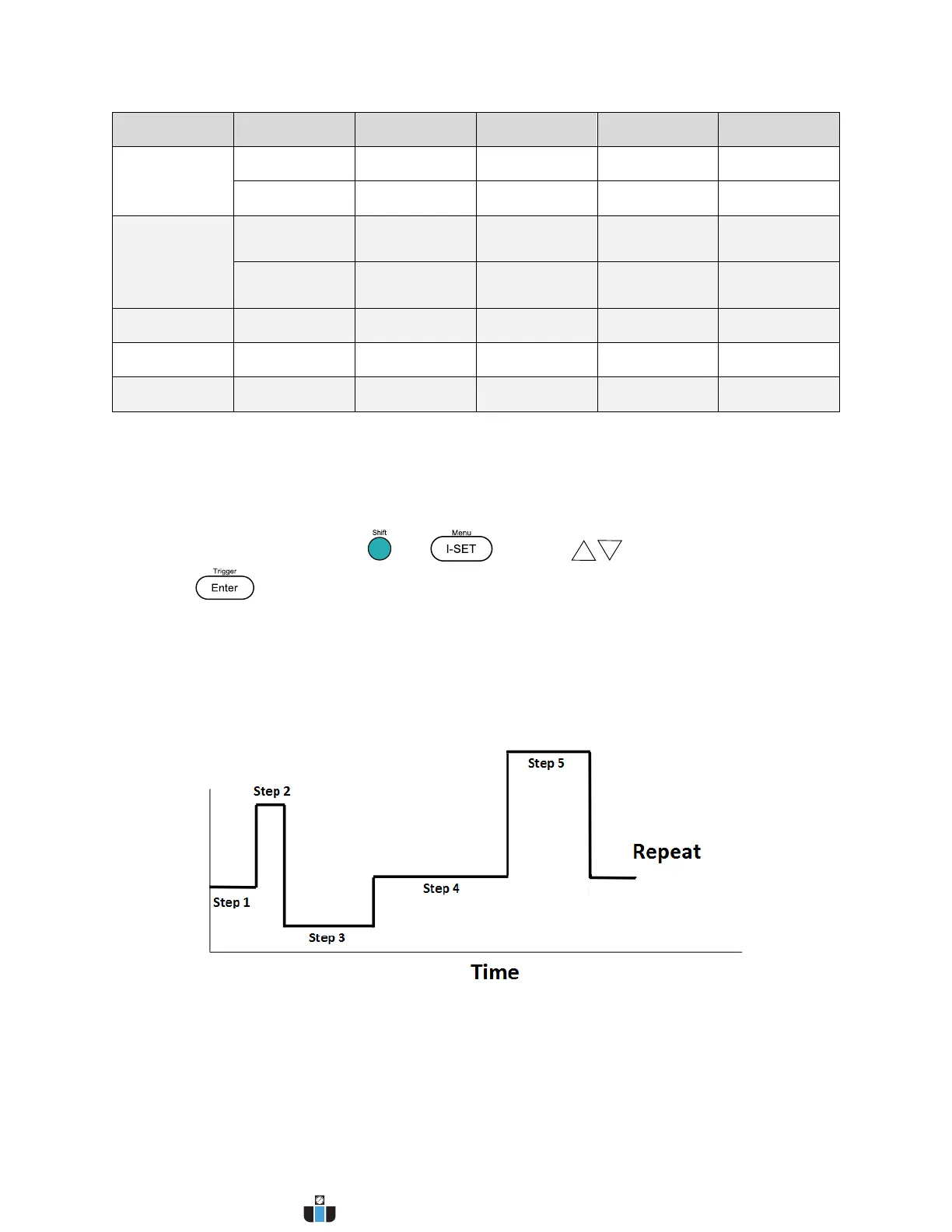
This menu configures the List mode function of the power supply. List mode allows you to
create a sequence of steps, store it into the power supply’s non-volatile memory, and execute it.
The input parameters for generating a list include voltage, current, and time value of each step.
Up to 10 list files can be stored, each allowing a maximum of 150 steps.
Enable/Disable List Mode
The initial LIST mode state of the power supply can be configured by following the steps below:


 To Next Page
 Loading...