06.1 Instalation
06.1.1
Note
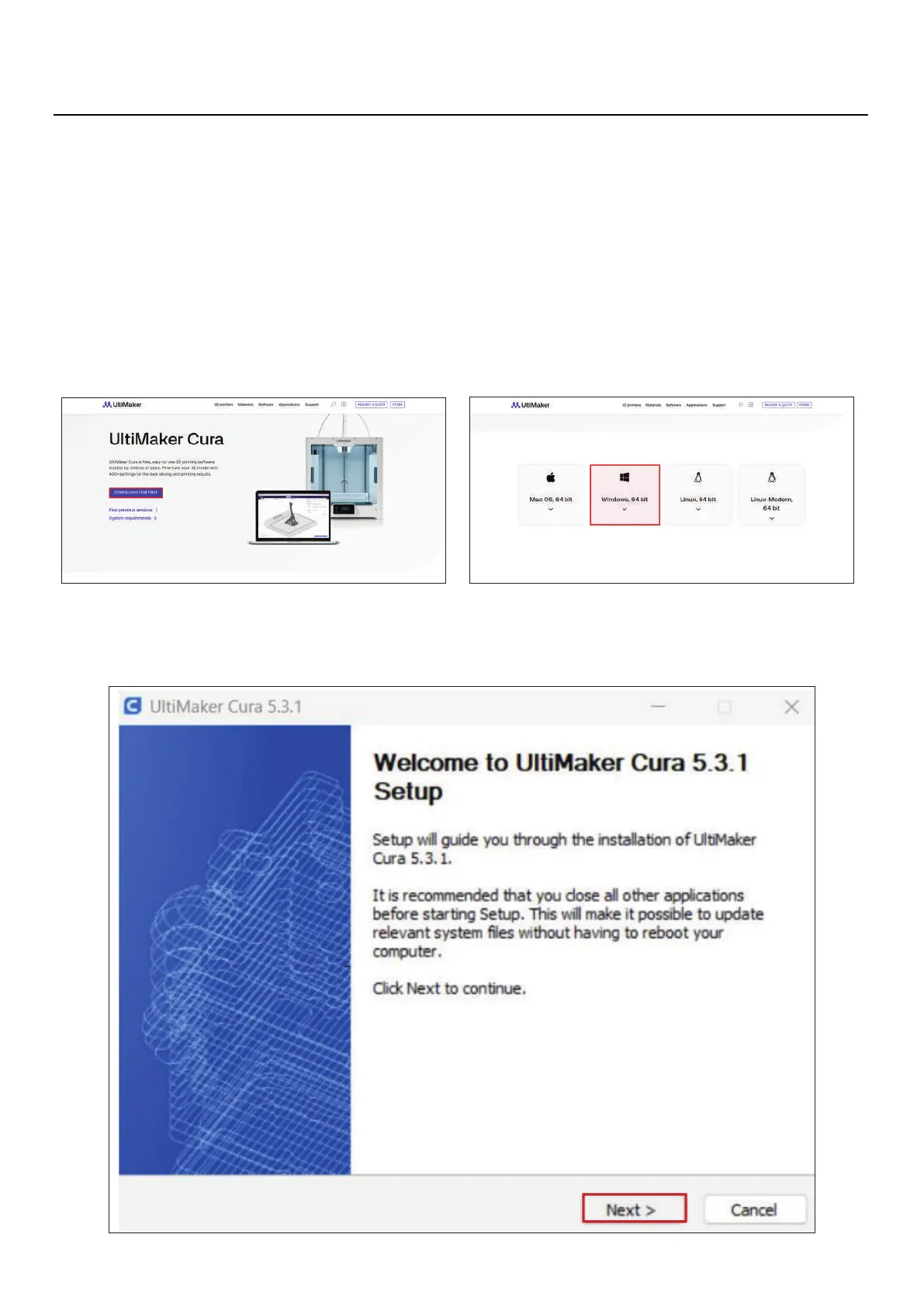
1. Install ultimaker cura 5.3.1 on your PC. To do so, just go to the Ultimaker Cura website
(https://ultimaker.com/software/ultimaker-cura) and click on "Download for free".
After clicking on download, just choose your operating system, in this case it will be
Windows
2. When the download is complete, you can open the setup file.
06
Slicer Software



 To Next Page